IN5316HD/IN5318 – User’s Manual
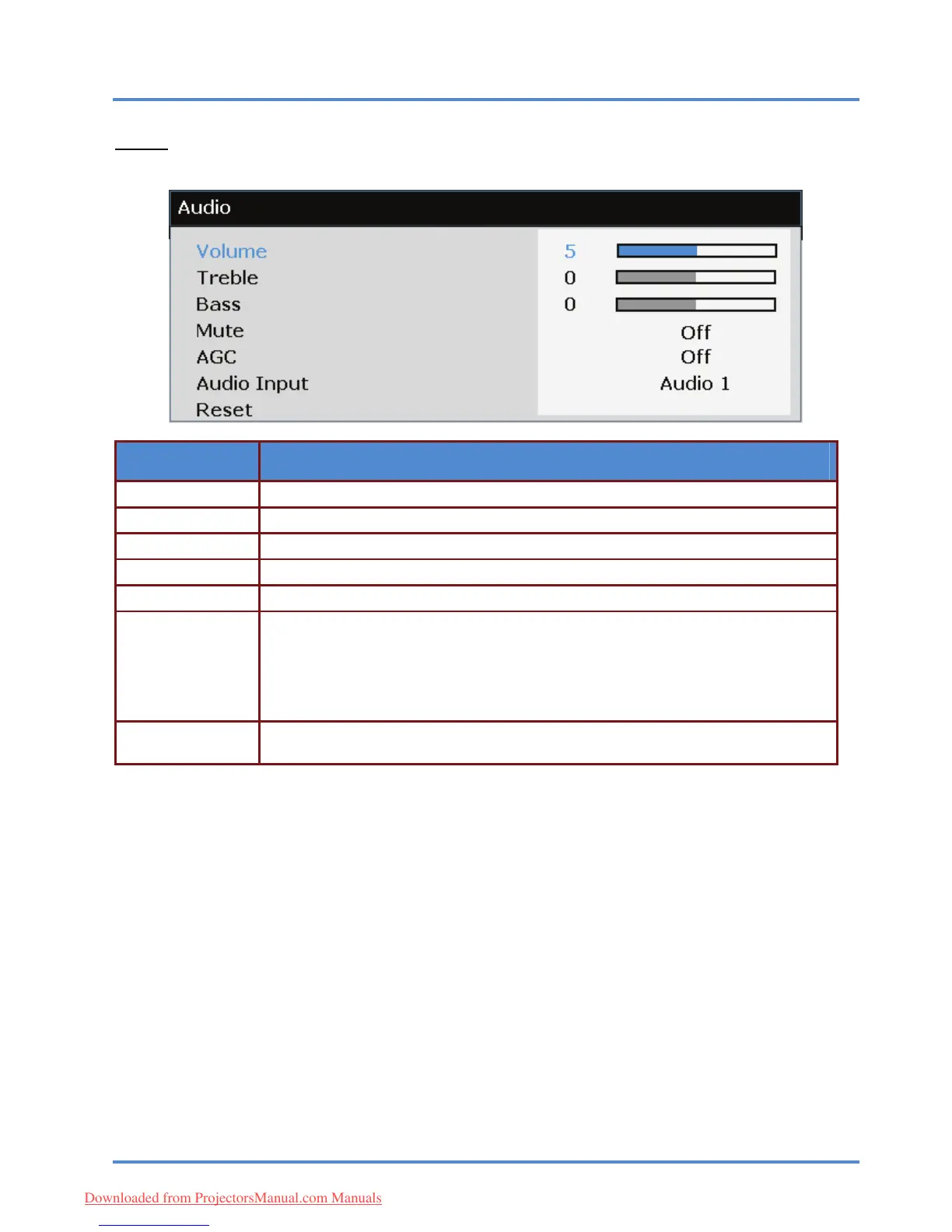
Audio
Press the ENTER/SELECT button to enter the Audio sub menu.
ITEM DESCRIPTION
Volume Press the ◄► buttons to adjust the audio Volume.
Treble Press the ◄► buttons to adjust the audio Treble.
Bass Press the ◄► buttons to adjust the audio Bass.
Mute Press the ◄► buttons to turn on or off the internal and external speakers.
AGC Press the ◄► buttons to turn on or off the Automatic Gain Control setting.
Press the ◄► buttons to select audio input channel
(Range: Audio 1/ Audio 2/ Audio3)
(Range: Audio 1/ Audio 2/ Audio3/HDMI)
Note: Available HDMI source
(Range: Audio 1/ Audio 2/ Audio3/DP)
Note: Available DP source
Audio Input
Press the ENTER/SELECT button to reset all menu and submenu items back to fac-
tory default settings.
Reset
– 35 –
Downloaded from ProjectorsManual.com Manuals



 To Next Page