IN5316HD/IN5318 – User’s Manual
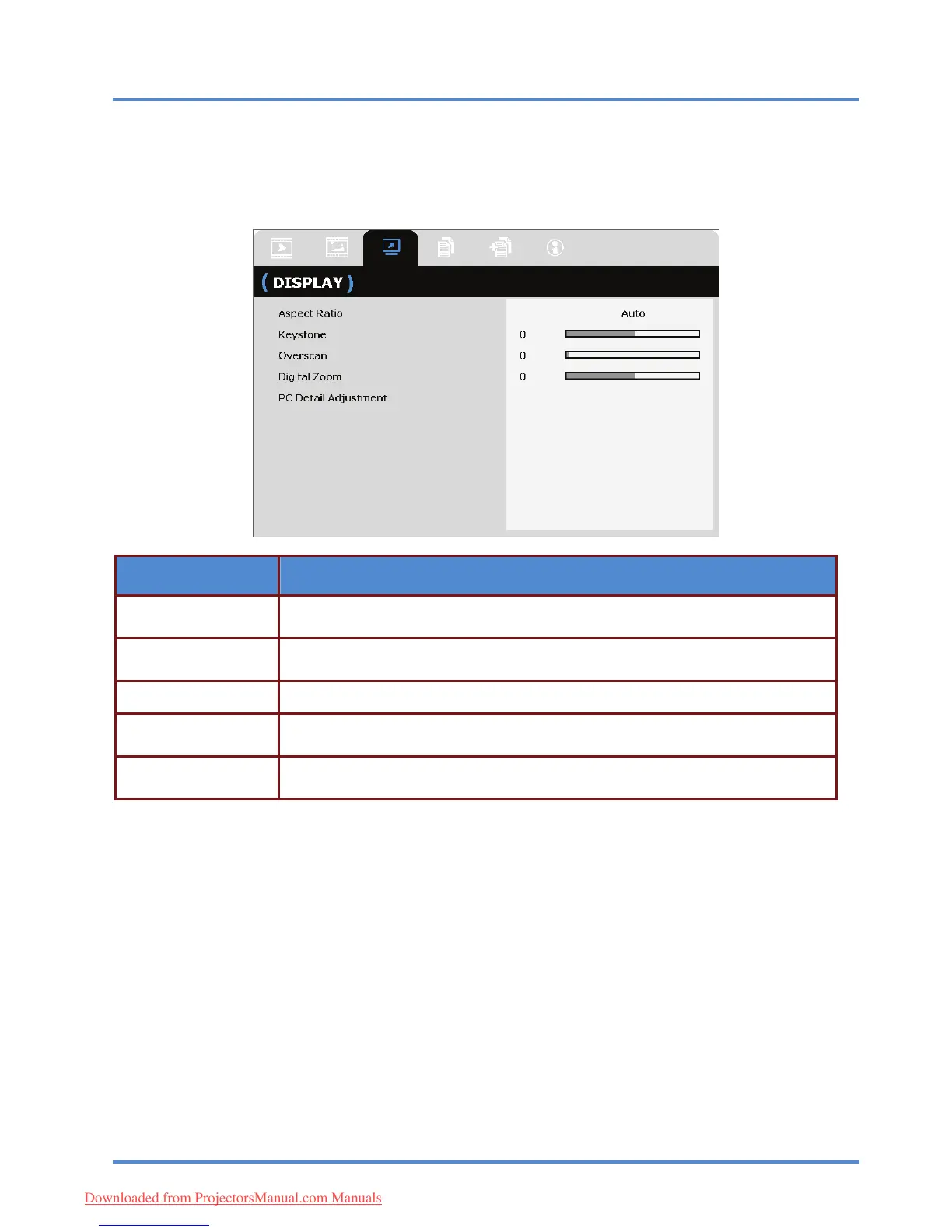
DISPLAY Menu
Press the MENU button to open the OSD menu. Press the cursor ◄► button to move to the DISPLAY
menu. Press the cursor ▲▼ button to move up and down in the DISPLAY menu.
Press ◄► to change values for settings.
ITEM DESCRIPTION
Press the cursor ◄► button to set the Aspect Ratio.
(Range: Auto/ 16:10/ 16:9/ 4:3/ Letter Box/ Real)
Aspect Ratio
Press the cursor ◄► button to adjust the Keystone.
Notes: This function is available when the Auto Keystone function is turned off.
Keystone
Overscan Press the cursor ◄► button to adjust the Overscan.
Digital Zoom Press the cursor ◄► button to adjust the Digital Zoom.
Press the ENTER/SELECT button to enter the PC Detail Adjustment sub menu.
See
PC Detail Adjustment
on page 26. PC Detail Adjustment
– 25 –
Downloaded from ProjectorsManual.com Manuals



 To Next Page