User’s Manual
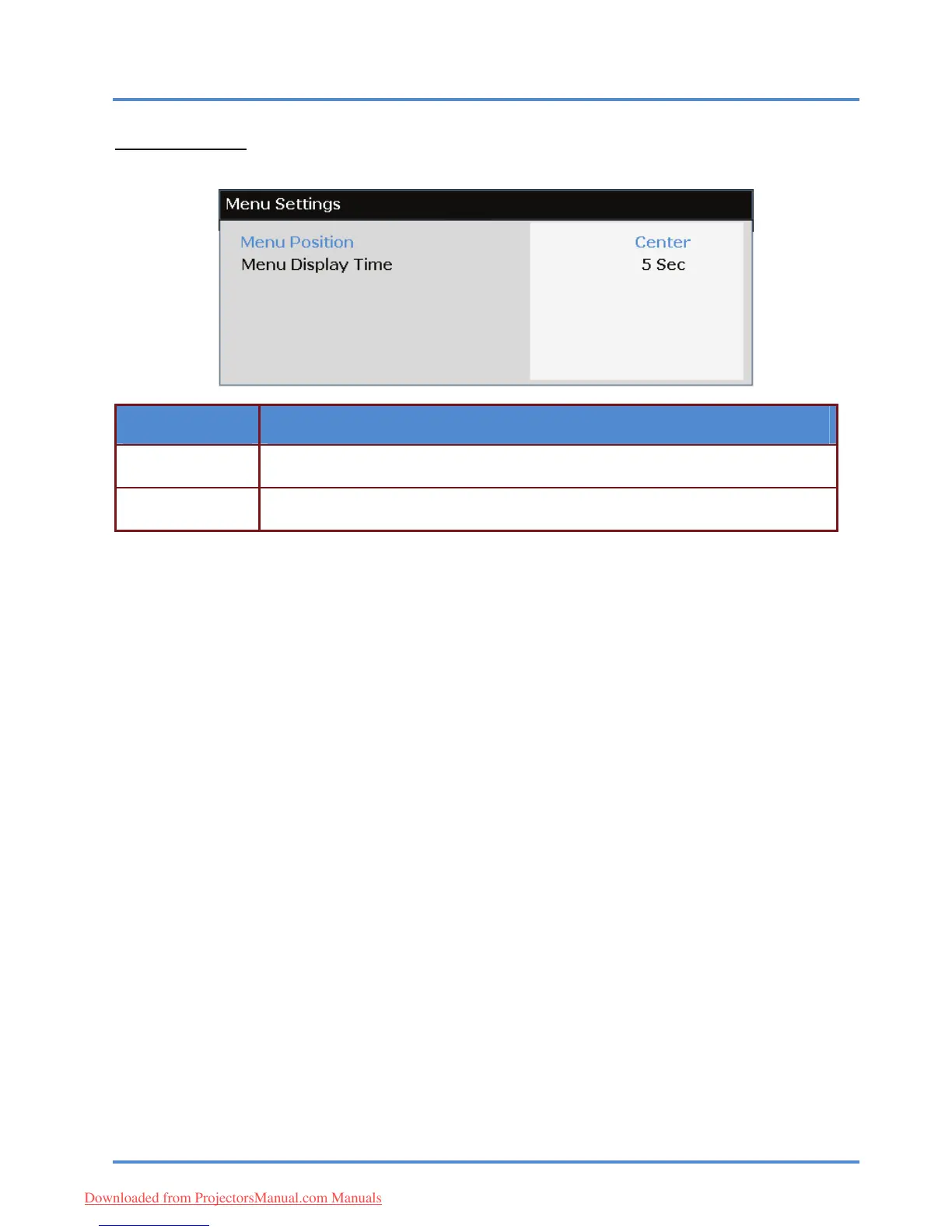
Menu Settings
Press the ENTER/SELECT button to enter the Menu Settings sub menu.
ITEM DESCRIPTION
Press the ◄► buttons to select from five OSD locations:
Top-Left/ Top-Right/ Center/ Bottom-Left/ Bottom-Right.
Menu Position
Press the ◄► buttons to set the Menu Display timer before the OSD times out.
(Range: 5sec/ 10sec/ 15sec/ 20sec/ 25sec/ 30sec)
Menu Display Time
– 28 –
Downloaded from ProjectorsManual.com Manuals



 To Next Page