IN5316HD/IN5318 – User’s Manual
4.
If more than one input device is connected, press the SOURCE button and use ▲▼ to
scroll among devices.
• VGA 1 : Analog RGB
• VGA 2 : Analog RGB
•
BNC : Analog / serial digital interface video inputs
•
HDMI : High Definition Multimedia Interface (HDMI)
• DISPLAYPORT : DISPLAYPORT input
•
Component Video: DVD input YCbCr / YPbPr, or HDTV input YPbPr via HD15
connector
• S-Video: Super video (Y/C separated)
•
Composite Video: Traditional composite video
5.
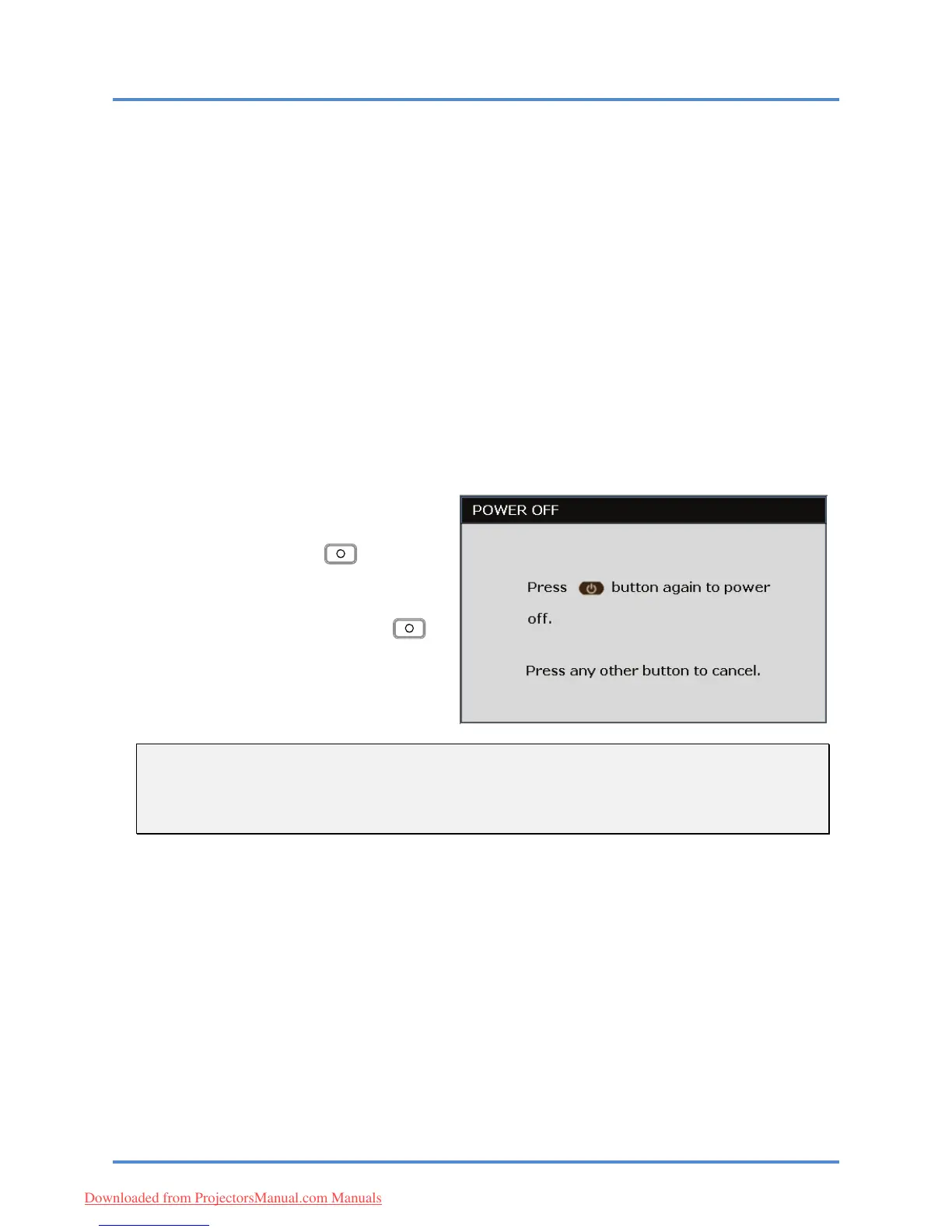
To turn the projector off, press the
Power OFF button (
). on the
projector keypad or remote.
When
the POWER OFF window appears,
press
the Power OFF button ( )
again.
The projector turns off.
Caution:
1. Be sure to remove the lens cap before starting projector.
2. Do not unplug the power cord until the READY LED stops flashing–indicating the projector has
cooled down.
– 13 –
Downloaded from ProjectorsManual.com Manuals



 To Next Page