9
OWNER'S MANUAL
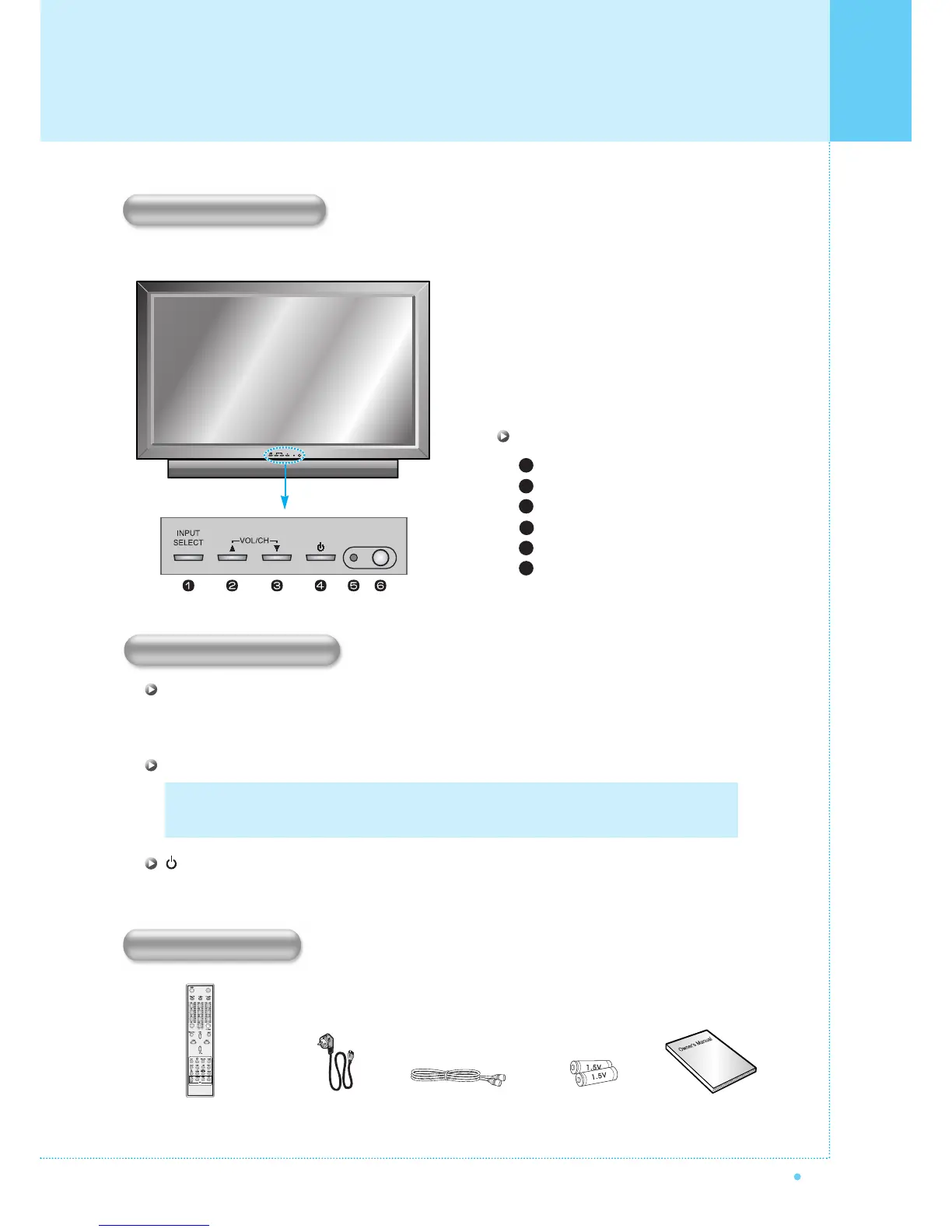
Select the signal source from multiple input sources such as TV, AV 1, AV 2, S-Video / AV, Component1,
Component2, PC and DVI.
To change the CHANNEL, Press
button first and change the CHANNEL with
,
buttons.
To change the VOLUME,
Press
button first and change the VOLUME with
,
buttons.
Turn the Monitor on and off.
Front Panel
Input Source Select
UP
DOWN (See the box below.)
Power (Stand By)
Remote Sensor
Status / Power Indicator LED
1
2
3
4
5
6
OSD Key Position
OSD key & Function
INPUT SELECT
VOL/CH
Power On /Off
OSD Key Function
Accessories
Remote Control Handset Power Cord RF Cable Owner's ManualAlkaline Batteries
Viewing the Control Panel



 To Next Page