Setting the Picture
30
OWNER'S MANUAL
Picture Mode is to set CH+ or adjust Picture Adjust, Mode, Video Noise Reduction, Screen Format
and Burn Protection.
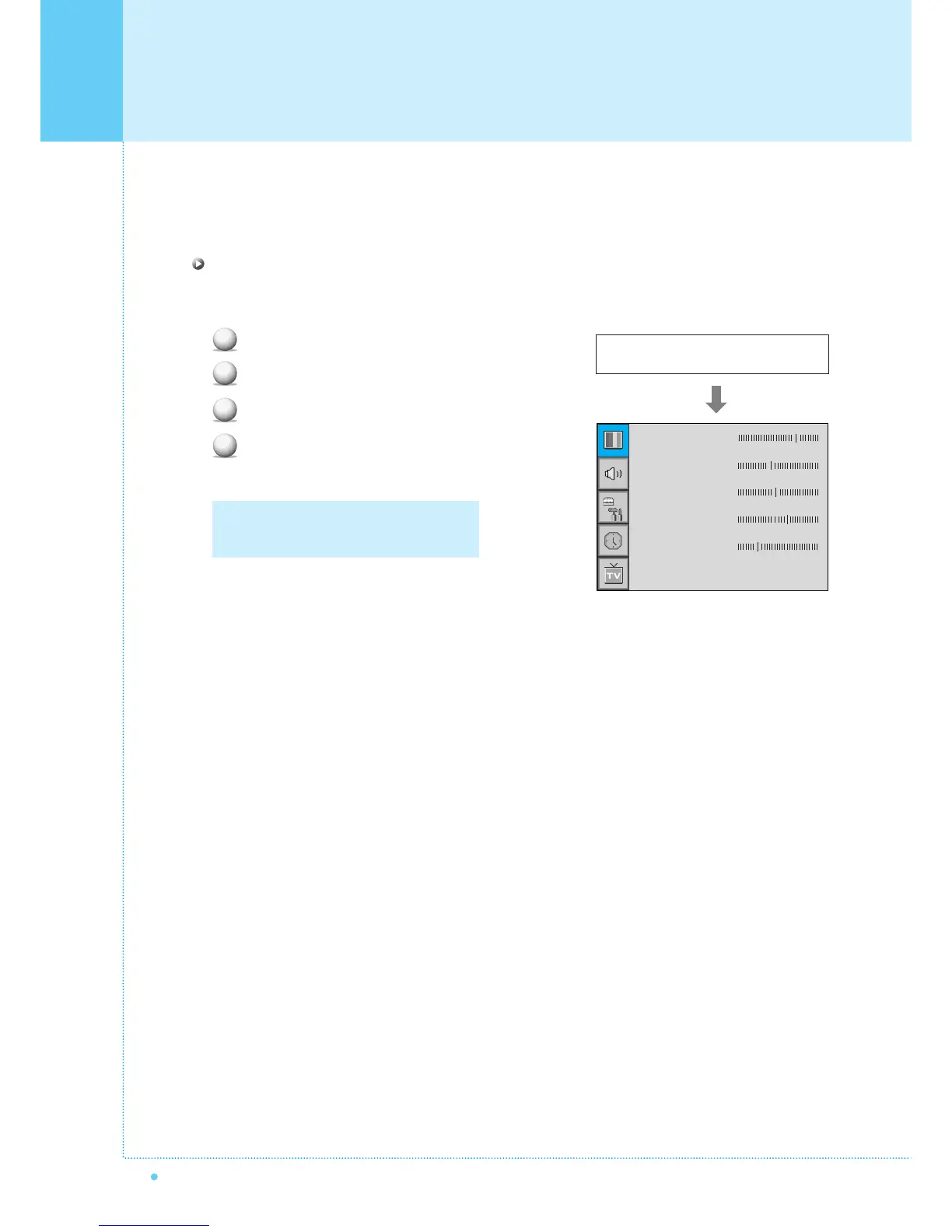
Adjust USER Mode
You can change the Contrast, Brightness, Color, and Sharpness according to personal preference in USER
mode.
Select the item to adjust with CH-, CH+ button.
Press Menu/Set button.
Adjust the item with VOL-, VOL+ button.
To cancel all adjust, select Recall and press
Menu/Set button.
1
2
3
4
For a more detailed description of these
settings, see the next page.
Select USER mode (Previous page)
Contrast
Bright
Color
Tint
Sharpness
Recall



 To Next Page