Setting the Others
42
OWNER'S MANUAL
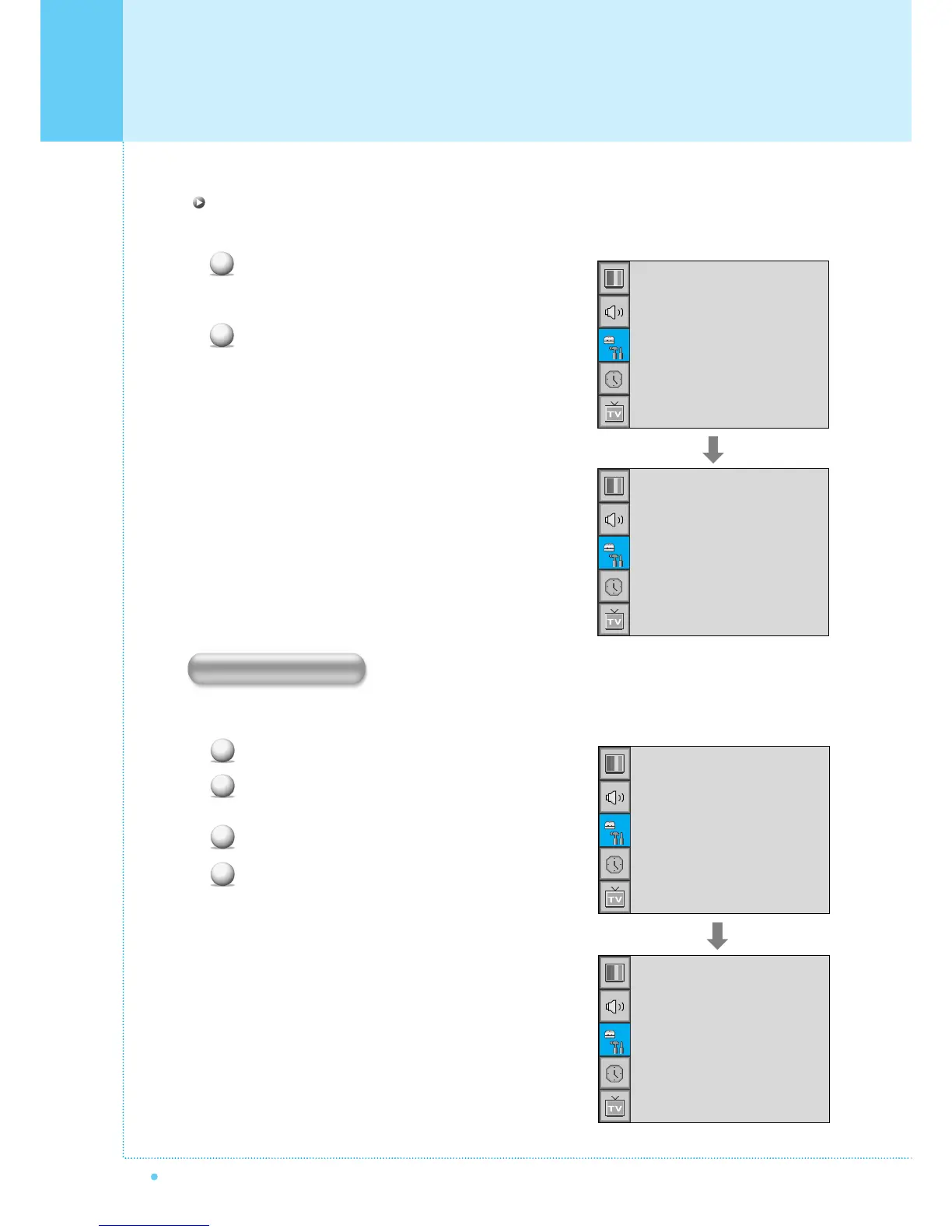
Position in PIP
Change the position of the PIP window.
Select Position with CH+/CH- button on the remote
control and press Menu/Set to enter the sub menu.
Then the PIP sub menu appear.
In Sub Menu, there are four positions.
Select the position with CH+/CH- button on the
remote control and press BACK button.
You can se up ID, Blue Back, Language and Front Key Lock in Advanced Menu.
Press Menu/set button to display the main OSD menu.
Select the SET UP main menu with CH+ / CH-
button on the remote control.
Press Menu/Set to enter the sub menu.
Select Advanced and press Menu/Set to enter
the Advanced menu.
Then the Advanced sub menu appear.
1
2
Size
Source
Picture Swap
Position
¥SMALL
Right Down
Right Up
Left Up
Left Down
1
2
3
4
Trucelant
PIP
V-Chip
Caption
Advanced
¥OFF
¥OFF
Set ID
Blue Back
Language
Front Key Lock
¥ 99
¥OFF
¥ENGLISH
¥OFF
Advanced



 To Next Page