Setting the Picture
32
OWNER'S MANUAL
Your the Monitor has 5 screen temperatures (color settings):
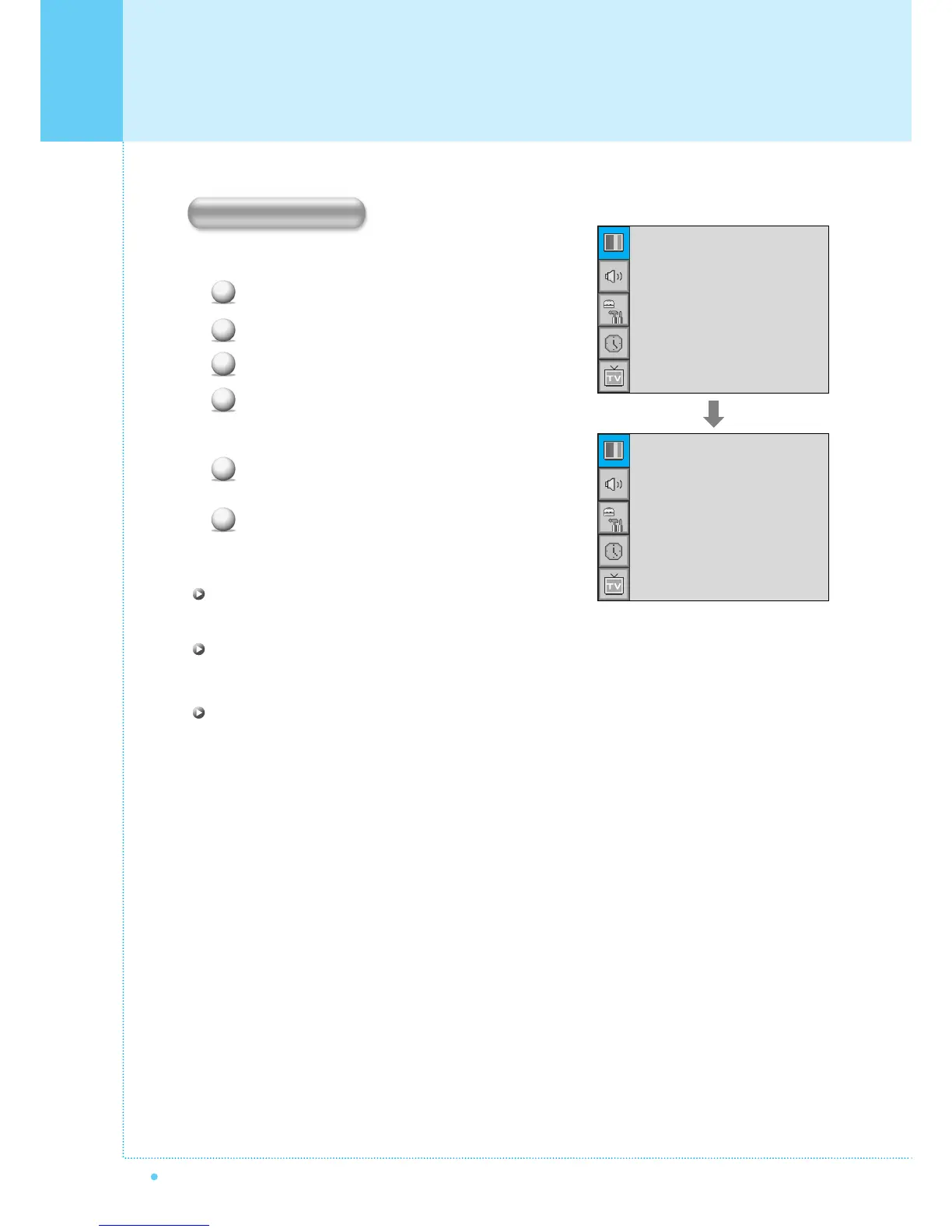
Press Menu/set button to display the main OSD menu.
Select the picture main menu.
Press Menu/Set to enter the picture menu.
Select Temperature and press Menu/Set to enter
the sub menu. Then the Picture-Temperature
sub menu appear.
Select the Temperature mode with CH-/CH+
button and press Menu/Set button.
Press BACK button to return.
Cool 1, 2
Screen seems cool: Strong Blue
Normal
Normal: Factory default.
Warm 1, 2
Screen seems warm: Strong Red
1
2
3
4
5
6
Mode
Temperature
Video NR
Film Mode
Screen Format
Standard
Normal
¥ON
¥OFF
Wide
Cool2
Cool1
Normal
Warm1
Warm2
Temperature



 To Next Page