35
OWNER'S MANUAL
In PC mode, you can adjust the H, V-Position, Native Mode and Phase. Also you can adjust them automatically.
You can change H, V-Position, Native Mode and Phase in PC mode like usual PC monitors.
You can also adjust them automatically. (Auto adjust function.)
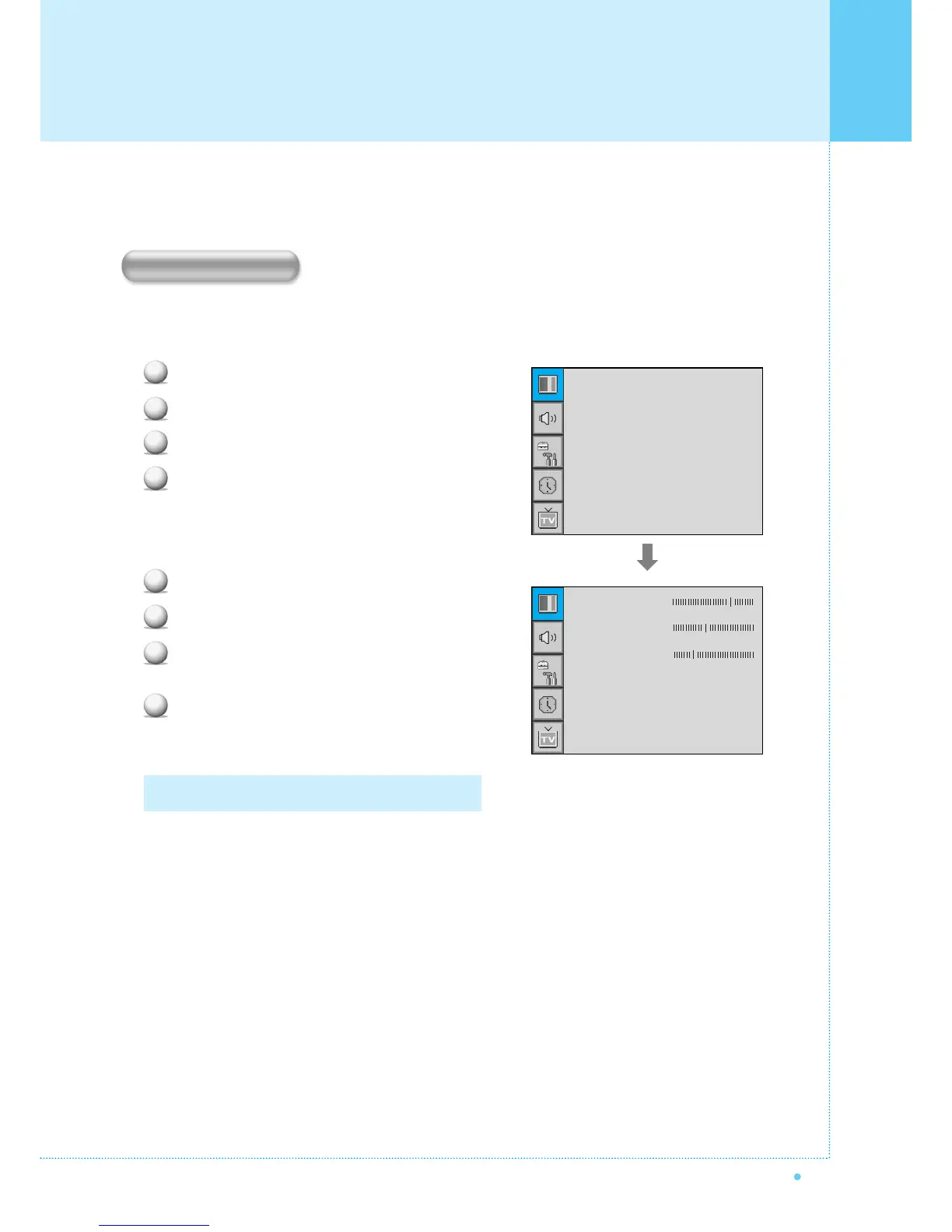
Press Menu/set button to display the main OSD menu.
Select the picture main menu with CH+, CH- button.
Press Menu/Set to enter the sub menu.
Select Geometry and press Menu/Set to enter the
sub menu. Then the picture Geometry sub menu
will appear.
Select the item to adjust with CH-, CH+ button.
Press Menu/Set button.
Then the cursor moves on the bar and you can
adjust the value with VOL-, VOL+ button.
To adjust these items, automatically, select Auto
Adjust and press Menu/Set button.
1
2
3
4
For more detail description refer to the next page.
1
2
3
4
Mode
Temperature
Geometry
Standard
Normal
H-Position
V-Position
Phase
Native Mode
¥ ON
Auto Adjust
Geometry
Setting the Picture ( PC )



 To Next Page