41
OWNER'S MANUAL
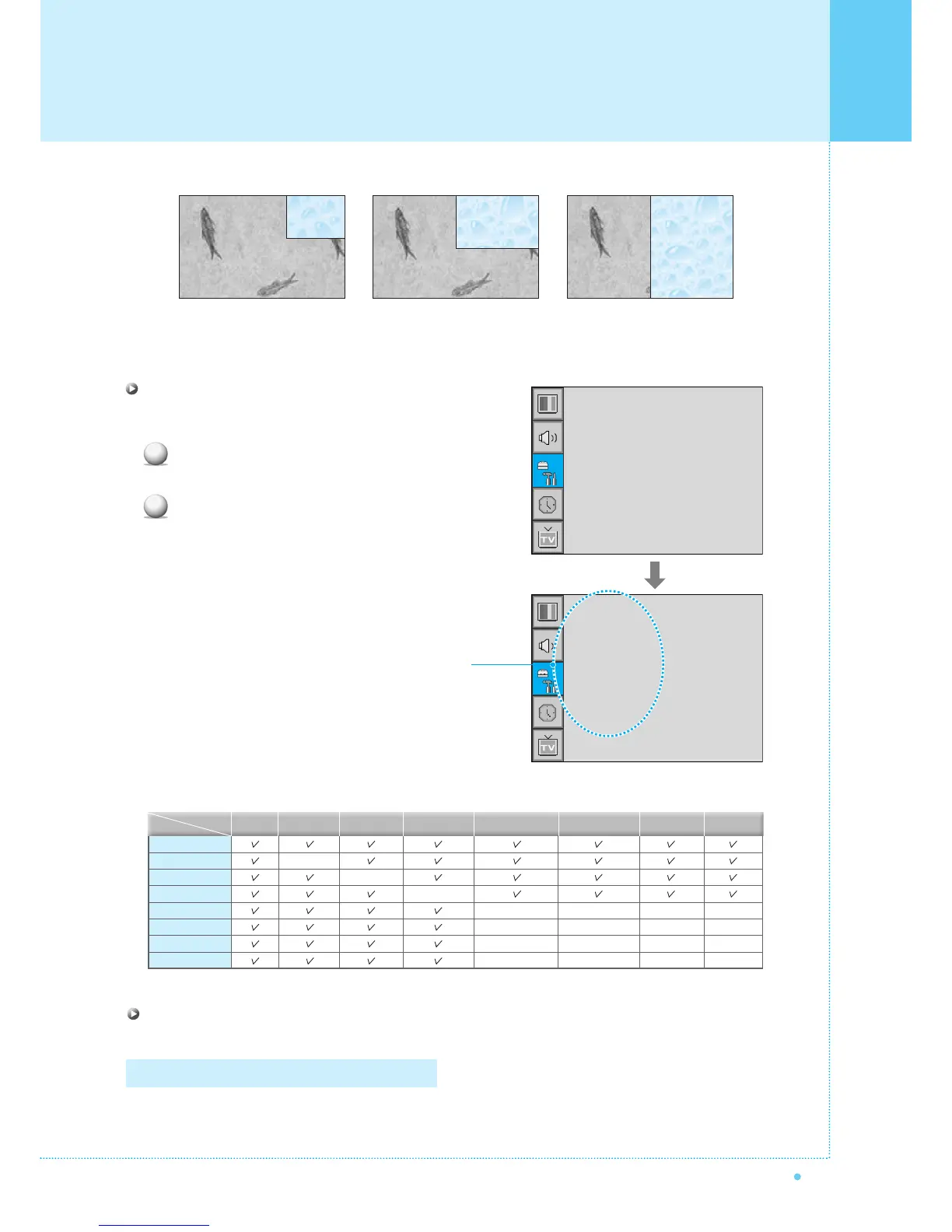
SMALL LARGE TWIN
Source in PIP
Change the source of the PIP window.
Select Source and press Menu/Set to enter the
sub menu. Then the PIP sub menu appear.
The available sources will be displayed.
Select the source and press Menu/Set button.
Size
Source
Picture Swap
Position
¥SMALL
TV
AV 1
AV 2
S-VIDEO/AV 3
1
2
This picture is an example.
The displayed sources may be
different depending on the
main input source.
TV
AV 1
AV 2
S-Video/AV 3
Component1
Component2
PC
DVI
–
–
–
–
–
–
–
–
–
–
PIP
Main
TV AV 1
–
AV 2
S-Video/AV 3
Component1 Component2 PC DVI
Select Picture Swap and press Menu/Set button.
Picture Swap in PIP (Picture In Picture)
Swap the sources of the main screen and the PIP window.
Setting the Others
–
–
–
–
–
–
–
–



 To Next Page