Setting the Others
46
OWNER'S MANUAL
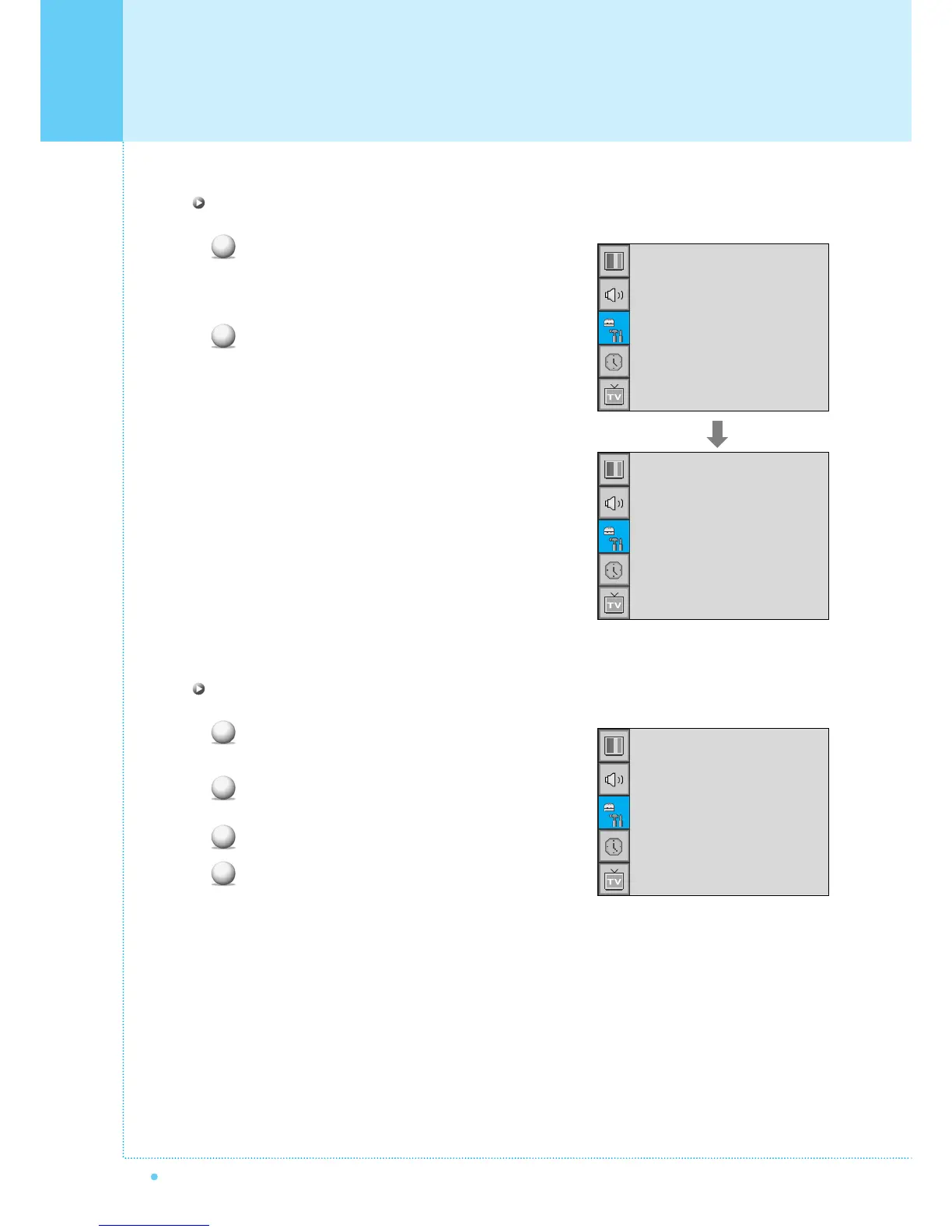
Change Password in V-Chip
Select Change Password with CH+/CH- button
on the remote control and press Menu/Set to enter
the sub menu. Then the Pass Word change sub
menu appear.
Enter the new password with numeric buttons on
the remote control.
V-Chip Blocking in V-Chip
Select V-Chip Blocking with CH+/CH- buttons
on the remote control.
Enter to the ¥ part by pressing VOL+ button.
Then the cursor moves into the ¥ parts.
ON / OFF the V-Chip Blocking with CH+/CH- buttons.
Exit with Back button on the remote control.
1
2
1
2
3
4
TV Blocking
Movie Blocking
Change Password
V-Chip Blocking
¥OFF
TV Blocking
Movie Blocking
Change Password
V-Chip Bocking
¥OFF
Pass Word
____



 To Next Page