33
OWNER'S MANUAL
This function automatically filters out and reduces the image noise and improves picture quality where receiving
weak signals.
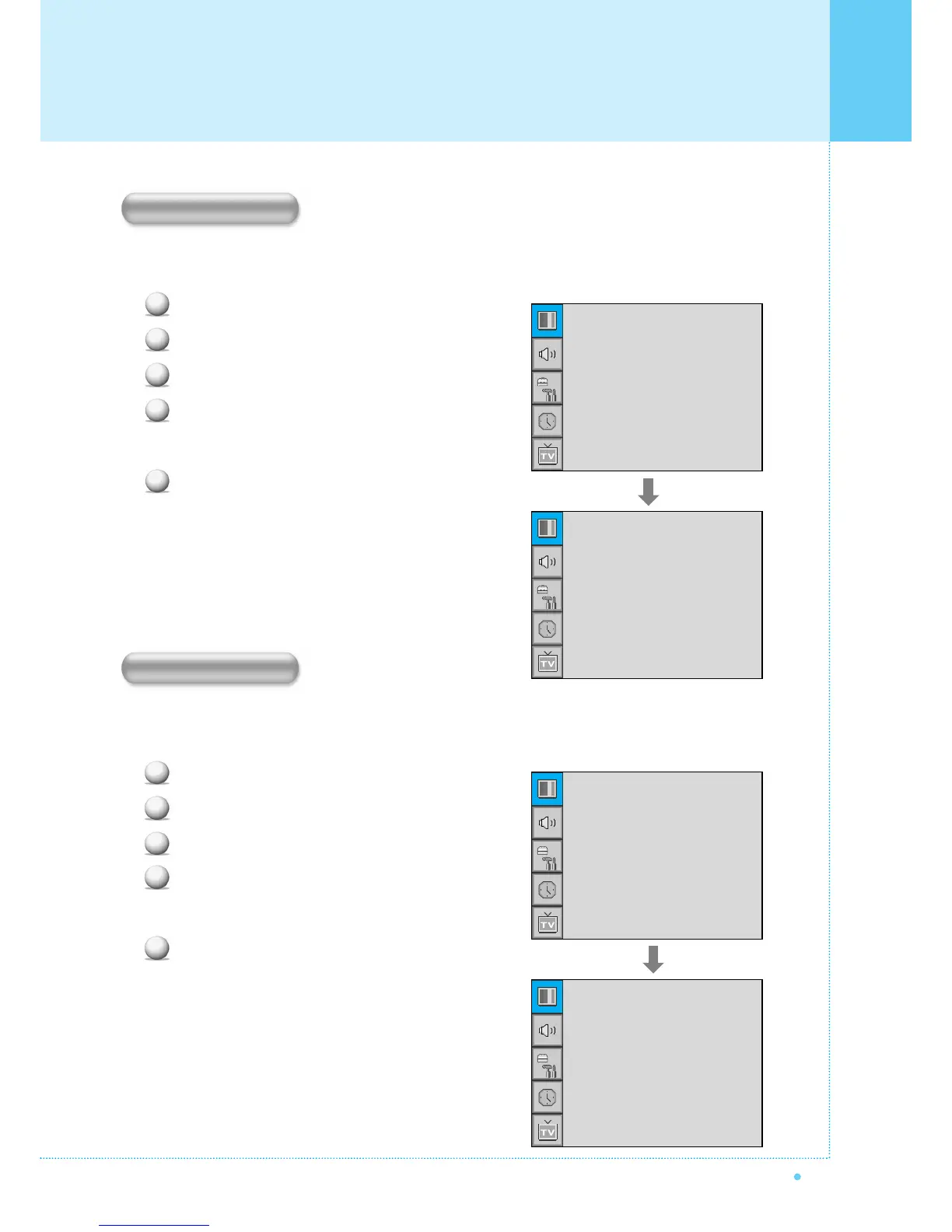
Press Menu/Set button to display the main OSD menu.
Select the picture main menu item.
Press Menu/Set to enter the sub menu.
Select Video NR and press VOL+ button to enter
the ¥ parts. Then the cursor moves into the
¥ parts.
Turn on or off Video NR function with CH+/CH-
button and press BACK button.
Your the Monitor has four Screen Formats: WIDE, PANORAMA, ZOOM1, ZOOM2, 4:3.
(For more detail description for these modes, refer to the next page.)
Press Menu/Set button to display the main OSD menu.
Select the picture main menu.
Press Menu/Set to enter the picture menu.
Select Screen Format and press Menu/Set to
enter the sub menu. Then the Screen Format
sub menu appear.
Select the screen format you want and press
Menu/Set button
1
2
3
4
5
Mode
Temperature
Video NR
Film Mode
Screen Format
Standard
Normal
¥ON
¥OFF
Wide
Wide
Panorama
Zoom1
Zoom2
4 : 3
1
2
3
4
5
Mode
Temperature
Video NR
Film Mode
Screen Format
Standard
Normal
¥OFF
¥OFF
Wide
Mode
Temperature
Video NR
Film Mode
Screen Format
Standard
Normal
¥ON
¥OFF
Wide
Video NR
Screen Format
Setting the Picture



 To Next Page