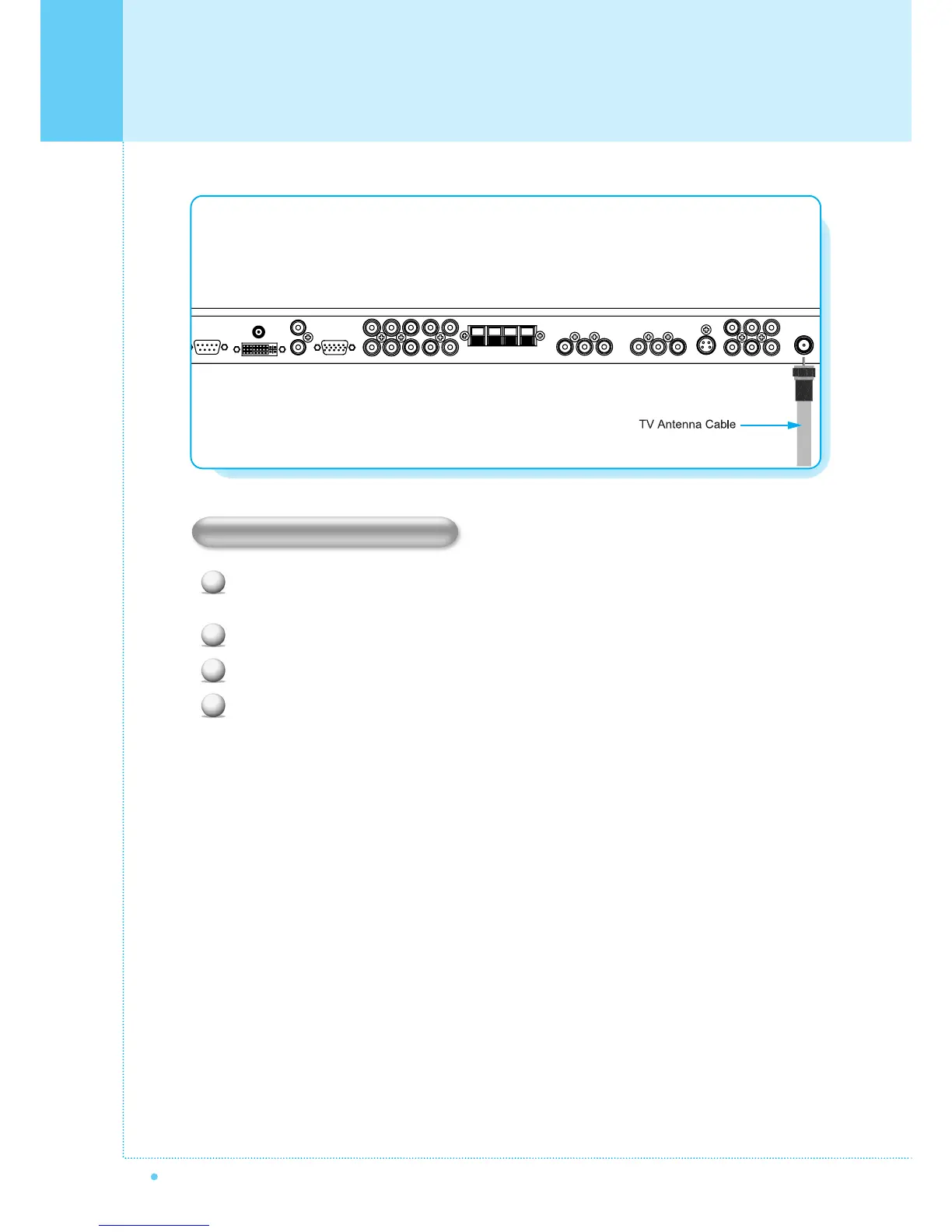
Connecting the TV Cable
18
OWNER'S MANUAL
1
2
3
4
Connecting the TV Cable
Connect the TV antenna cable to the TV input jack. Press INPUT button on the remote control and
select TV on OSD.
Use CH+, CH- button or numeric button to change TV channel for your channel selection.
Press Pre.CH button on the remote control to tune the previous channel.
Also, you can tune to cable service provided channels using the cable box. For further information
regarding cable TV service, contact cable TV service provider(s).



 To Next Page