43
OWNER'S MANUAL
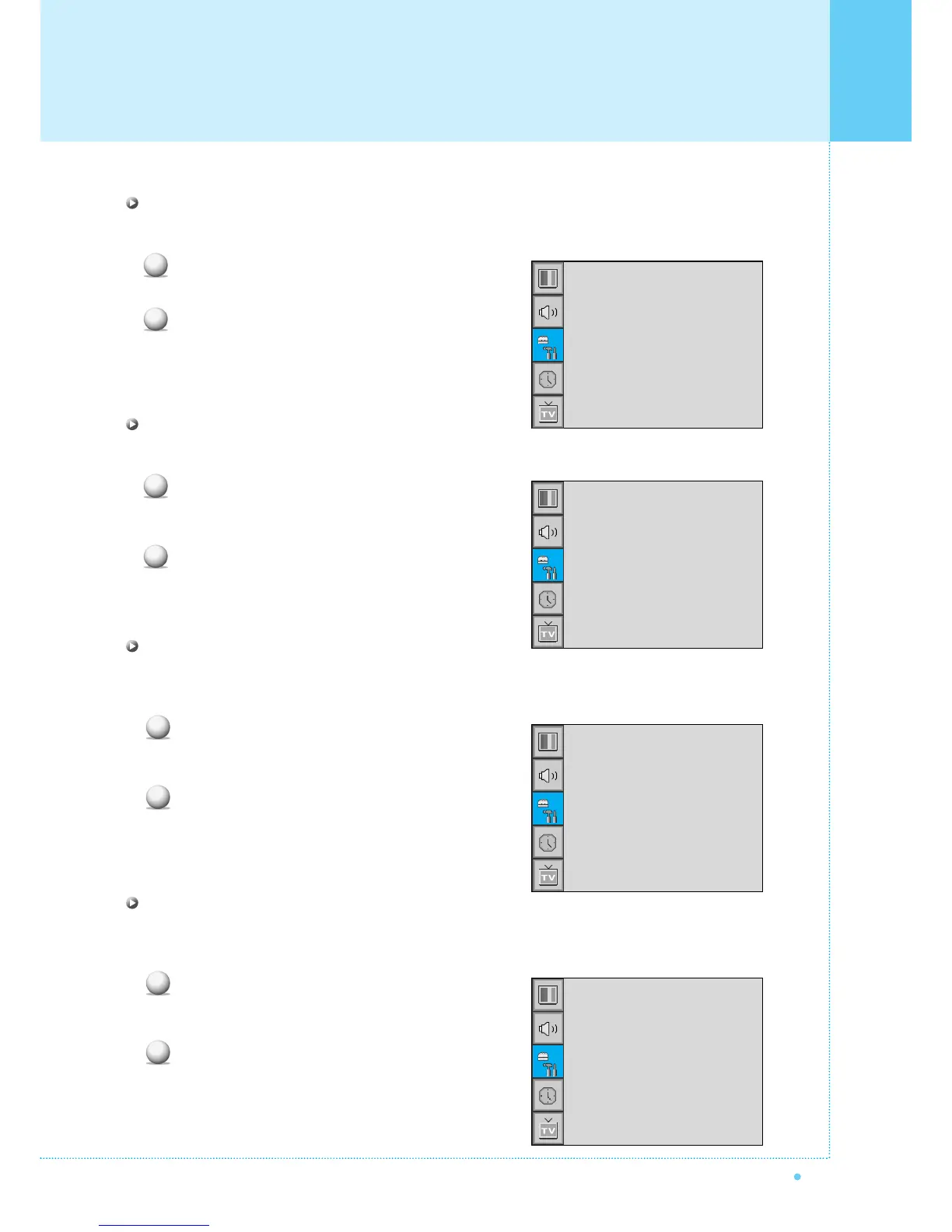
Set ID in Advanced
Set the ID of the Monitor for mass-controlling through the serial port.
Select Set ID and press VOL+ button to enter the
¥ part. Then the cursor moves into the ¥ part.
Adjust with CH+ / CH- button and press BACK button.
Blue Back in Advanced
You can set to display blue-color screen instead of noise screen.
Select Blue Back and press VOL+ button to enter
the ¥ parts. Then the cursor moves into the
¥ parts.
Turn the function on or off with CH+/CH- button
and press BACK button.
Language in Advanced
Set the language to use in OSD.
Supported languages are English, French, German, Spanish, Italian.
Select Language and press VOL+ button to enter
the ¥ parts. Then the cursor moves into
the ¥ parts.
Choose the Language with CH+ / CH- button and
press BACK button.
Front Key Lock in Advanced
Lock the OSD panel of the Monitor. It can protect the Monitor from children's power on/off or other
operation by miss.
Select Front Key Lock and press VOL+ button to enter
the ¥ parts. Then the cursor moves into the
¥ parts.
Turn the function on or off with CH+/CH- button
and press BACK button.
1
2
Set ID
Blue Back
Language
Front Key Lock
¥ 99
¥OFF
¥ENGLISH
¥OFF
1
2
Set ID
Blue Back
Language
Front Key Lock
¥ 99
¥OFF
¥ENGLISH
¥OFF
1
2
Set ID
Blue Back
Language
Front Key Lock
¥ 99
¥OFF
¥ENGLISH
¥OFF
1
2
Set ID
Blue Back
Language
Front Key Lock
¥ 99
¥OFF
¥ENGLISH
¥OFF
Setting the Others



 To Next Page