31
OWNER'S MANUAL
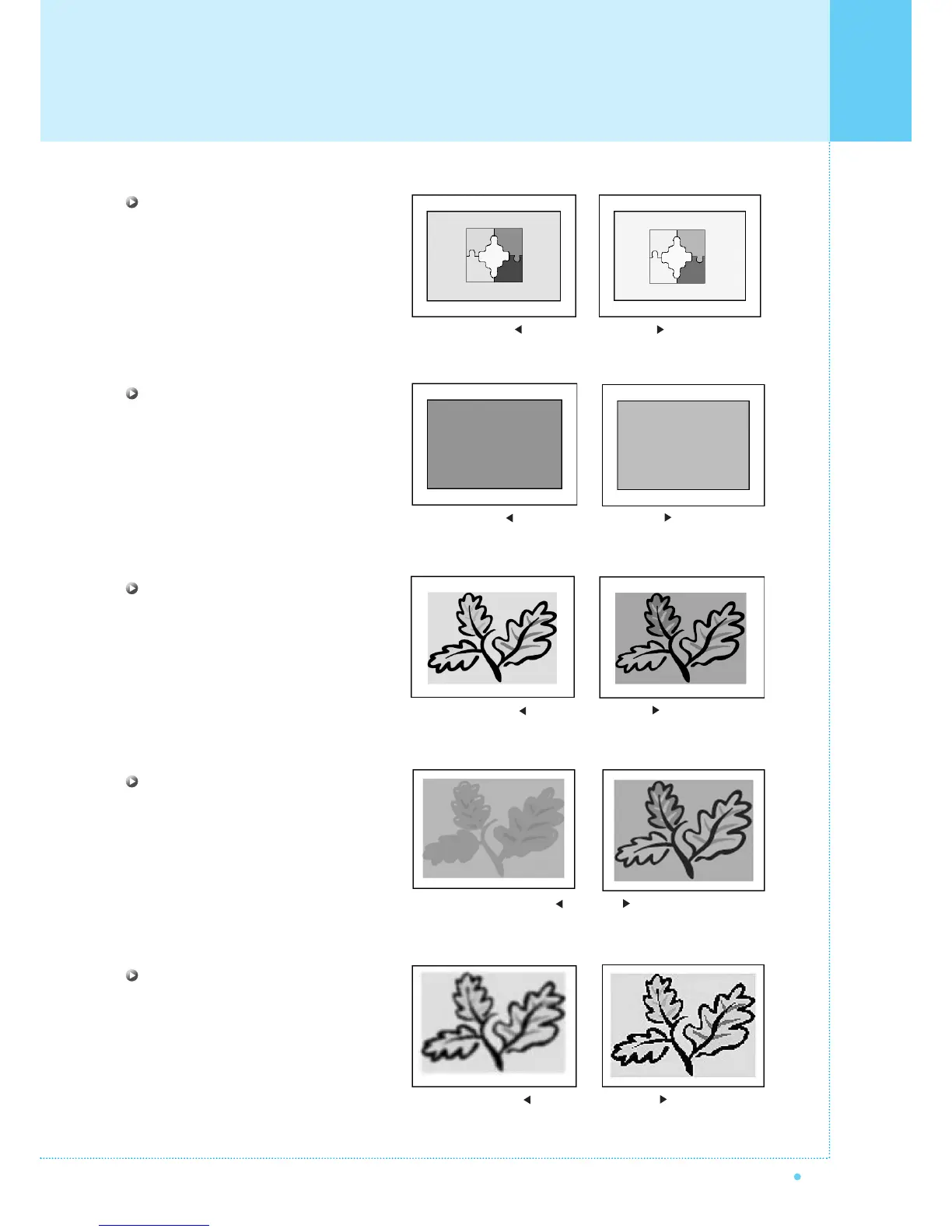
Contrast
Adjust brightness difference between
bright part of the screen and dark part.
Brightness
Adjust brightness of the screen.
Color
Adjust deep and light color of the screen.
Tint
Adjusts the balance between green
and yellow.
Sharpness
Adjust vividness of the screen.
Distinct Vague
Dark Bright
Decrease Increase
Green color is deeper Red color is deeper
Less sharp Sharp
Setting the Picture



 To Next Page