Setting the Time
48
OWNER'S MANUAL
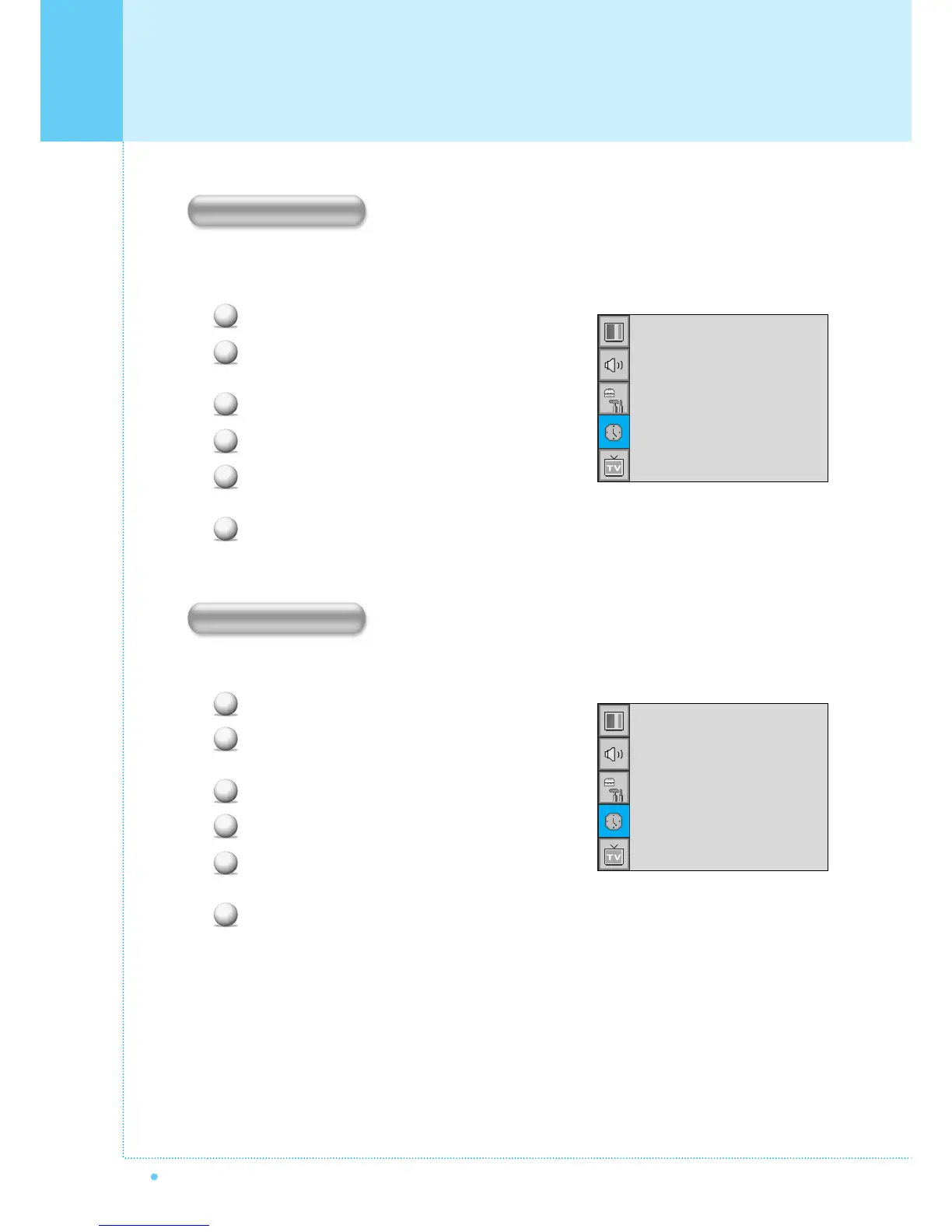
Set the channel when the Monitor power turn on automatically.
• Available only when the Time is set and On Time is ON.
Press Menu/set button to display the main OSD menu.
Select the TIME main menu with CH+/CH- button
on the remote control.
Press Menu/Set to enter the sub menu.
Select On Channel.
Enter to the ¥ part with VOL+ button. Then the
cursor moves into the ¥ parts.
Adjust the channel with CH+/CH- button.
Press BACK button to return.
• Available only when the Time is set and On Time is ON.
Press Menu/set button to display the main OSD menu.
Select the TIME main menu with CH+/CH- button
on the remote control.
Press Menu/Set to enter the sub menu.
Select On Volume.
Enter to the ¥ part by pressing VOL+ button.
Then the cursor moves into the ¥ parts.
Adjust the sound volume level with CH+/CH- button.
1
2
3
4
5
6
1
2
3
4
5
6
Time Set
On Time
On Channel
On Volume
Off Time
Sleep
AM 03:29
AM 05:11 ON
¥ 99
¥100
AM 05:11 OFF
¥OFF
Time Set
On Time
On Channel
On Volume
Off Time
Sleep
AM 03:29
AM 05:11 ON
¥ 99
¥100
AM 05:11 OFF
¥OFF
On Channel
On Volume



 To Next Page