13
3.5 Installation
The System is designed for installation in a clinic environment. To install the System,
perform the following tasks:
▪ Check the System and all its components for damage.
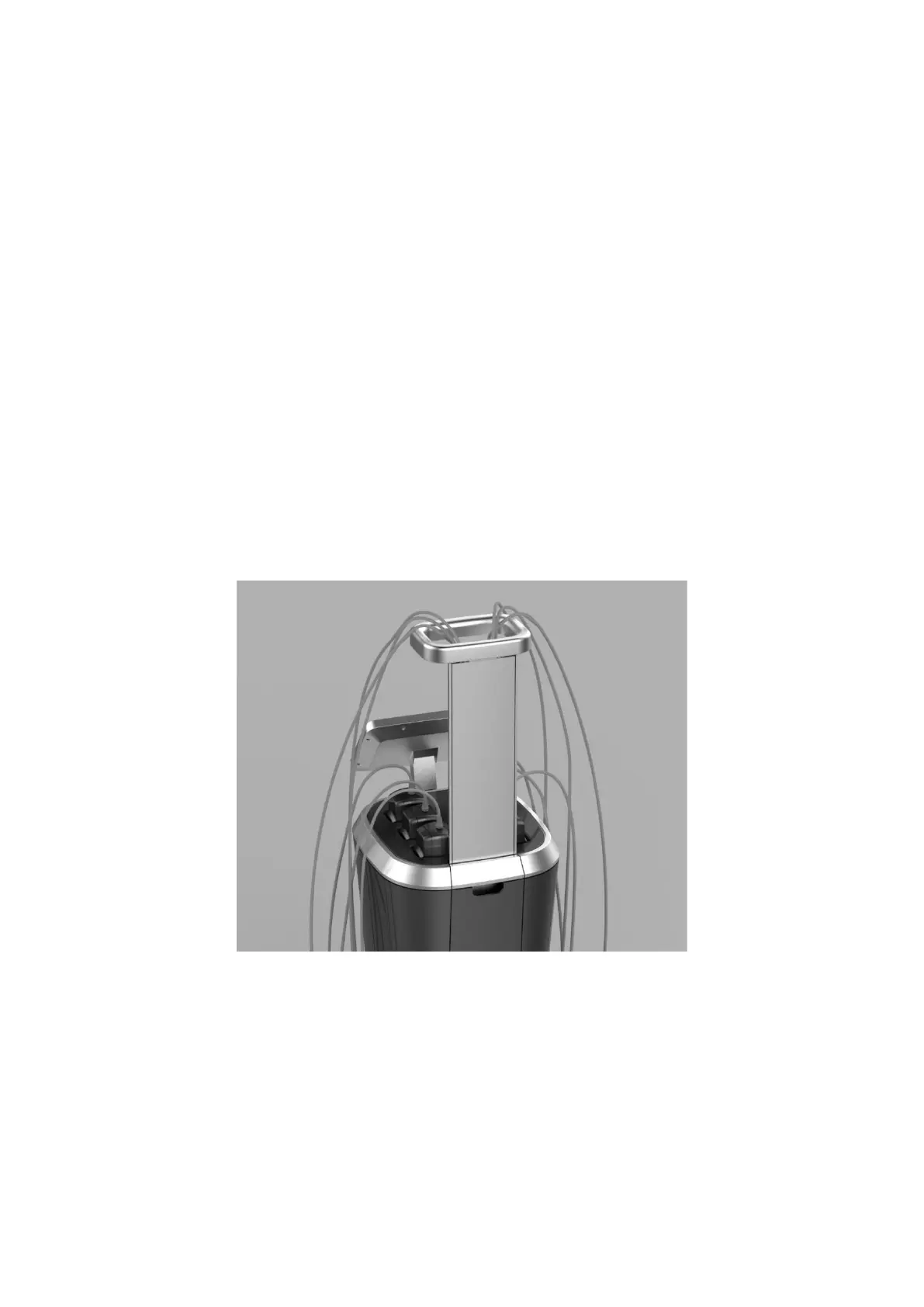
▪ Set harness support (see Figure 3.1) and secure with clamping knobs.
▪ Connect cables of harness to connectors with corresponding numbers
▪ Pass harness through the harness support.
▪ Connect Applicators to cables.
▪ Connect the Patient Call Button.
▪ Connect the power cord to the System inlet.
▪ Plug the System power cord into an appropriate electrical outlet.
Figure 3-1: Harness Support Assembly
3.6 Moving the System
To move the System:
▪ Turn the System off.
▪ Disconnect the Power Cord.



 To Next Page