17
4.3 Software Screens
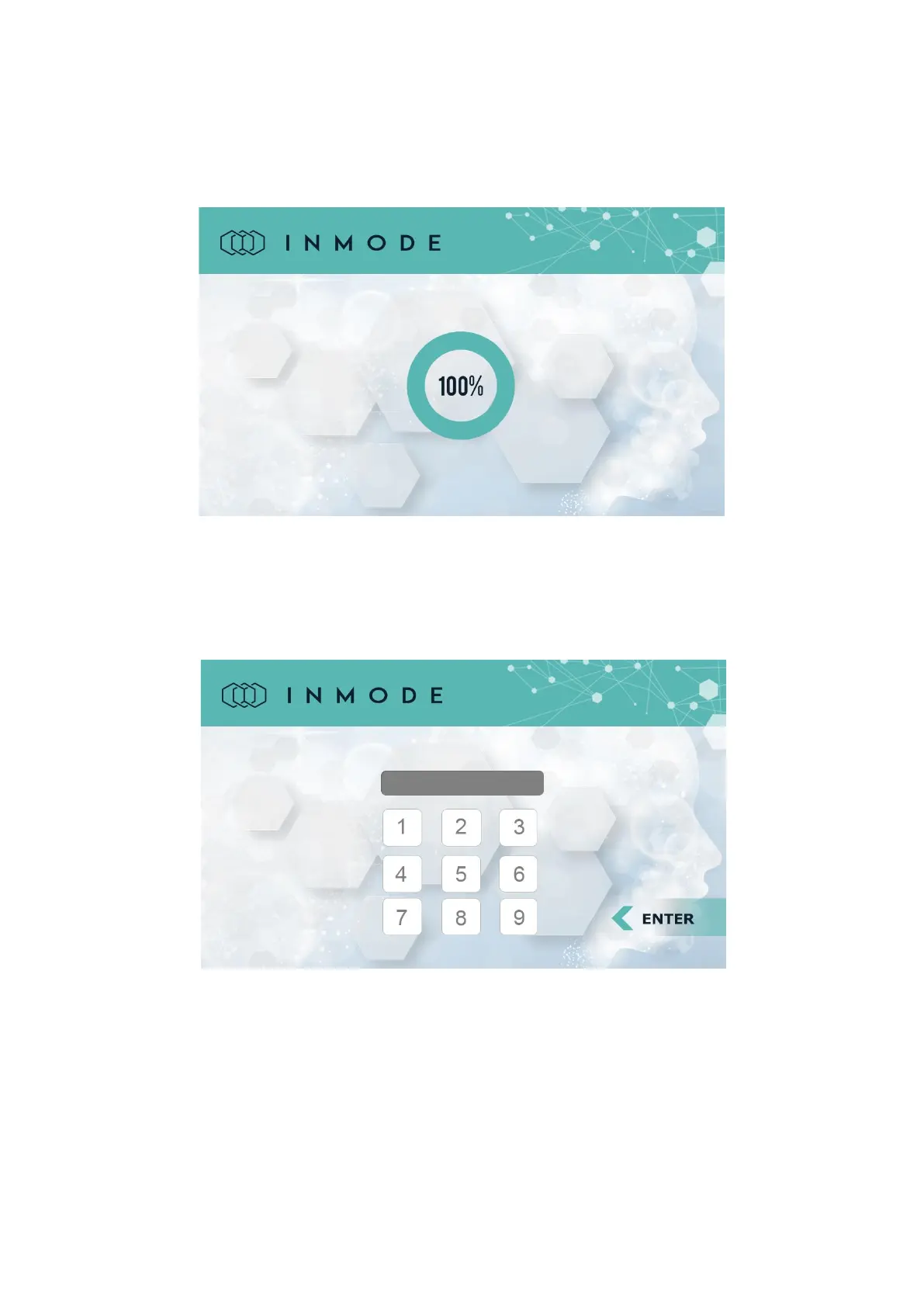
The Splash screen appears after the On-Off switch is turned on.
Figure 4-3: Splash Screen
*The SW version number will be displayed according to the software version.
After entering the individual code on the Login Screen, non-authorized use of the
device is prevented.
Figure 4-4: Login Screen
Software is loaded from the plug and self-test of the System modules is performed.
After the end of the self-test the Menu Screen appears.



 To Next Page