Controller CO3000
1.12 Device Speed
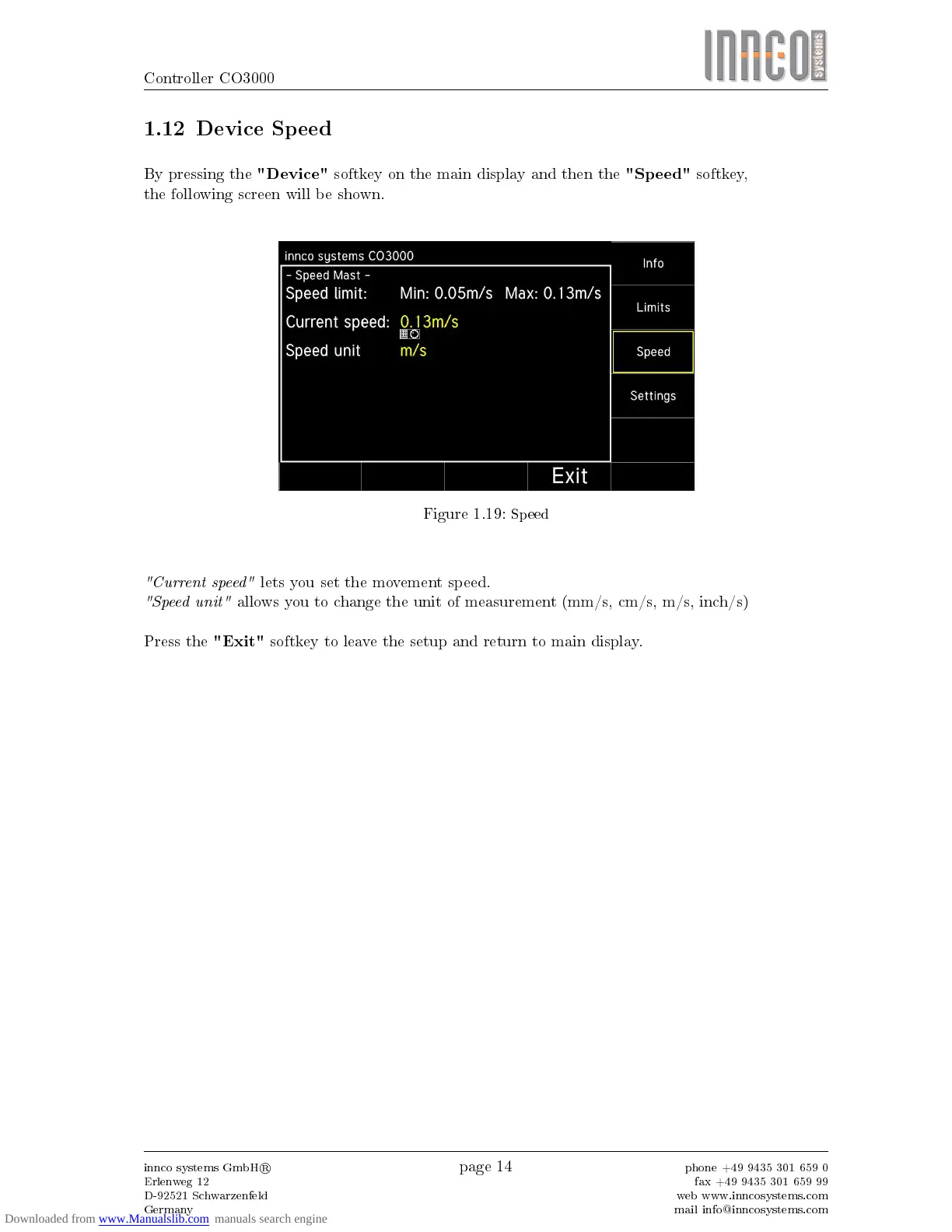
By pressing the
"Device"
softkey on the main display and then the
"Speed"
softkey,
the following screen will be shown.
Figure 1.19:
Speed
"Current speed"
lets you set the movement speed.
"Speed unit"
allows you to change the unit of measurement (mm/s, cm/s, m/s, inch/s)
Press the
"Exit"
softkey to leave the setup and return to main display.
innco systems GmbH
R
Erlenweg 12
D-92521 Schwarzenfeld
Germany
page 14
phone +49 9435 301 659 0
fax +49 9435 301 659 99
web www.inncosystems.com
mail info@inncosystems.com



 To Next Page