Controller CO3000
1.16 Recall Positions
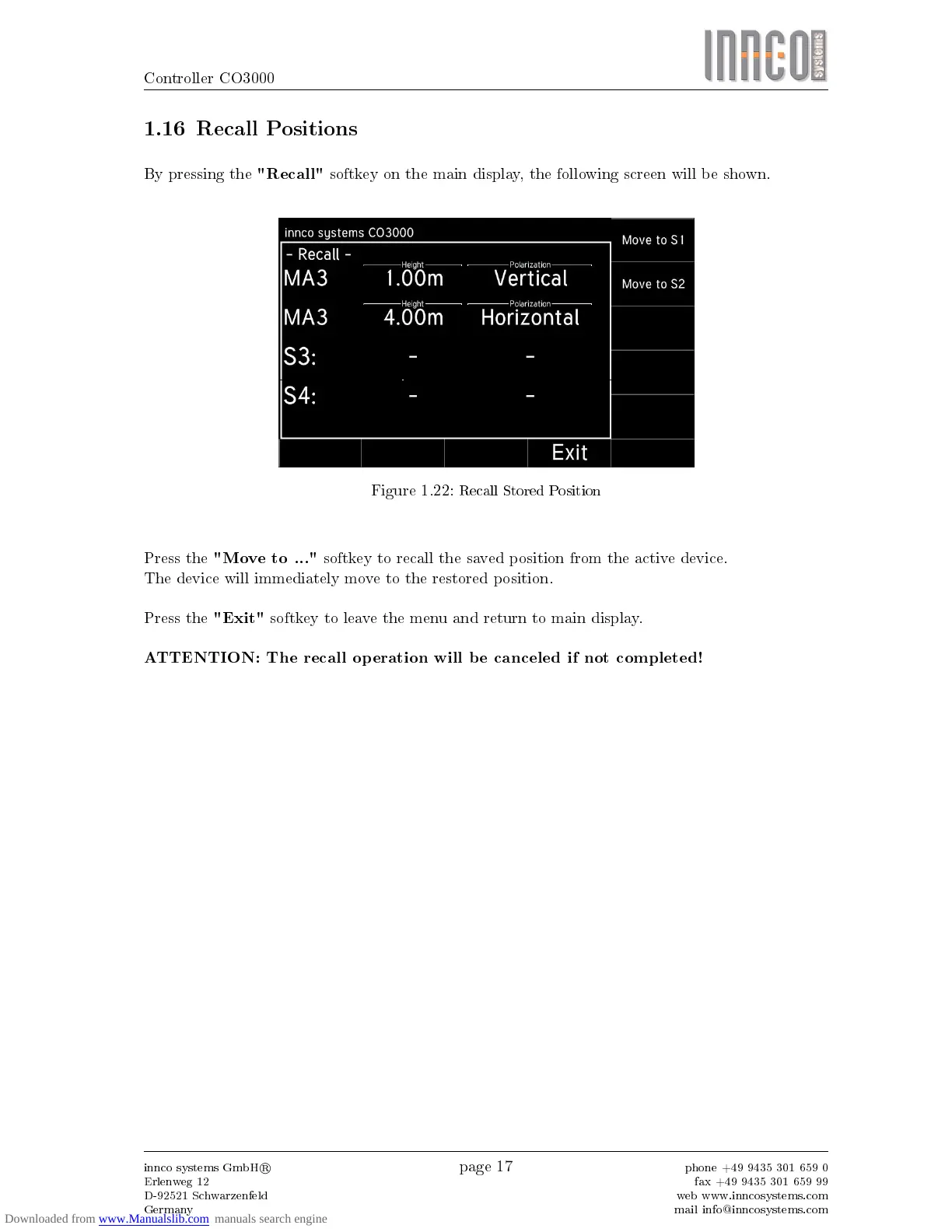
By pressing the
"Recall"
softkey on the main display, the following screen will be shown.
Figure 1.22:
Recall Stored Position
Press the
"Move to ..."
softkey to recall the saved position from the active device.
The device will immediately move to the restored position.
Press the
"Exit"
softkey to leave the menu and return to main display.
ATTENTION: The recall operation will be canceled if not completed!
innco systems GmbH
R
Erlenweg 12
D-92521 Schwarzenfeld
Germany
page 17
phone +49 9435 301 659 0
fax +49 9435 301 659 99
web www.inncosystems.com
mail info@inncosystems.com



 To Next Page