Controller CO3000
During reboot, the following screen will be shown on the controller.
Figure 1.33:
Update Mode Controller
After rebooting, the message
"Controller Reboot required"
will change to
"Ready to Update"
.
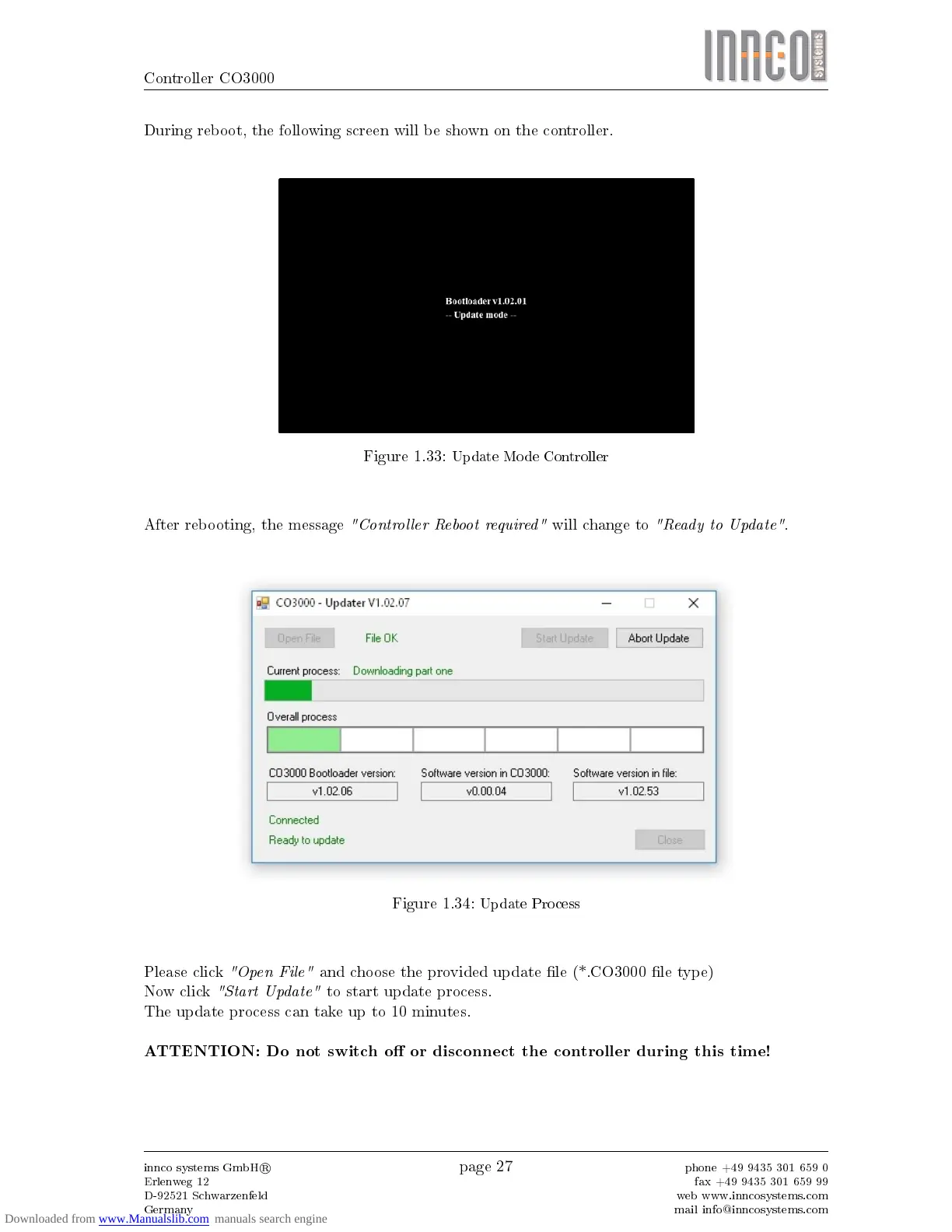
Figure 1.34:
Update Process
Please click
"Open File"
and choose the provided update le (*.CO3000 le type)
Now click
"Start Update"
to start update process.
The update process can take up to 10 minutes.
ATTENTION: Do not switch o or disconnect the controller during this time!
innco systems GmbH
R
Erlenweg 12
D-92521 Schwarzenfeld
Germany
page 27
phone +49 9435 301 659 0
fax +49 9435 301 659 99
web www.inncosystems.com
mail info@inncosystems.com



 To Next Page