Controller CO3000
1.4 Operational Controls
The buttons are lit when you can use them.
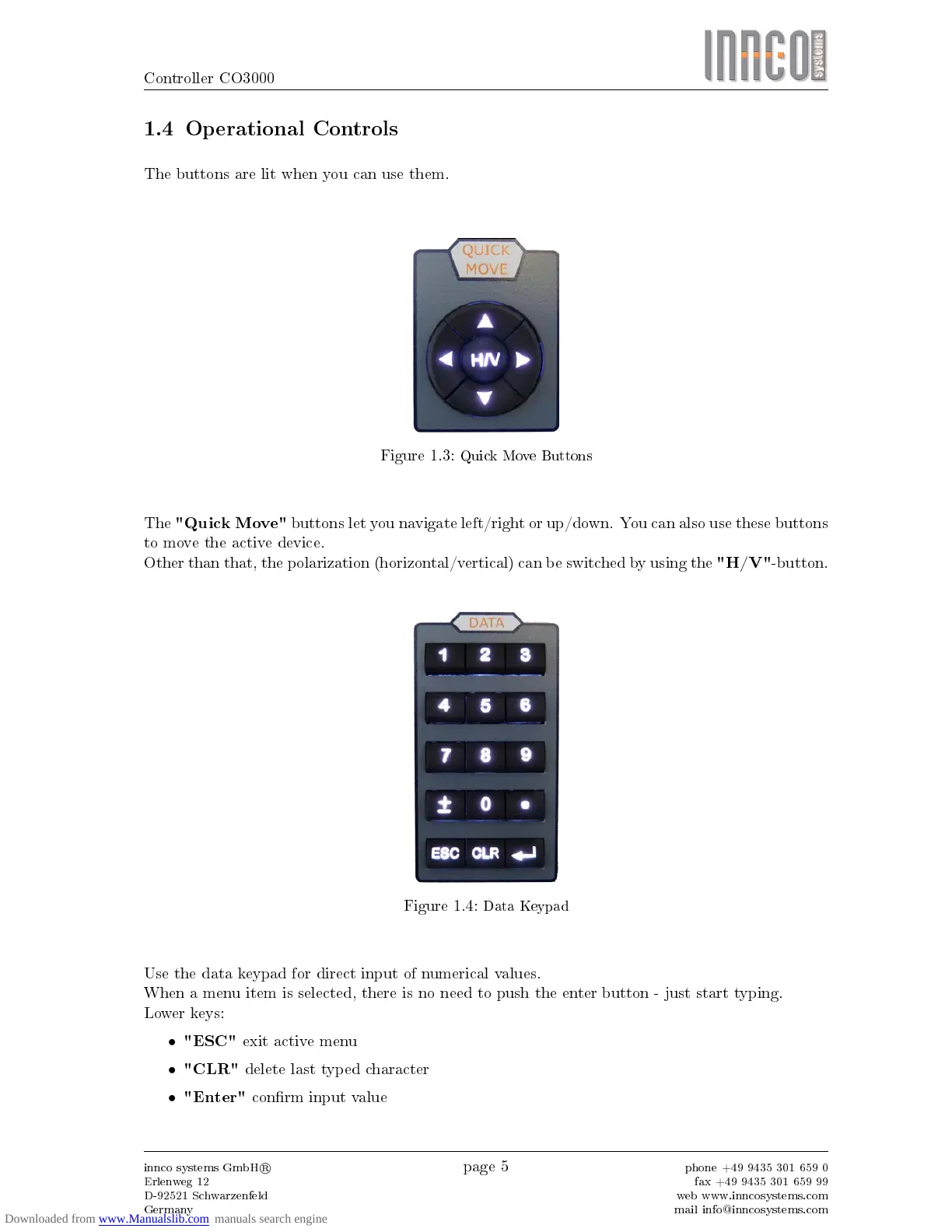
Figure 1.3:
Quick Move Buttons
The
"Quick Move"
buttons let you navigate left/right or up/down. You can also use these buttons
to move the active device.
Other than that, the polarization (horizontal/vertical) can be switched by using the
"H/V"
-button.
Figure 1.4:
Data Keypad
Use the data keypad for direct input of numerical values.
When a menu item is selected, there is no need to push the enter button - just start typing.
Lower keys:
•
"ESC"
exit active menu
•
"CLR"
delete last typed character
•
"Enter"
conrm input value
innco systems GmbH
R
Erlenweg 12
D-92521 Schwarzenfeld
Germany
page 5
phone +49 9435 301 659 0
fax +49 9435 301 659 99
web www.inncosystems.com
mail info@inncosystems.com



 To Next Page