Controller CO3000
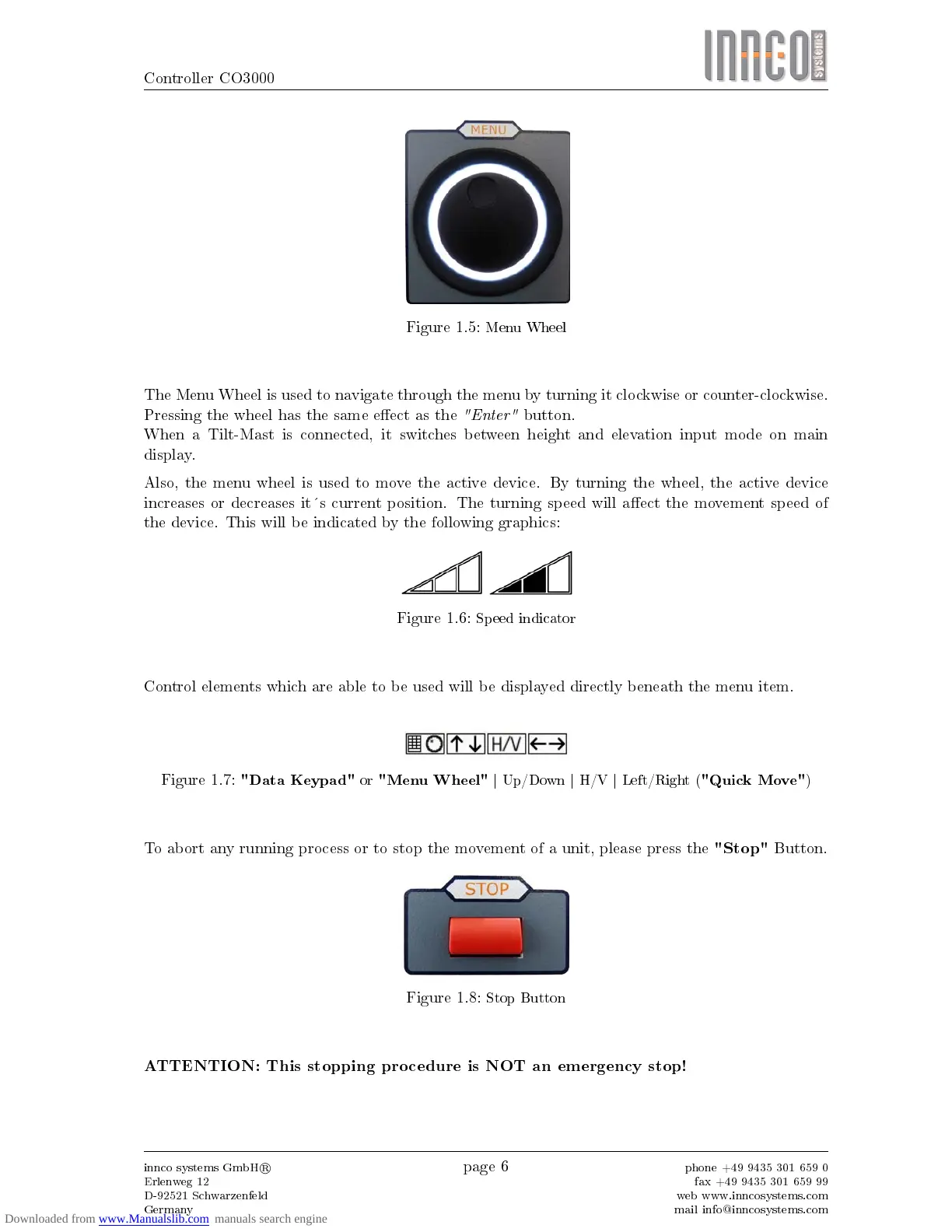
Figure 1.5:
Menu Wheel
The Menu Wheel is used to navigate through the menu by turning it clockwise or counter-clockwise.
Pressing the wheel has the same eect as the
"Enter"
button.
When a Tilt-Mast is connected, it switches between height and elevation input mode on main
display.
Also, the menu wheel is used to move the active device. By turning the wheel, the active device
increases or decreases its current position. The turning speed will aect the movement speed of
the device. This will be indicated by the following graphics:
Figure 1.6:
Speed indicator
Control elements which are able to be used will be displayed directly beneath the menu item.
Figure 1.7:
"Data Keypad"
or
"Menu Wheel"
| Up/Down | H/V | Left/Right (
"Quick Move"
)
To abort any running process or to stop the movement of a unit, please press the
"Stop"
Button.
Figure 1.8:
Stop Button
ATTENTION: This stopping procedure is NOT an emergency stop!
innco systems GmbH
R
Erlenweg 12
D-92521 Schwarzenfeld
Germany
page 6
phone +49 9435 301 659 0
fax +49 9435 301 659 99
web www.inncosystems.com
mail info@inncosystems.com



 To Next Page