approximately 1 second after a credit is given or note is rejected. Please refer toLow Power Mode Timing Diagram
further details.
IF9 Interface
The IF9 is an interface that allows serial SSP to be used in machines without the need to update the host machine
software. The IF9 is connected between the BV30 and the host machine. The IF9 communicates with the BV30 in
serial SSP which gives more security along the length of the cable. The IF9 should be mounted close to the host
machine control board where the IF9 converts to the binary connection.
Pulse
General Description
Pulse can be used for the acceptance of up to 16 channels. When a note is recognized, Vend 1 (pin 1) will pulse a pre-
set number of times. The amount of pulses as well as the high/low pulse ratio is configurable. For programming and
configuration please refer toSection 5of this User Manual.
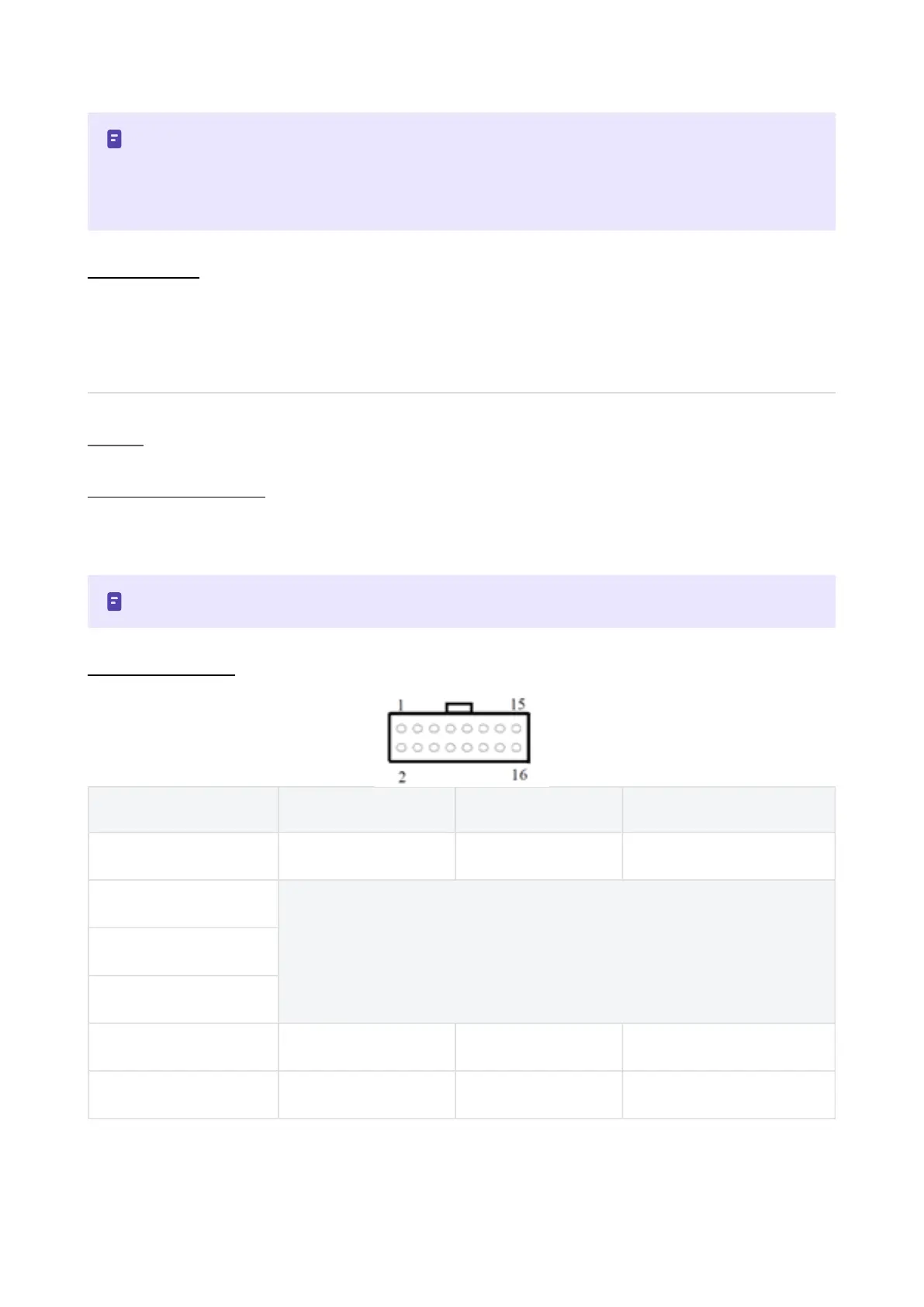
Pin Assignments
Pin Name Type Description
1 Vend1 Output CreditOutput Pulse Stream
2
Factory Use Only – Do Not Connect
3
4
5 Inhibit1 Input InhibitInput Channel 1
6 Inhibit2 Input InhibitInput Channel 2
InLow Power Modethe front sensor is checked every second which can lead to a delay in accepting the
note when it is presented!
Configuration button functions are only available during power up before the BV30goes intoLow Power
Mode!
Pulse is an unsecure interface and should not be used for new developments!















 To Next Page