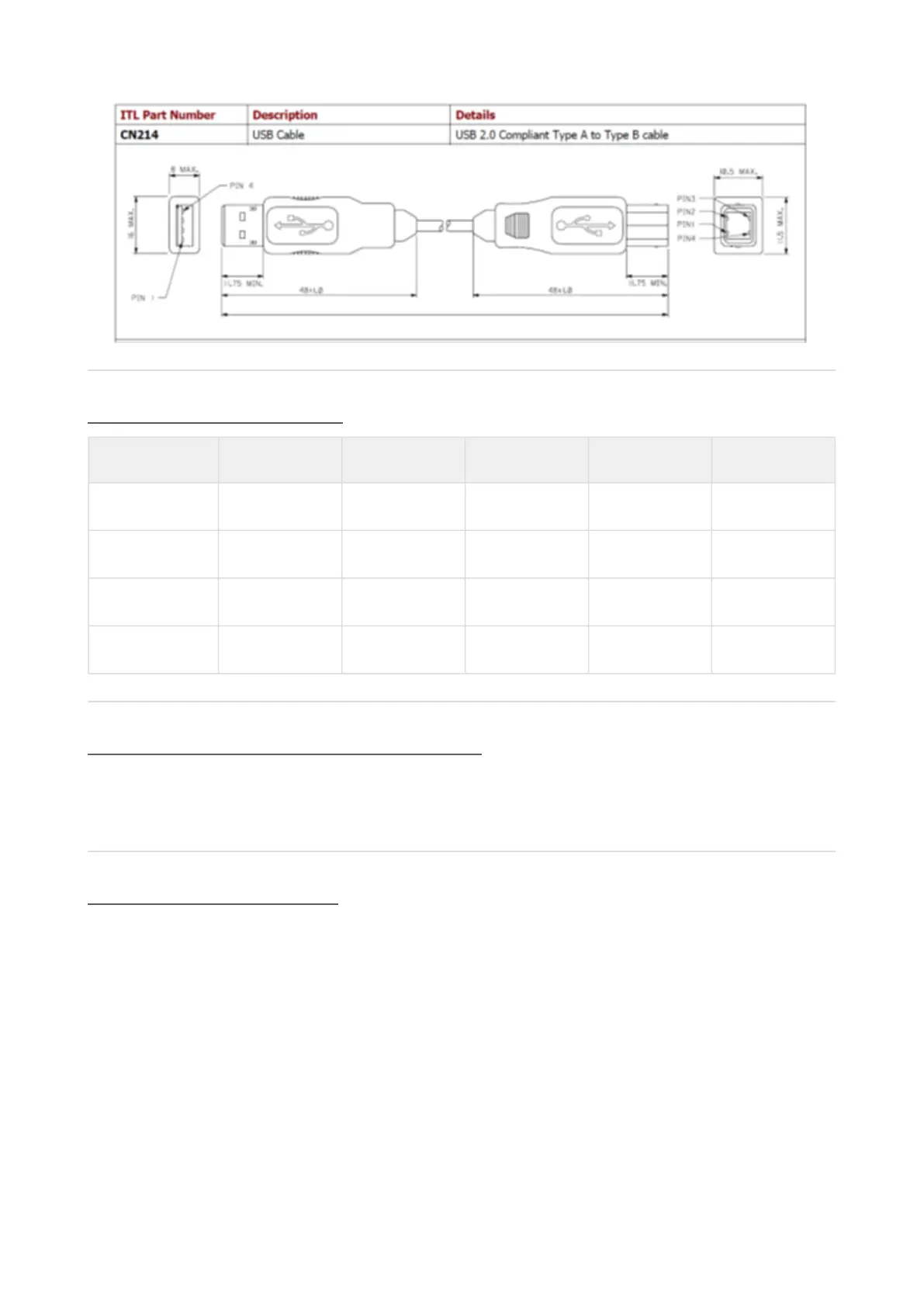
CN00214 USB A-B Cable (Host to IF17)
Connector Specifications
Type Vendor Part No. Pins Pitch Polarising
Crimp Leotronics 2653-2000 Female
Crimp Molex 90119-2121 Female
Housing Leotronics 2652-2161 2x8 2.54mm With Key
Housing Molex 90142-0016 2x8 2.54mm With Key
Switching to Programming Mode (SSP)
Press and Hold the Configuration Button for at least 2 seconds whilst the BV30 is powered up. The Bezel LED will
flash rapidly to indicate that SSP is being loaded. Once this process has finished the BV30 will reset. The BV30 will
now be in Programming Mode (SSP) and allow connection to a PC via a DA2 adapter or connection to a DA3.
Free Fall Cashbox Advice
When installing BV30, adequate space in width and length must be allowed for received notes to be free falling
behind BV30. Notes not allowed free falling will cause the validator to malfunction.















 To Next Page