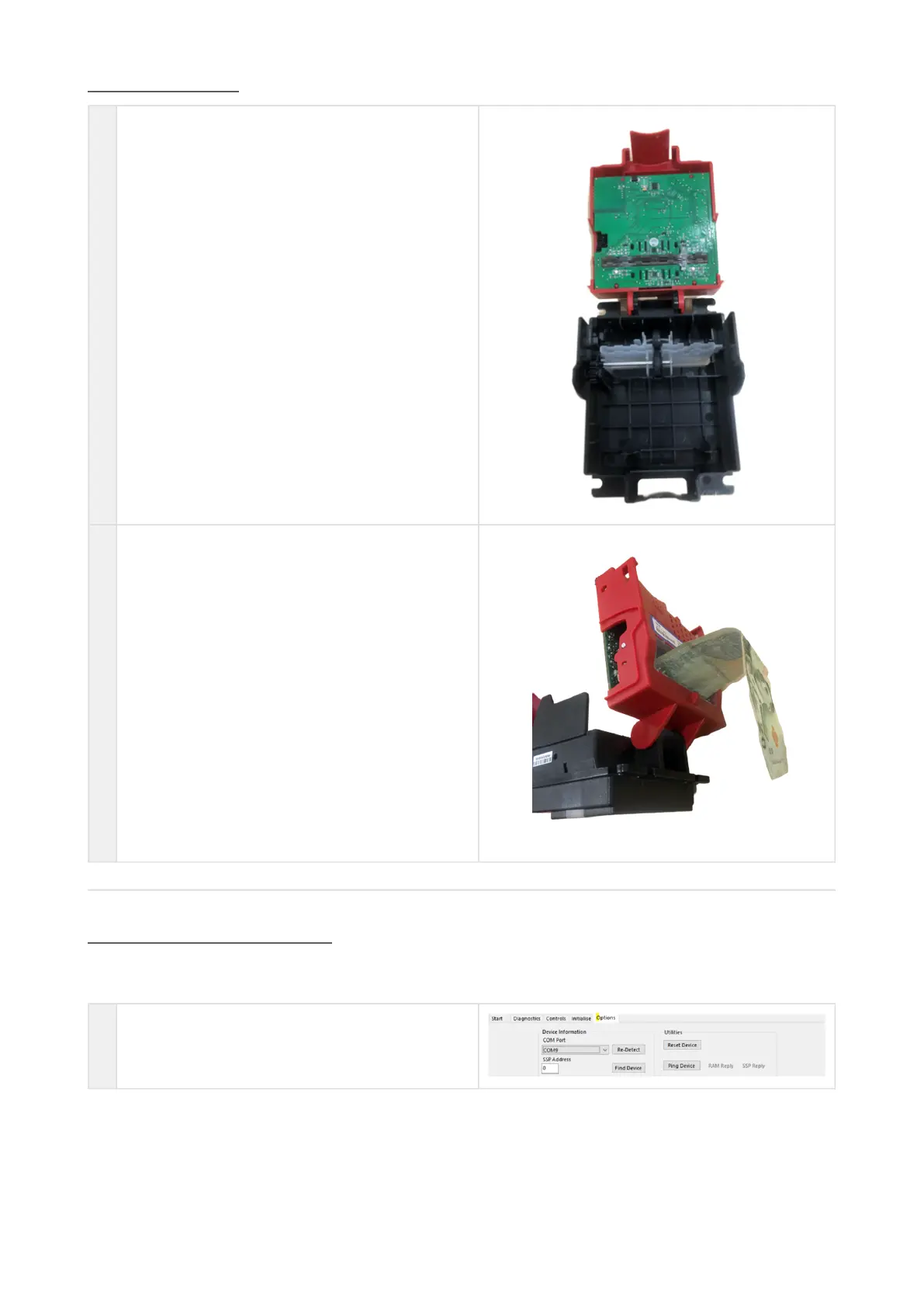
Clearing a Jam
1 Press the Lozenge Release Catch and softly pull open
bezel
2 Carefully pull the banknote from behind BV20 until it
has come from validator head.
Re-Initialize the Sensors
For this procedure, please use ITL Diagnostic Tools (v.2.0.2 and higher) and Green calibration paperLB02191 (FW
Version ≥ 4.06 Required).
1 Connect validator using IF-17/DA2 adapter only,
open Diagnostic Tools program and choose active
com-port















 To Next Page