17
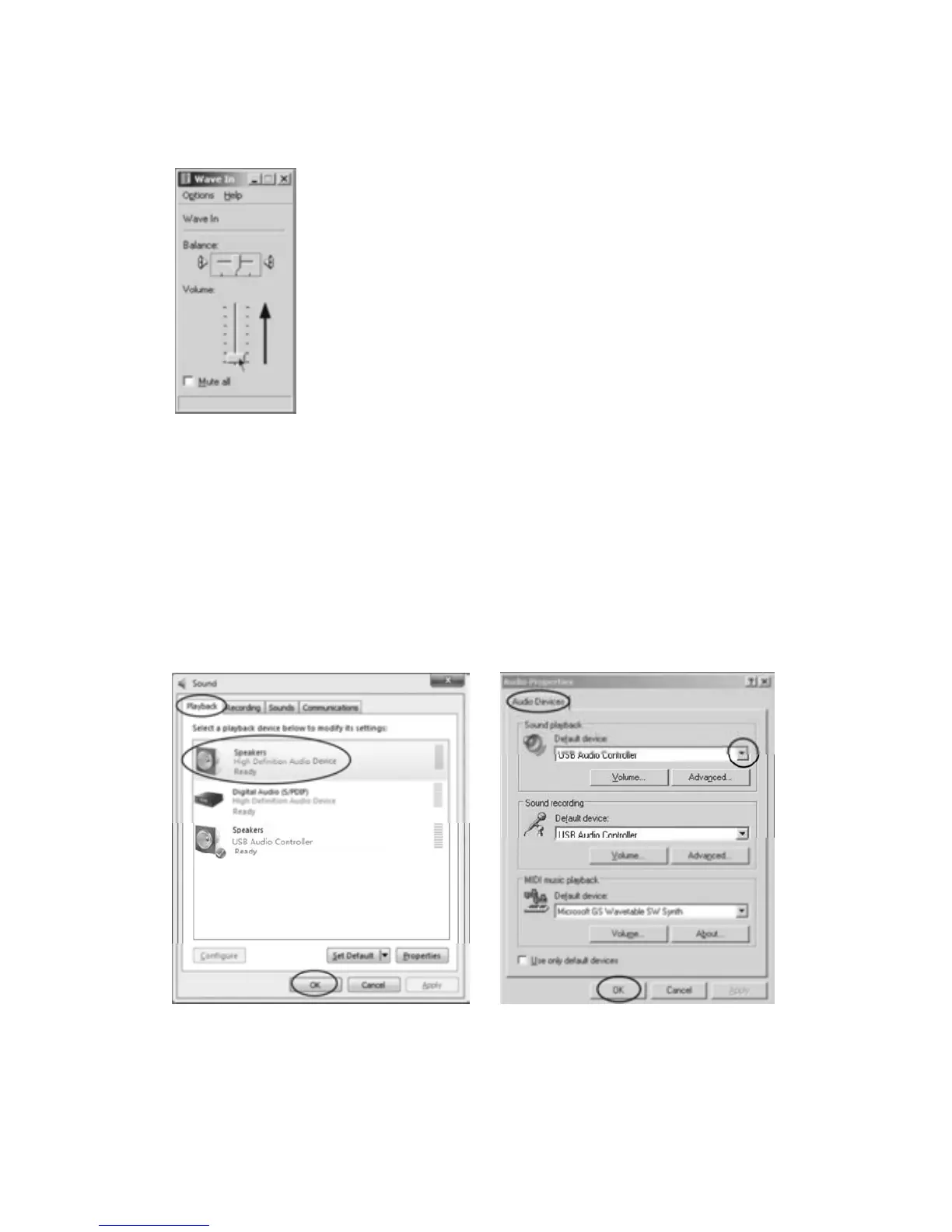
•InWAVEINinterface
Adjust the recording volume from the middle or higher. The fluctuant wave will show on the
interfacewhenrecording.
2.Whentheturntableisconnected,youmaynothearanysoundifyouneedtolistentovideoor
music. It is because the default playback de
vice has been changed to USB Audio controller
oncetheturntableconnectstothePC.
Recommended:
SimplyremovetheUSBcablefromthePC.
Alternative:Youneedtochangetheset tingmanuallyeverytimeyouconnecttheUSBcablewith
thePC.
VistaandWindows7:
Click"Start"andgototheCo
ntrolPanel.Findandclick“Sound”iconClickthe"Playback"tab
andchangetheplaybackdevice.Clickok.Thensoundcomesout.
(VistaandWindows7)(Otherversions)
Otherversions(e.g.:WindowsXP):
z Youmayclick “Start”andfind“Programs”,“Accessories”,“Entertainment”andclickinto
“Sound Recorder”. Then in the Sound Recorder, click “Edit” tab and select “Audio



 To Next Page