45
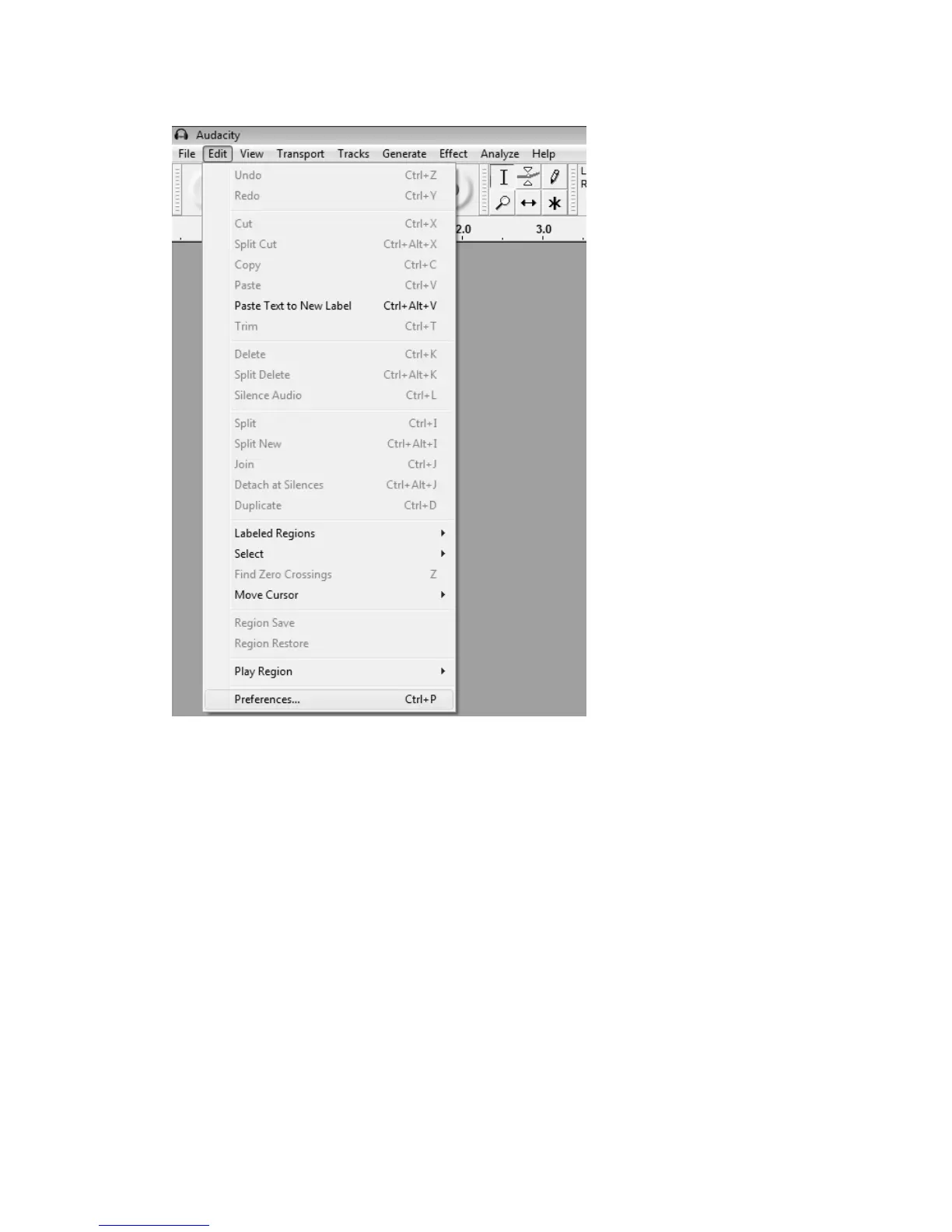
3.Afewsettingswillberequiredbeforeyoudownloadthemusic.
a)Click‘Edit’andselect‘Preferences’.
b) In the pop‐out window of the Audacity Preferences, you will see tabs of Devices, Playback,
Recording, Quality, Interface, Tracks, Import/Export, Extended Import, Projects, Libraries,
Spectrograms,Directories,Warnings, Effects,KeyboardandMousearelistedontheleftside
ofthewindow.



 To Next Page