53
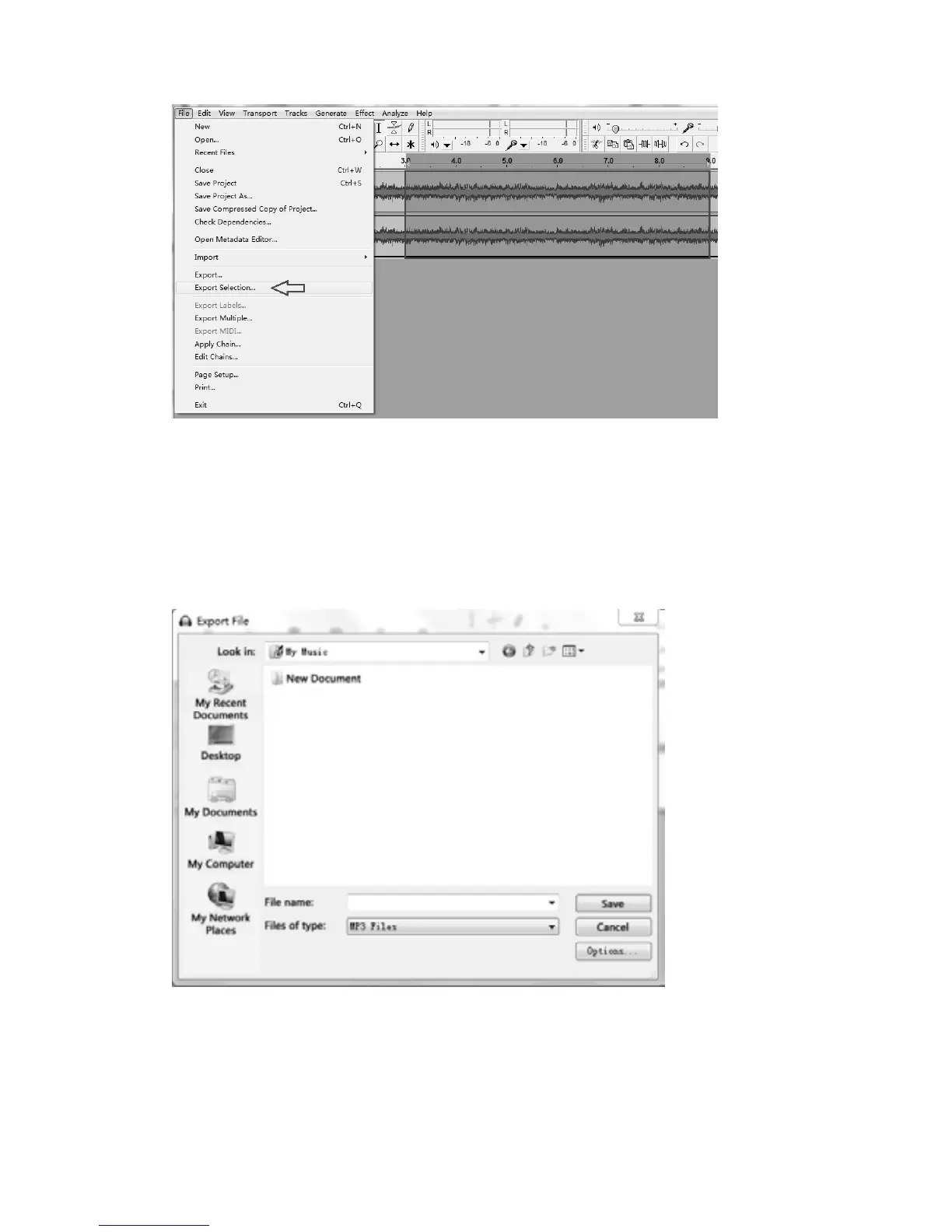
5.Click“File”andselect“exportsection…”toexportthesong.
6.Anotherwindowappears.Select alocationas wellastheformat(mostpeople preferto save
audios as MP3 format (MP3 format is most common) in My Music) and fill in the file name,
thenclick“Save”.
You can also choose alternativeformat such as AIFF, WAV , OGG
or FL
AC if theseformats are
supported on both your computer and the exported devices. Note that according to your
selection,theEditMetadatawindowmaynotappear.



 To Next Page