103
Ancillary parts
Product Support: www.instron.com
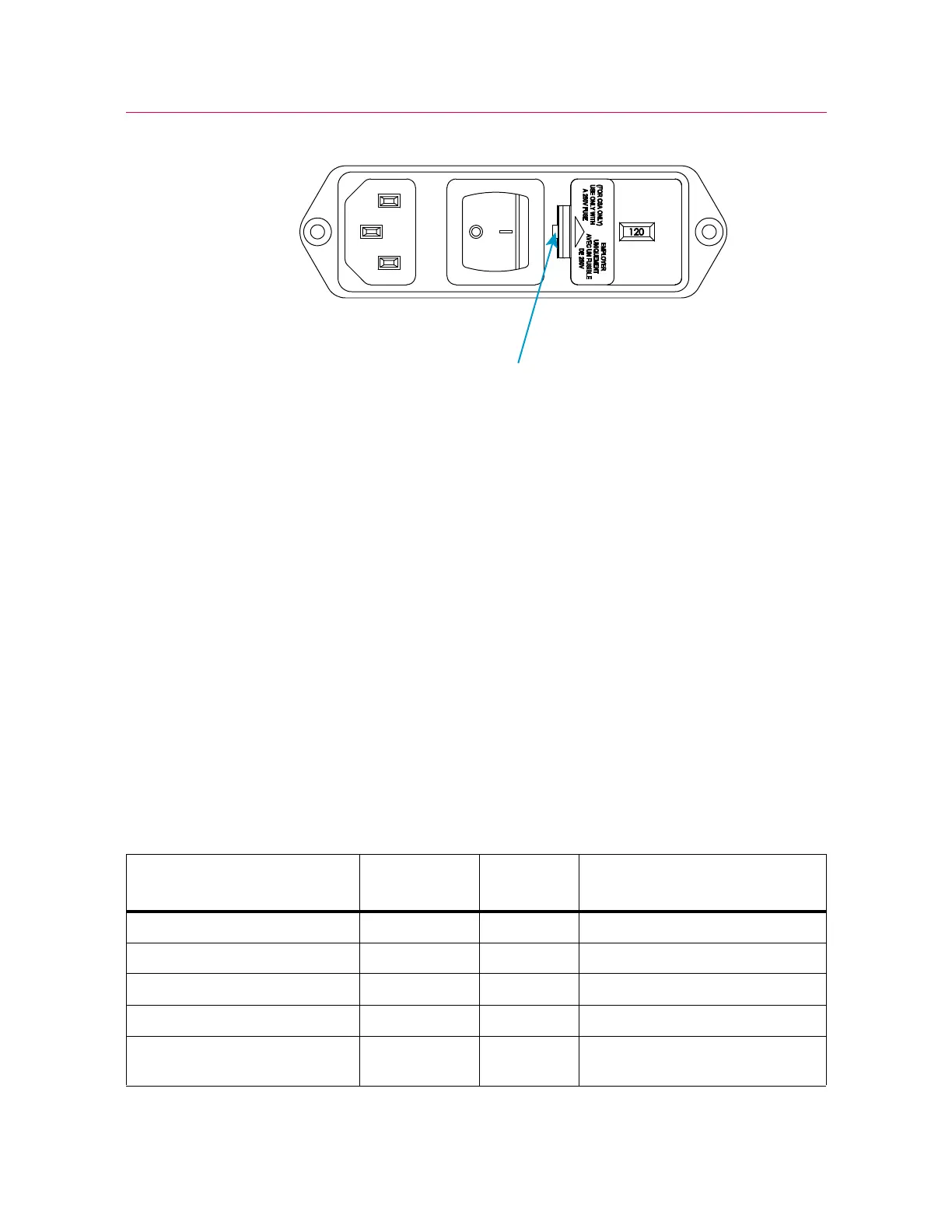
3. Remove the fuse holder from the power input connector and remove the fuses.
4. Install new fuses in the holder. Spare fuses are supplied with the system (refer to
“Ancillary parts” on page 103).
5. Re-install the fuse holder into the connector.
6. Reconnect the power cable to mains power and turn on the system. Verify that the
white LED above the
DISABLED indicator on the indicator panel illuminates.
Ancillary parts
This section lists the ancillary parts that are included with the system upon delivery.
These components are either required to complete the installation, or facilitate setting
up load cells and accessories on the load frame. Keep these components in a safe
place.
Parts list
Table 10. Ancillary parts
Description
Part
Number Quantity Purpose
Cable tie hook and loop 11-10-1027 5 Cable management
Cable tie 11-10-2 6 Cable management
Cable clip locking, adhesive base 11-2-17 6 Cable management
P-clip, vinyl coated 11-2-206 2 Cable management
Cable clamp mount, self-
adhesive
11-6-21 6 Cable management



 To Next Page