32
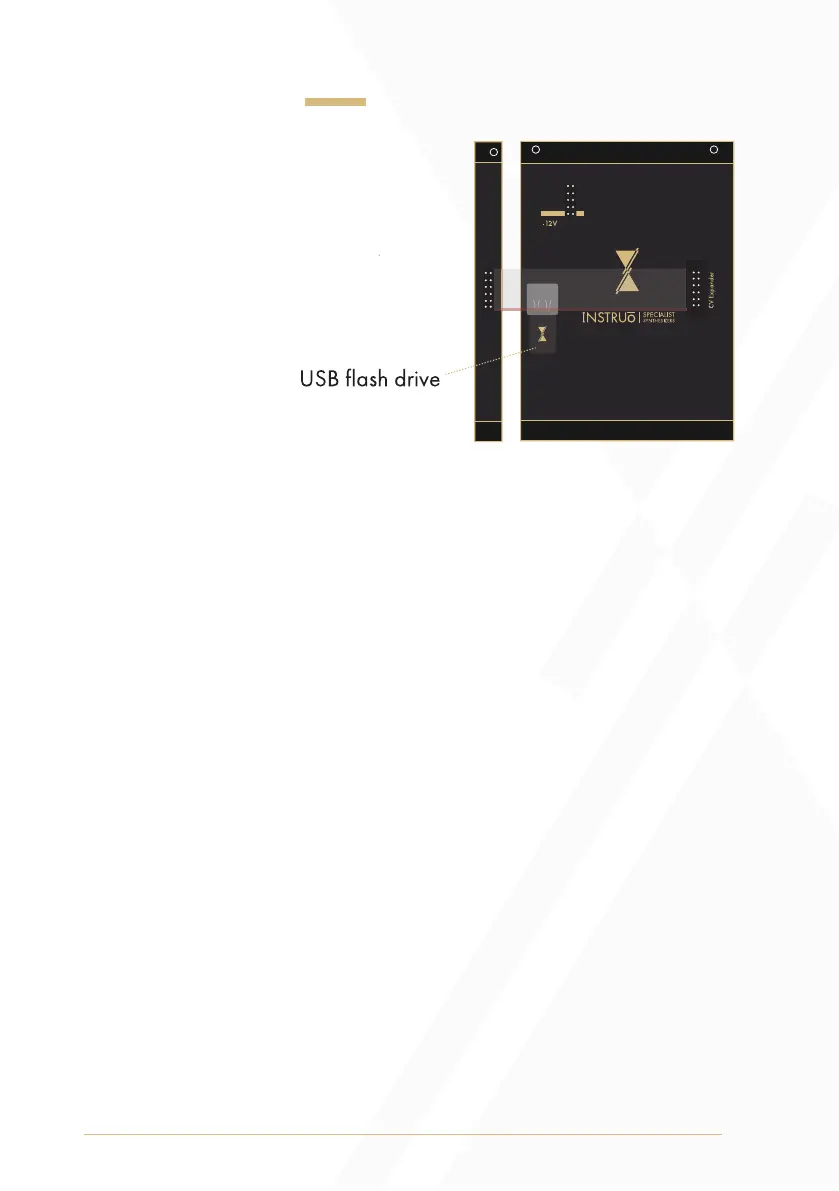
USB Flash Drive
arbhar includes a 4GB
USB flash drive.
Three folders are
automatically created
when the USB flash drive is
connected to arbhar:
• _userfiles
• _usersaved
• _toConvert
Upon power up, arbhar checks the _toConvert folder. The first 13
seconds of each of the first six audio files are converted into an arbhar
friendly format.
These converted files are automatically copied to the _userfiles folder.
• The copied files in the _userfiles folder will be named automatically.
This conversion ensures that the files will play at the correct pitch. It also
ensures that the file is cropped to a size that arbhar is able to import.
All files placed into the _toConvert folder will remain there unchanged.
• Make sure that only files with conventional uncompressed audio
formats are used (.wav, .aiff files).
• All sample rates and bit depths are considered.


 To Next Page