46
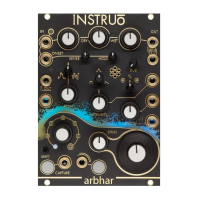
• Capture will be activated until the maximum layer duration has been
met. If the Capture Button is pressed while capture is activated, or if
the gate signal present at the Capture Gate Input is low, recording
will be stopped.
• Once capture has deactivated, turn the Input Level full anticlockwise.
• Experiment with all granular and pitch knobs to find desired effects
and sweet spots.
Control Path:
• Patch a sawtooth waveform LFO into a scale and offset module. Set
scale and offset parameters to desired positions.
• Set LFO rate to a desired frequency.
• Patch the scaled and offset sawtooth waveform LFO into the Scan
CV Input.


 To Next Page