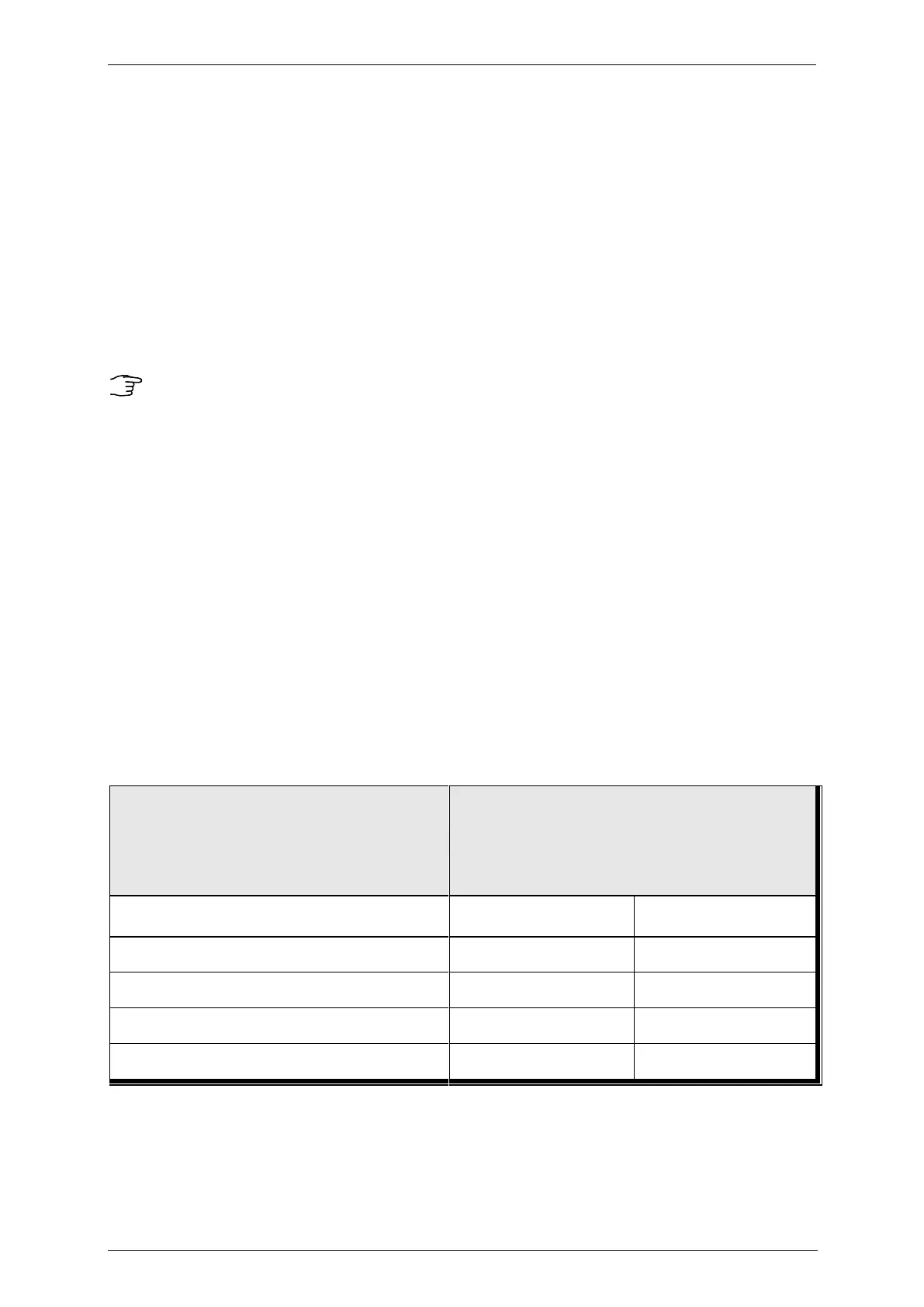
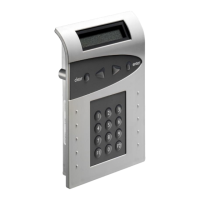
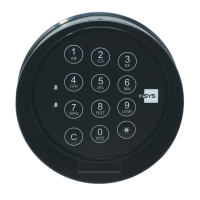
CombiLock 200 simplex / pro / RFID
Handbuch V.1.05 58 Manual V. 1.05
4.12 Enabling the Lock
(with electronic lock closed only):
Q Master CODE (sample code)
Q pLock enabled
4.13 Setting the Time and Date
Enter the date and time by entering numbers only.
Entries for weekdays: 1 = Monday / 2 = Tuesday / 3 = Wednesday
/ 4 = Thursday/ 5 = Friday / 6 = Saturday / 7 = Sunday
Q Master CODE (sample code)
Date, 28.12.14, for example
Time of day 15:00
Q pDay of week, 4 = Thursday, e.g.
4.14 Additional Functions CombiLock 200 pro
The following additional functions can be implemented with the help of unit CombiXT
and the configuring set:
Required accessories
Unit CombiXT Parameterisation Set
CombiComm
Event recorder / Audit trail (256 events, date,
time)
Silent alarm / Duress alarm
required
- not required


 To Next Page