65
Listening to the Radio—Continued
Displaying SIRIUS Satellite Radio
Information
The following information can be displayed:
Note:
If the category, artist/composer, or song title is not avail-
able, “- - -” will be displayed instead.
Positioning the SiriusConnect Home
antenna
You can check the strength of the SIRIUS Satellite Radio
signal and adjust the position of the SiriusConnect Home
antenna accordingly.
8
Confirm the new PIN number by
entering it again.
If you confirm the PIN number cor-
rectly, the new PIN is saved and the
message “Complete” appears.
If you confirm the PIN number incor-
rectly, “Wrong Code!” appears, and
you’ll be returned to step 5 to try again.
9
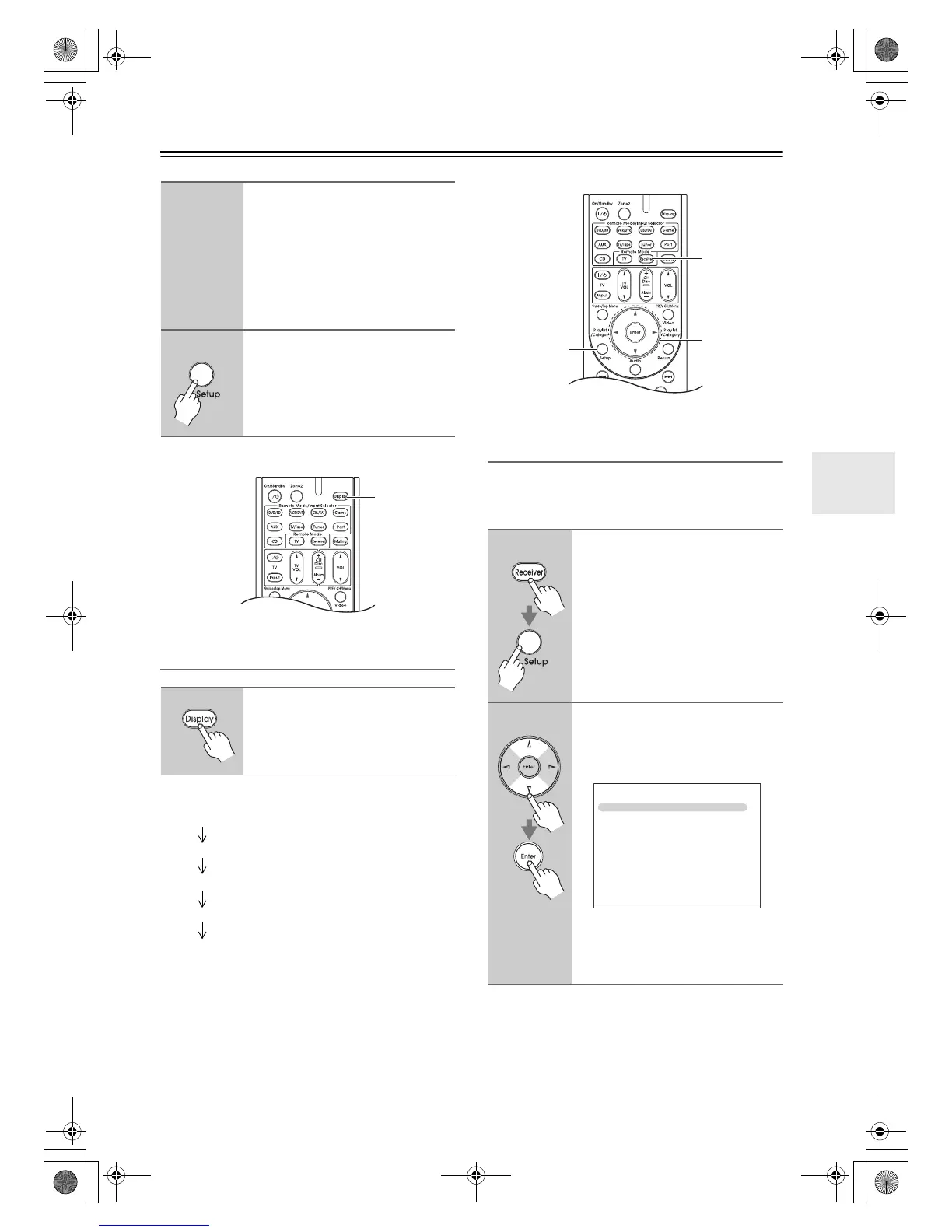
Press the [Setup] button.
Setup closes.
Press the [Display] button
repeatedly to cycle through the
available information.
Display
Channel name
Category
Artist/composer
Song title
Listening mode
1
Press the [Receiver] button, fol-
lowed by the [Tuner] button, and
[Setup] button.
The main menu appears onscreen.
2
Use the Up and Down [q]/[w] but-
tons to select “7. Hardware
Setup”, and then press [Enter].
The Hardware Setup menu appears.
Note:
If the SAT Radio Mode is set to “None”
(see page 58), the “Antenna Aiming”
item is not available.
Setup
Receiver
qwer
7. Hardware Setup
1. Remote ID
2. Zone 2
3. Tuner
4. HDMI
5. Network
DTR-30.1_En_A.book 65 ページ 2009年4月9日 木曜日 午後1時30分


 To Next Page