VF405 Video Frenzel Instructions for Use - English
Date: 2012-08-24 Page 18/33
3.4.3 General Setup
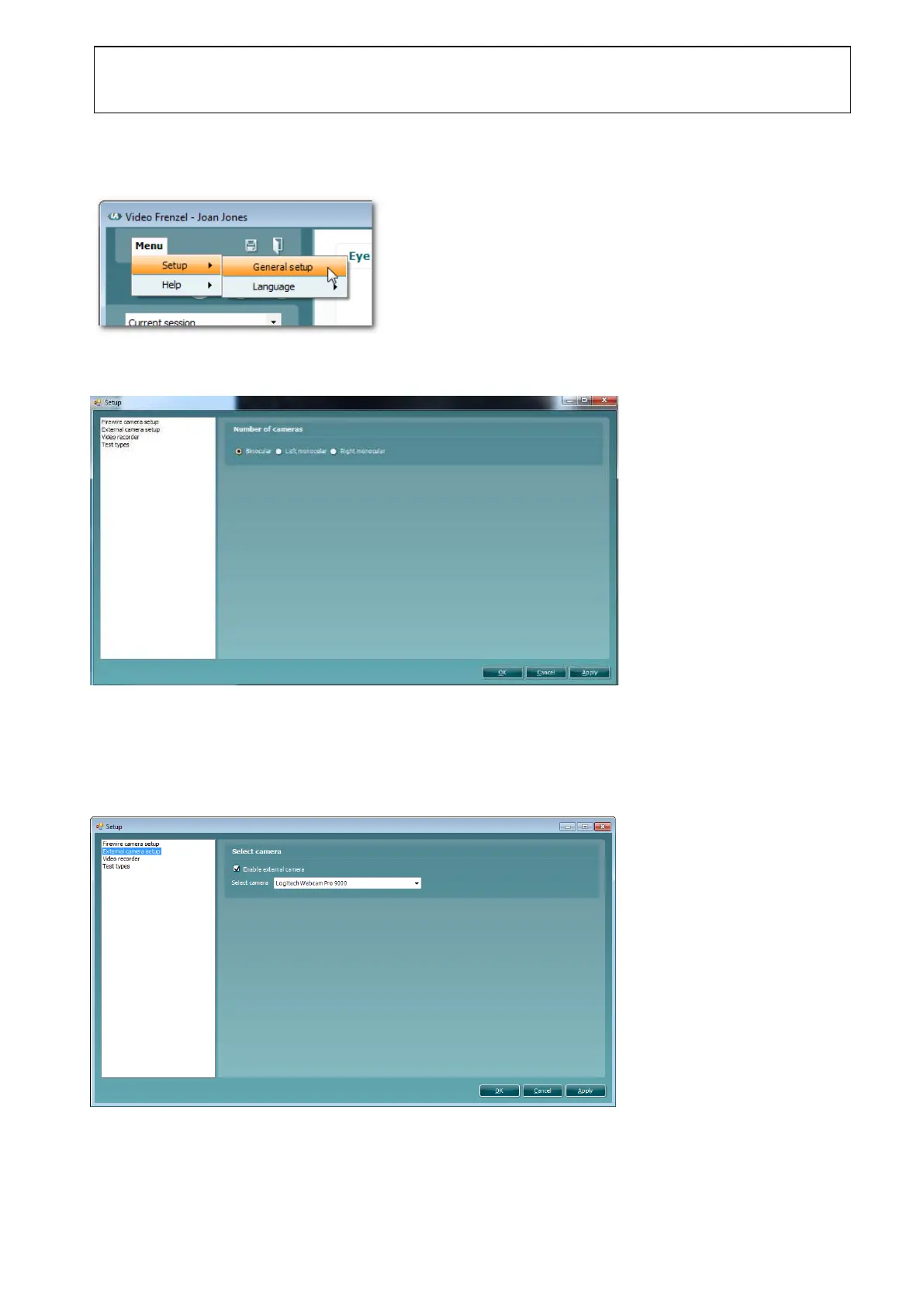
Go to Menu►Setup►General Setup as shown below to enter the general setup page.
3.4.4 Eye Camera(s)
The setup page for the eye camera(s) is shown below.
The setup shows the number of active eye cameras.
3.4.5 External Camera
The setup page for the external camera is shown below.
To enable the external camera, check the Enable external camera check box and select the Logitech
Webcam Pro 9000 in the drop-down list.















 To Next Page