VF405 Video Frenzel Instructions for Use - English
Date: 2012-08-24 Page 19/33
The external camera must first be installed as described in the section page 11.
3.4.6 Video Recorder
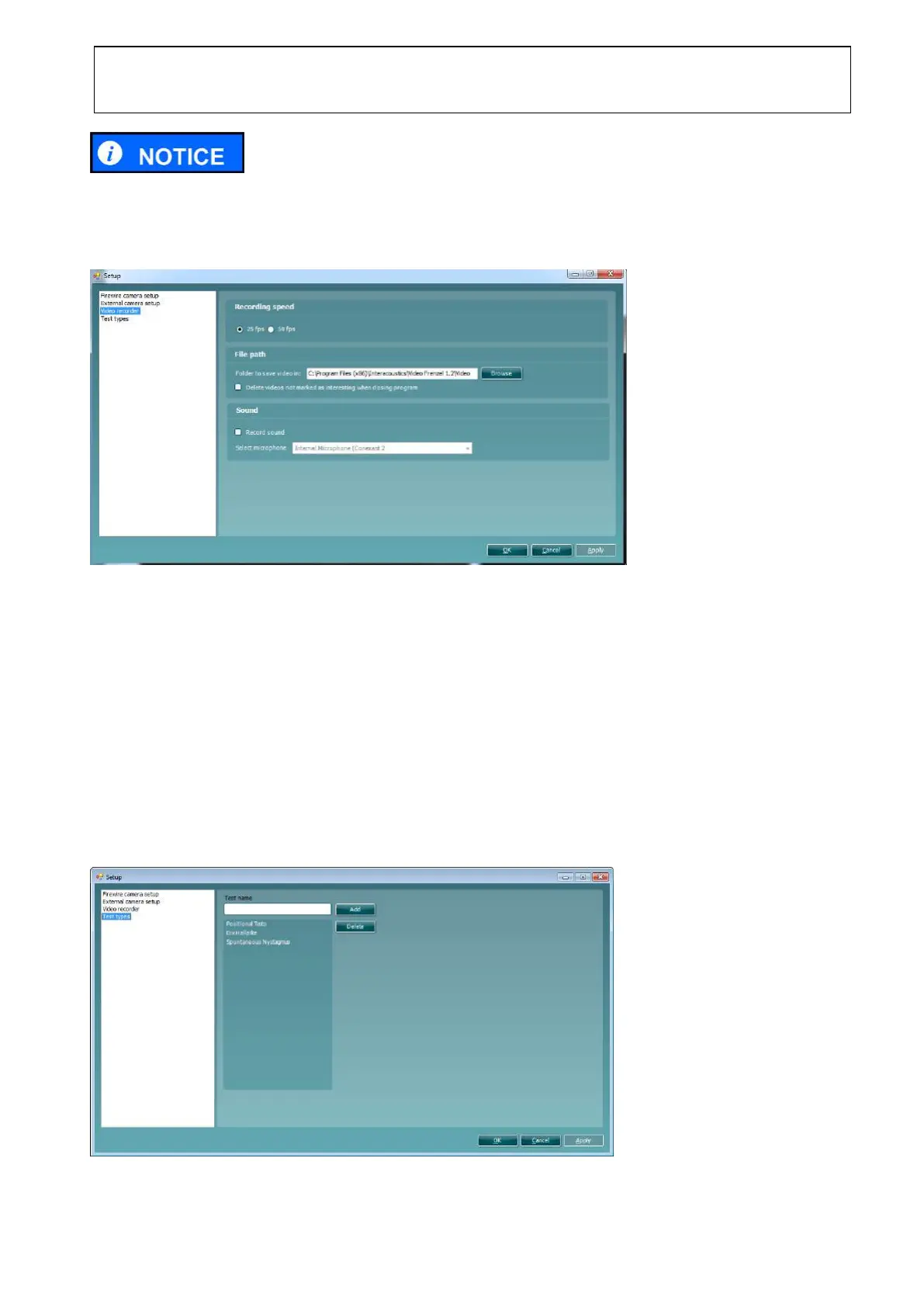
The setup page for the video recorder is shown below.
Recording Speed
The recording speed can be set to either 25 frames per second or 50 frames per second.
File Path
The file path specifies the location to store recorded videos.
If the Delete videos not marked as interesting when closing program is checked, only the videos
marked as interesting are saved. See section 0 for more information on marking videos as interesting.
Sound
Check the Enable sound check box to record sound with the video. Select the appropriate microphone
from the drop-down list.
3.4.7 Test Types
The setup page for the test types is shown below.















 To Next Page