VF405 Video Frenzel Instructions for Use - English
Date: 2012-08-24 Page 26/33
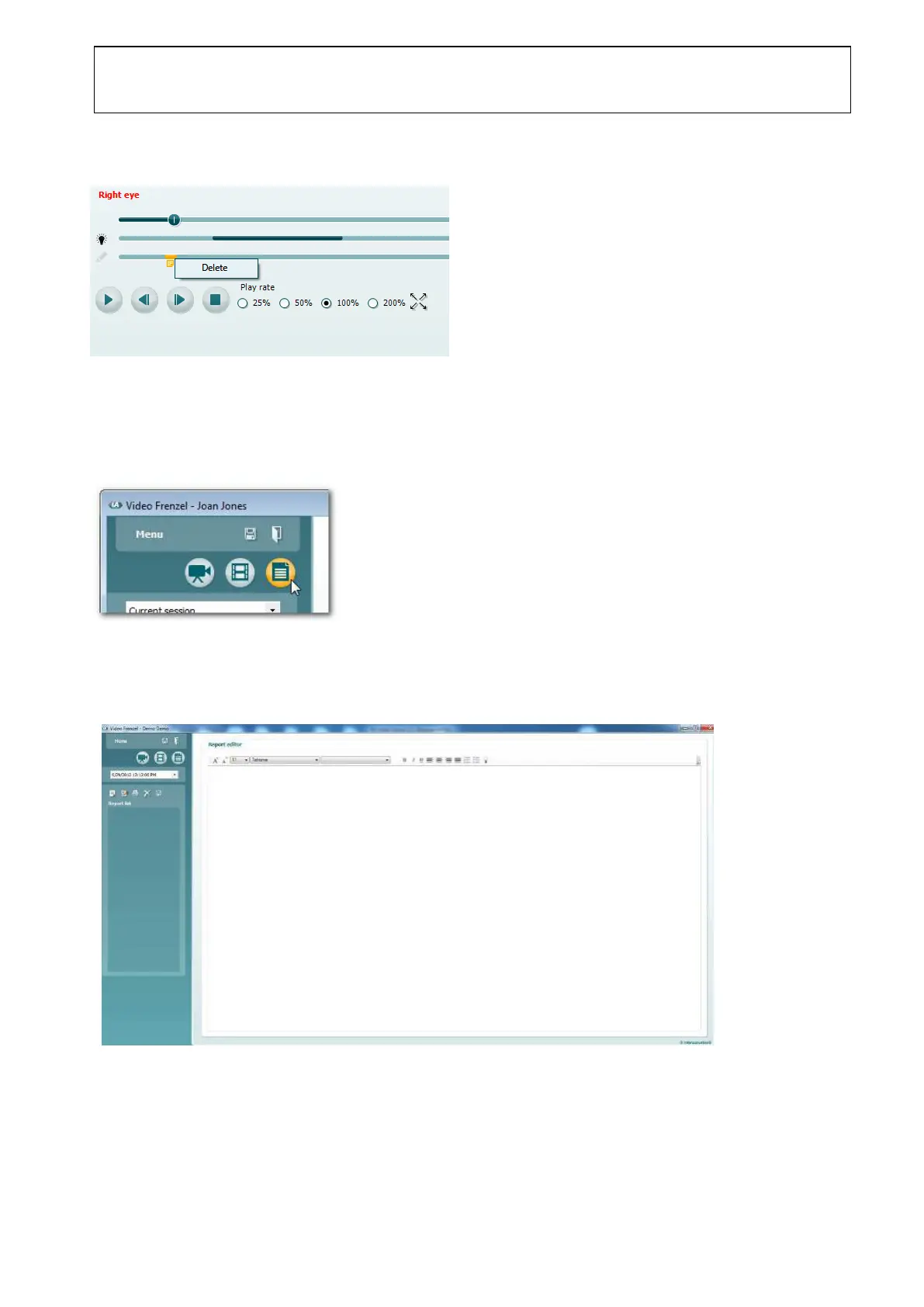
Deleting a Note
1. Stop/pause video playback if it is currently playing.
2. Right-click on the appropriate highlight and select Delete.
3.9.1 Report Editor
To enter the report editor, click the Report Editor button as shown below.
3.10 General Layout
When entering the Report Editor, the following window is presented.
The report list has the following controls placed above the Report List.















 To Next Page