VF405 Video Frenzel Instructions for Use - English
Date: 2012-08-24 Page 25/33
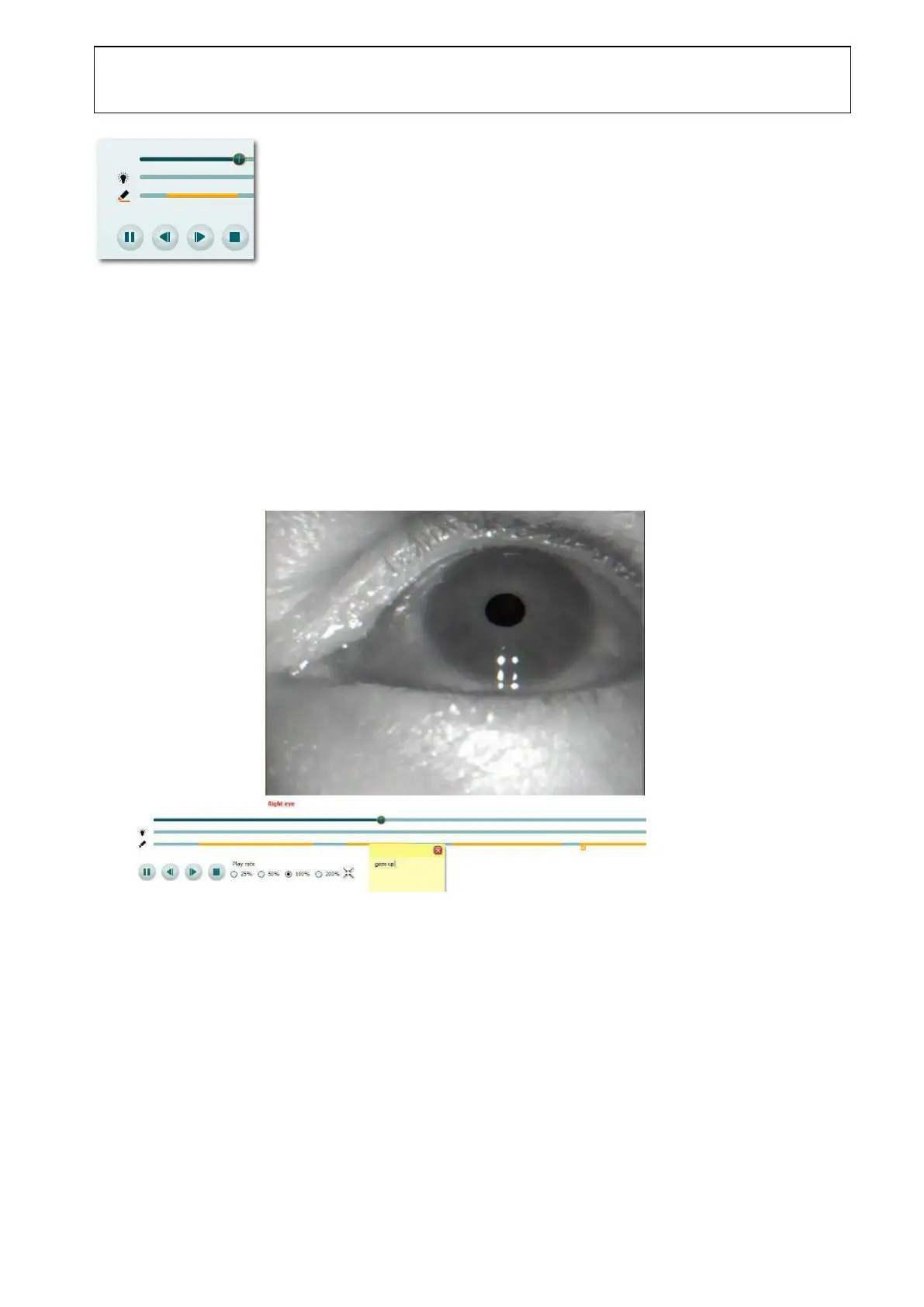
3. Notice that the highlight follows the video playback. Click the Highlighter to deactivate highlighting.
Adding a Note to a Highlight
1. Stop/pause video playback if it is currently playing
2. Click on the relevant highlight to open the notes field and to start playback of that particular video
sequence.
3. Type your notes in the box. The video sequence will be repeated until you have finished typing your
observations
4. Click anywhere outside the note to close it.
5. Notice that a small note symbol is displayed below the highlight to indicate that a note has been
attached.















 To Next Page