CW250, Users
Rev M, April 2018
Page 8 of 31
The "TOTA"L icon displays the scale measurement mode as referenced in the table
below.
CW250 Measurement Modes
Control Functions
ON / OFF
Press the On/Off key to apply power to the weighing system electronics. When
power is first applied, the weighing system rapidly performs self-tests of the pad and the
internal electronics. When the tests have been successfully completed, the scale
begins weighing. If a problem is detected during self-test, the screen will display an
error message. To turn the scale off, press the On/Off key. The CW250 retains the
setup information and calibration in a special memory device (non-volatile memory) that
is not affected by power loss or battery condition.
PRINT / ACCUMULATE
Press the Print/Accumulate button to print and/or accumulate weights. The function is
dependent on the current print mode setting. When using the accumulated total
function, press the PRINT /ACCUMULATE button to add the total to the accumulated
total. (New accumulated total = total weight (all scales in system) + old accumulated total)
LOCAL/TOTAL
Press the LOCAL/TOTAL button to toggle the scale between local weight and total
weight. The local weight is the weight on that scale only. The total weight shown is the
weight on all of the scales in the system. The display will be in local mode unless the
"TOTAL" icon is displayed.
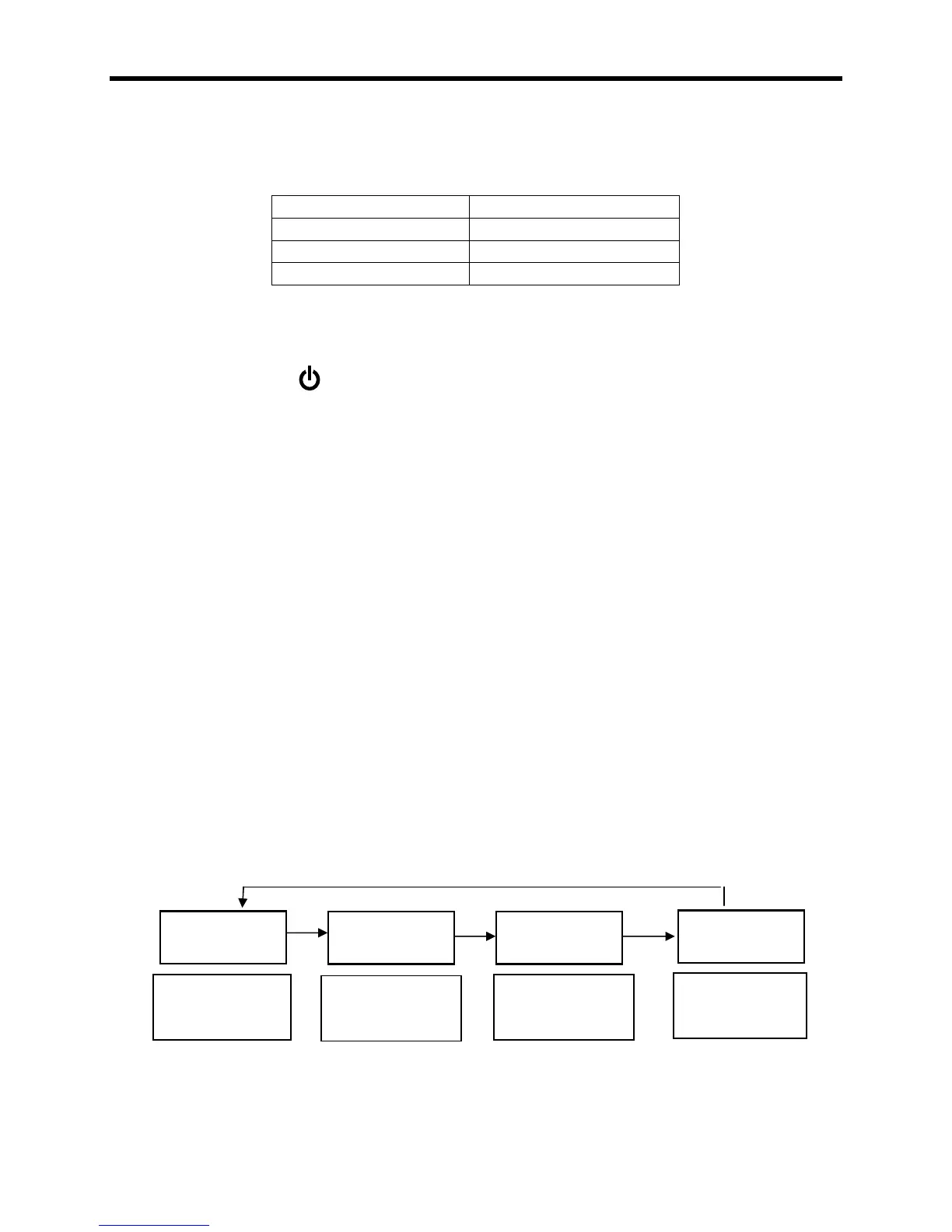
If the serial output is set to mode 2 or 3 and a successful accumulation has occurred,
press the LOCAL/TOTAL button to toggle the display through the current local weight,
current total weight, accumulated total, and the number of accumulations that make up
the total.
If the system is not setup correctly, an "error" icon and the message ""
will be displayed when attempting to view the total weight.
Current local
weight on this
scale
Current total
weight of all
scales
Total number of
accumulations
this session
Total weight of
accumulations
this session



 To Next Page