72
EN
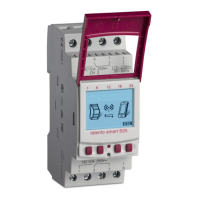
Setting the date and time
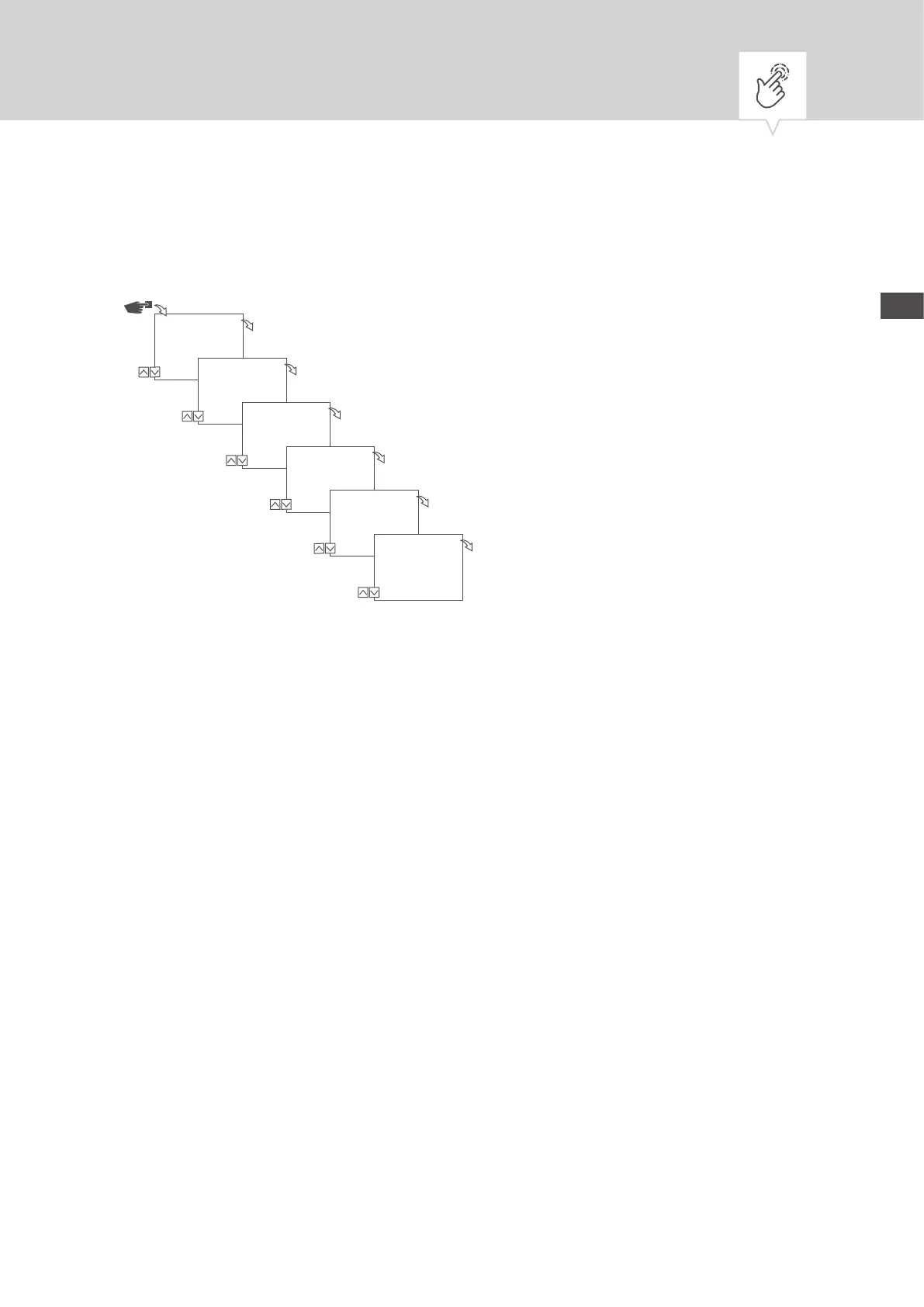
Fig. 8: Setting the date and time
1. Press the Menu button.
2. Select
Date/Time and conrm with OK.
3. Select the desired time display (Ä „Possible time displays“ on page73) and conrm with
OK.
4. Enter the date and conrm with
OK.
5. Enter the time and conrm with
OK.
6. Enter the time zone and conrm with
OK.
7. Enter the rst day of the week and conrm with
OK.
Date/Time
Menu
OK
12/24 hours
*24 hours
OK
Date
2015.09.28
…day
OK
Time
12:10
…minute
OK
Time Zone
+1.00h
OK
First
day of week
*Monday
OK


 To Next Page
 Loading...