82
EN
Selecting the mode
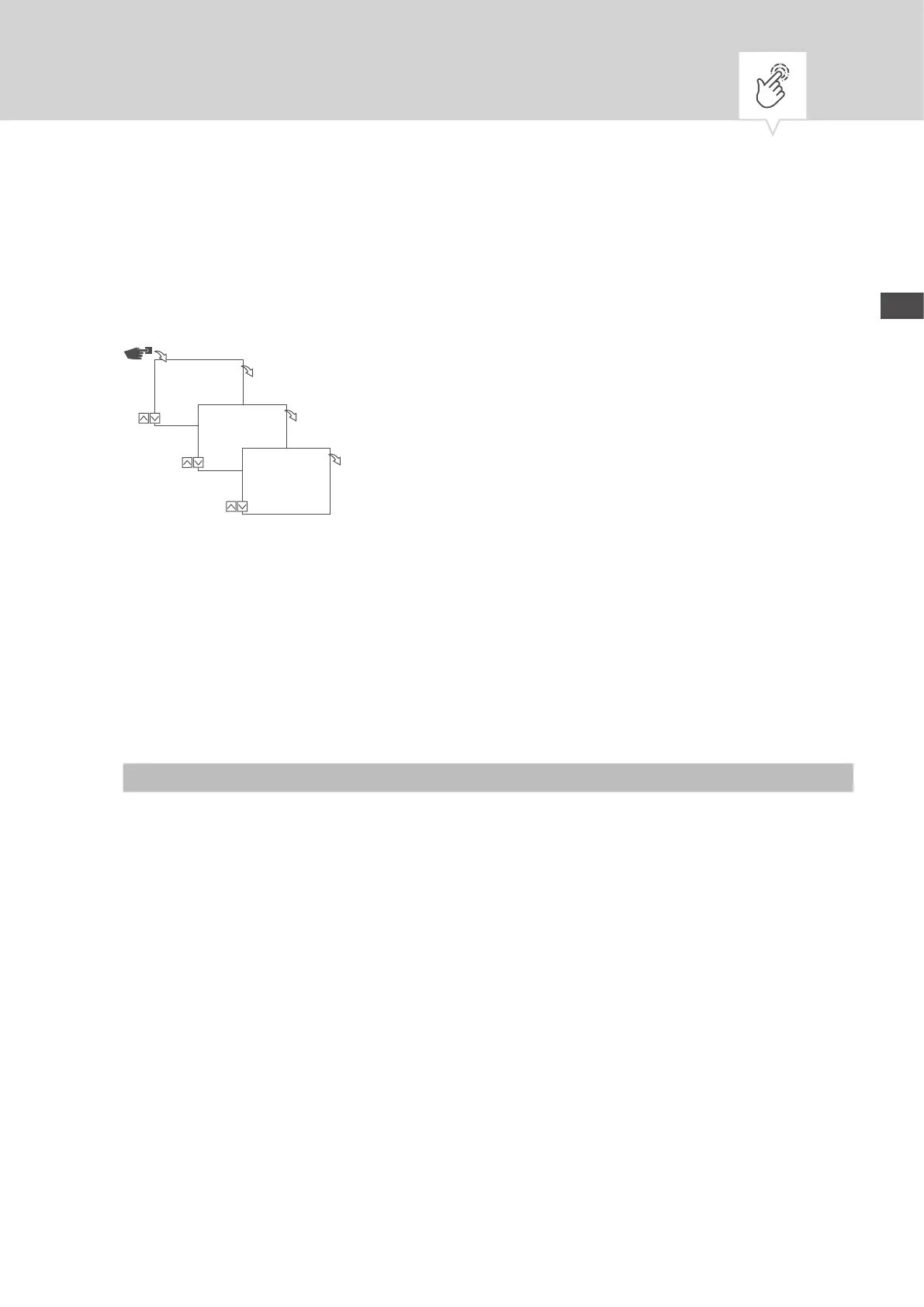
In the Mode menu, you specify whether the standard functions or the advanced functions are available.
Fig. 17: Selecting the mode
1. Press the
Menu button.
2. Select
Cong and conrm with OK.
3. Select
Mode and conrm with OK.
4. Select the desired setting (Ä „Possible settings“ on page82) and conrm with
OK.
Possible settings
Standard Advanced
• ON/OFF command • ON/OFF command
• Programme prioritisation (Ä Chapter „Prioritising
programmes“ on page95)
• Sunrise and sunset-specific programming
• Pulse programming (Ä Chapter „Programming pulse
switching“ on page100)
• Cycle programming (Ä Chapter „Programming cycle
switching“ on page102)
• Random programming (Ä Chapter „Programming
random switching“ on page105)
Cong
Menu
OK
Mode
OK
Mode
*Standard
OK


 To Next Page
 Loading...