89
EN
Disconnecting channel extensions from the DIN-rail timer
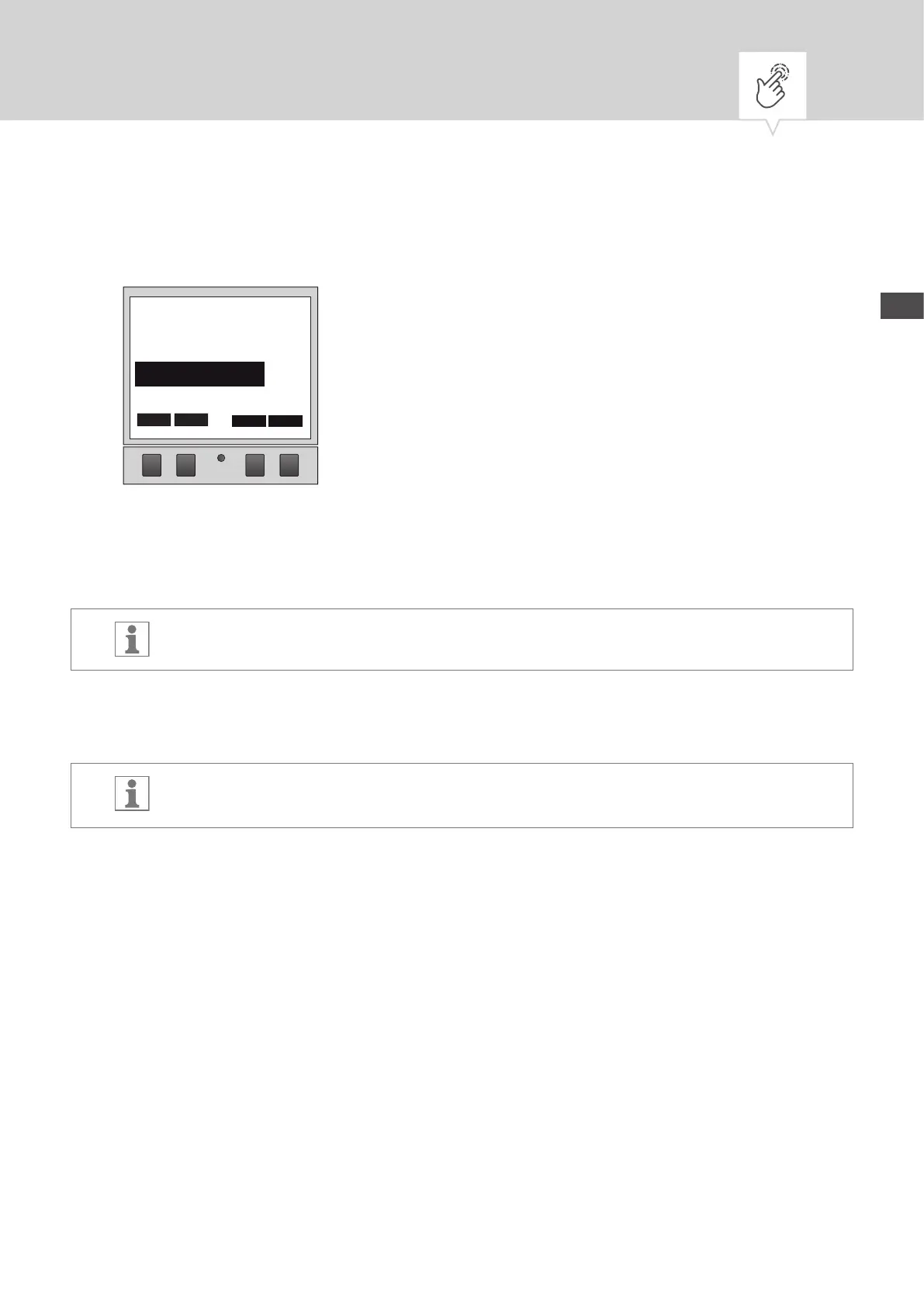
Fig. 25: Selecting the channel extension
1. On the DIN-rail timer, use the keys on the left (⋀/⋁) to select from the list the channel extension to be
disconnected, and conrm with
-.
The connected channel extensions are indicated by #.
2. Select another channel extension to be disconnected with the keys on the left (⋀/⋁) and conrm
with
-.
After a connection is established, the channel name switches from “3” and “4”, “5” and “6”
or “7” and “8” to “A” and “B”.
1 6 12 18 24
ESC
–
BLE Geräte
02/05
∧ ∨
CE 2 002D
BLE devices


 To Next Page
 Loading...