77
EN
Setting the backlight
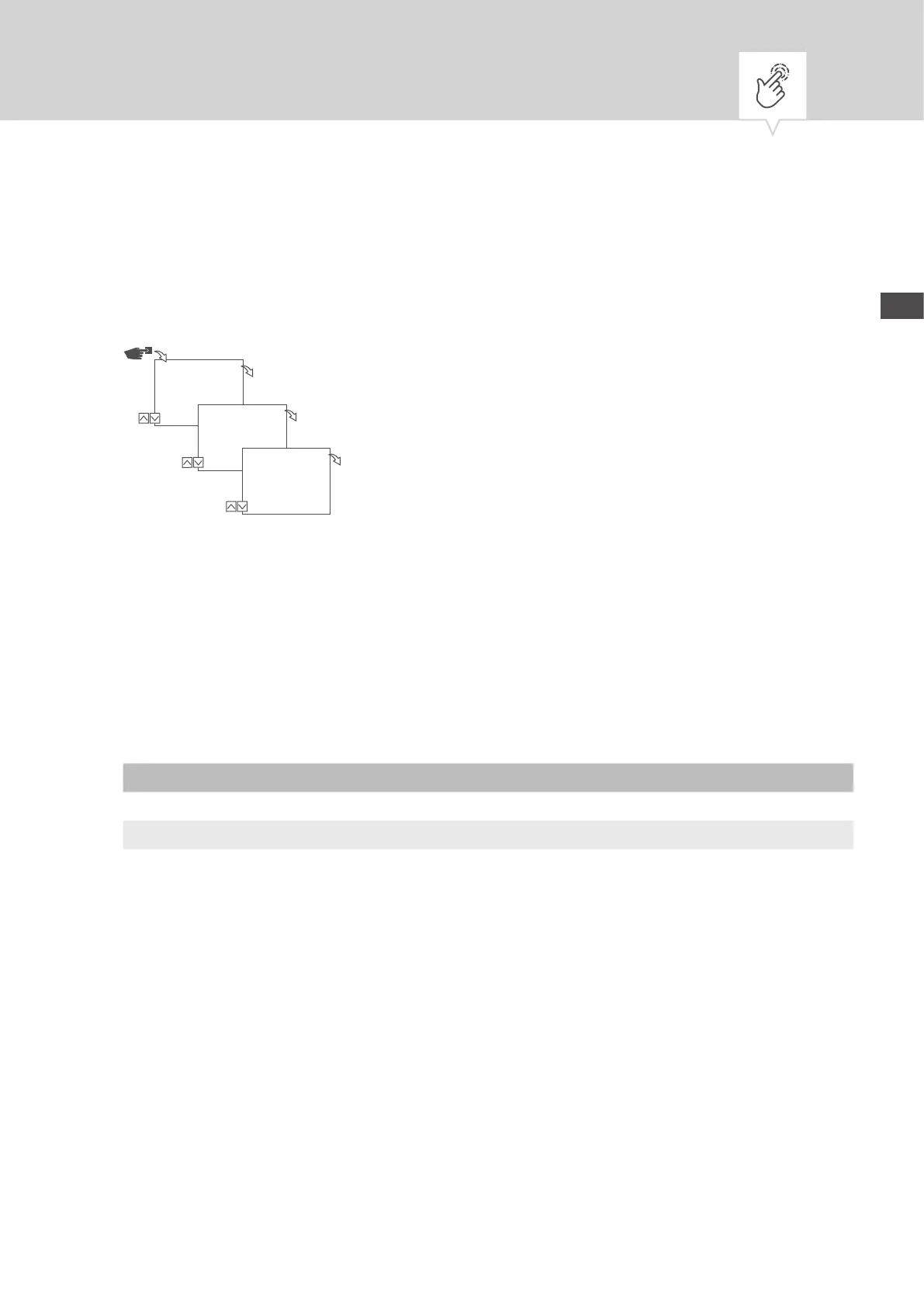
In the Light menu, you can set how long the backlight stays on after the last key press.
Fig. 12: Setting the backlight
1. Press the Menu button.
2. Select
Cong and conrm with OK.
3. Select
Light and conrm with OK.
4. Select the desired setting (Ä „Possible settings“ on page77) and conrm with
OK.
Possible settings
Setting Effect
Fix ON The backlight of the display remains on continuously.
2 min The backlight of the display remains on for two minutes after the last key press.
Cong
Menu
OK
Light
OK
Light
*2 min
OK


 To Next Page
 Loading...