90
EN
Operating and programming the DIN-rail timer via mobile devices
Connection to mobile devices
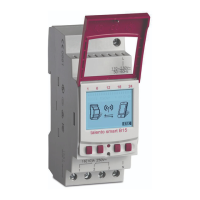
The functions “FIX ON/OFF” and “Override mode (OVR)” for the DIN-rail timer can be controlled directly via
a Bluetooth connection.
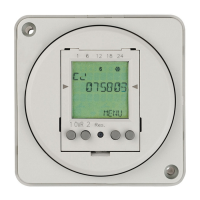
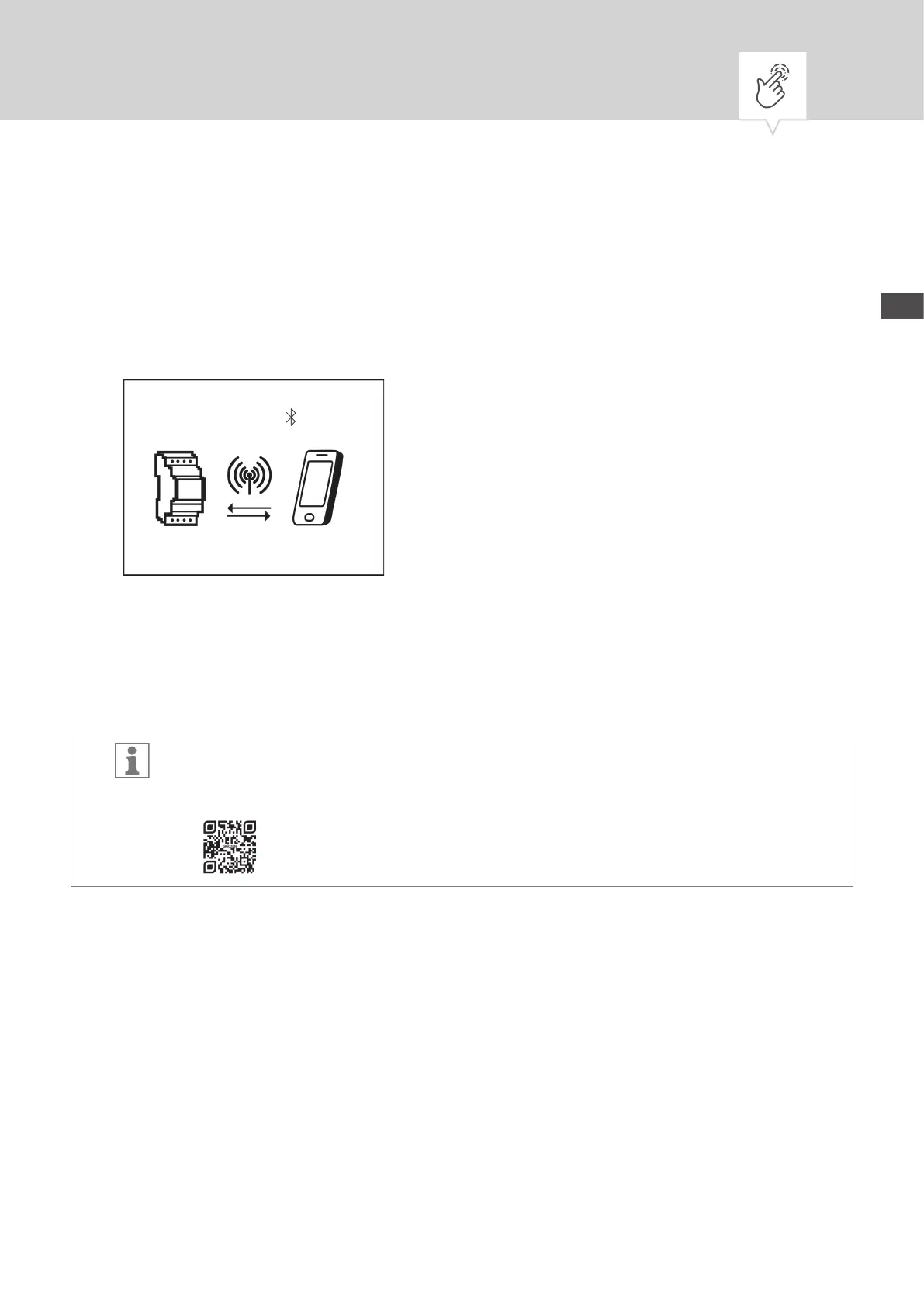
Fig. 26: Display during data transmission
The settings and programming can be dened via the mobile device and executed on the desired channel
of the DIN-rail timer. The settings and programmes created on the mobile app have to be transferred to the
DIN-rail timer (Fig.26).
To program the DIN-rail timer using a mobile device, you require the corresponding mobile
app. The mobile app is available for Android or for iOS devices; alternatively, scan the QR code
shown here and install the app.


 To Next Page
 Loading...