78
EN
Reading the hour counter
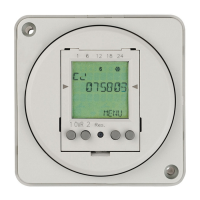
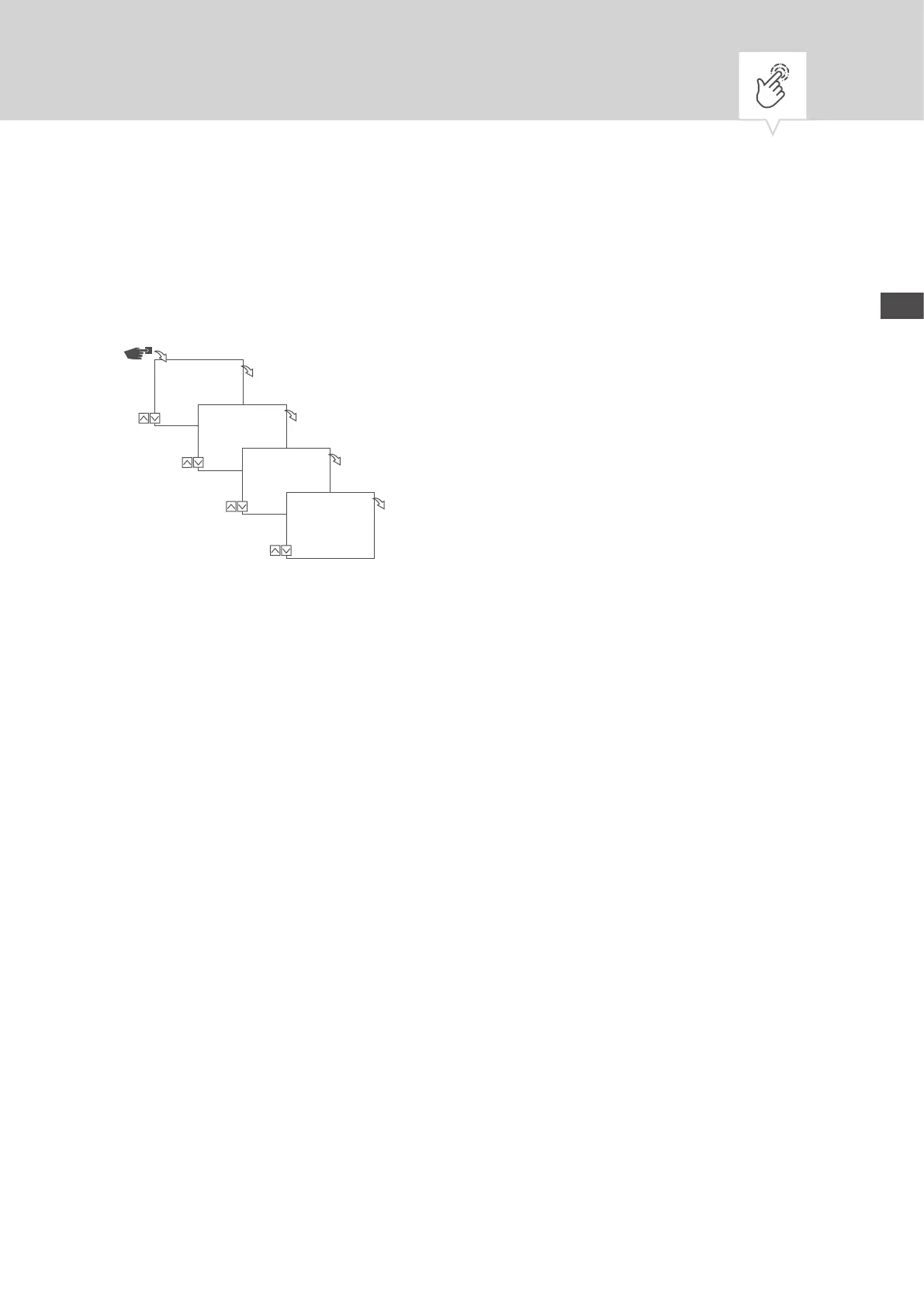
The device’s operating hours are displayed in the Read hour counter menu.
Fig. 13: Reading the hour counter
1. Press the Menu button.
2. Select
Cong and conrm with OK.
3. Select
Hour counter and conrm with OK.
4. Select
Read and conrm with OK.
5. Select the desired channel and conrm with
OK.
6. Press
ESC to return to the channel selection to read the hour counter for another channel.
Cong
Menu
OK
Hour counter
OK
Hour counter
Read out
OK
Channel
1
01000.0 h
OK


 To Next Page
 Loading...