86
EN
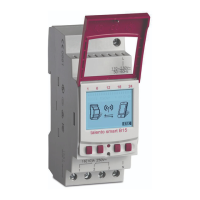
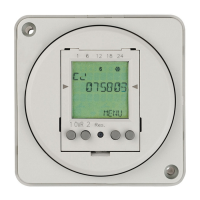
Connect DIN-rail timer to channel extension
The possible uses listed here can be programmed on the DIN-rail timer and executed on the chan-
nel extension on the desired channel. To do this, the DIN-rail timer must be connected to the channel
extension.
Possible uses
• Date-independent programming
• Date-specic programming
• Pulse, cycle and random programming
• Sunrise and sunset-specic programming
• Creating programmes via mobile devices
• Bluetooth low energy interface for accessories and mobile devices for programming
The extension is only possible for certain variants.
Preparing for the connection
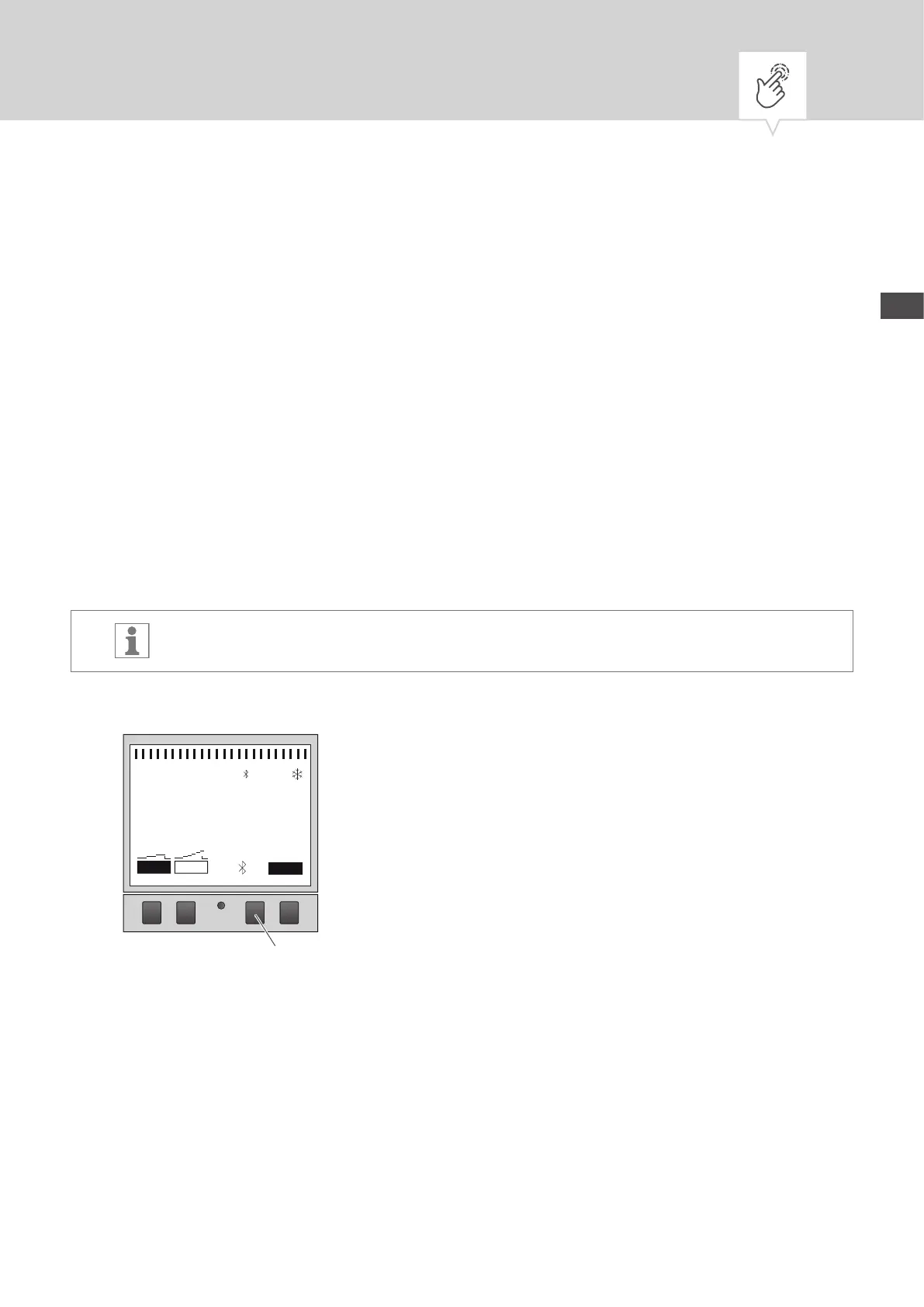
Fig. 20: Establishing a Bluetooth connection to the DIN-rail timer
1. Press the Bluetooth button (Fig.20/
1
) on the DIN-rail timer.
1 6 12 18 24
Menu
09:00
51
13.03.2016
1 2
CH 1
1


 To Next Page
 Loading...