Chapter 5 — Network Support
120 CK61 Mobile Computer with Windows Mobile User’s Manual
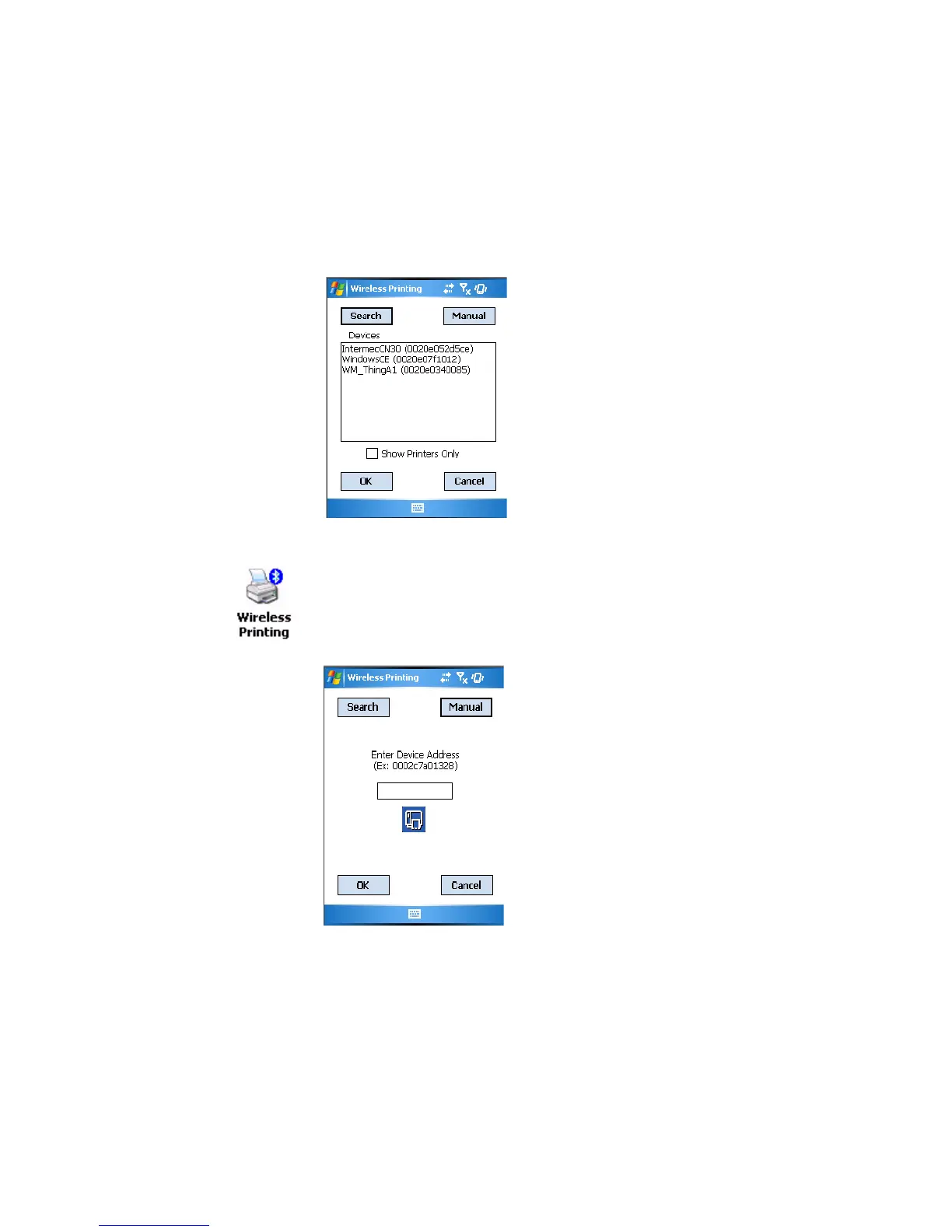
4 In about half a minute, Bluetooth devices found within your range
appear. If your preferred printer is in the list, select to highlight the
printer, then tap OK.
5 If you do not see your preferred device, make sure this device is powered
on and set to search, then tap Search again.
6 Tap Cancel to return to the first screen without making changes.
To perform a manual setup
When you set your printer manually, your device may not receive the
printer name. Therefore, “-unknown-” can display under Device Name
unless you enter the correct value in to the registry in some other way.
1 Select Start > Settings > the System tab > the Wireless Printing icon.
2 Tap Manual, enter the address of your device in the field, then tap OK.
3 Tap Cancel to return to the first screen without making changes.





 To Next Page