Chapter 5 — Network Support
CK61 Mobile Computer with Windows Mobile User’s Manual 145
If you select “TLS:”
a Load a user and root certificate on your CK61. For help, see
“Loading Certificates” on page 162.
b For Validate Server Certificate, select “Yes,” then press Enter.
c You must enter a User Name and Subject Name. You can also enter
a Server 1 Common name or Server 2 Common name if you want
to increase your level of security.
If you select “LEAP” or “EAP-FAST:”
a Select User Name, type your user name, then press Enter.
b Select User Password, type a user password, then press Enter.
5 Select File > Save Settings, then select File > Exit to close the Intermec
Settings applet.
To configure WPA-PSK security with Funk Security
Use this procedure to set WPA-PSK security on your CK61 with Funk
security.
1 Make sure you have configured the communications and radio
parameters on your CK61 and that Funk is your security choice.
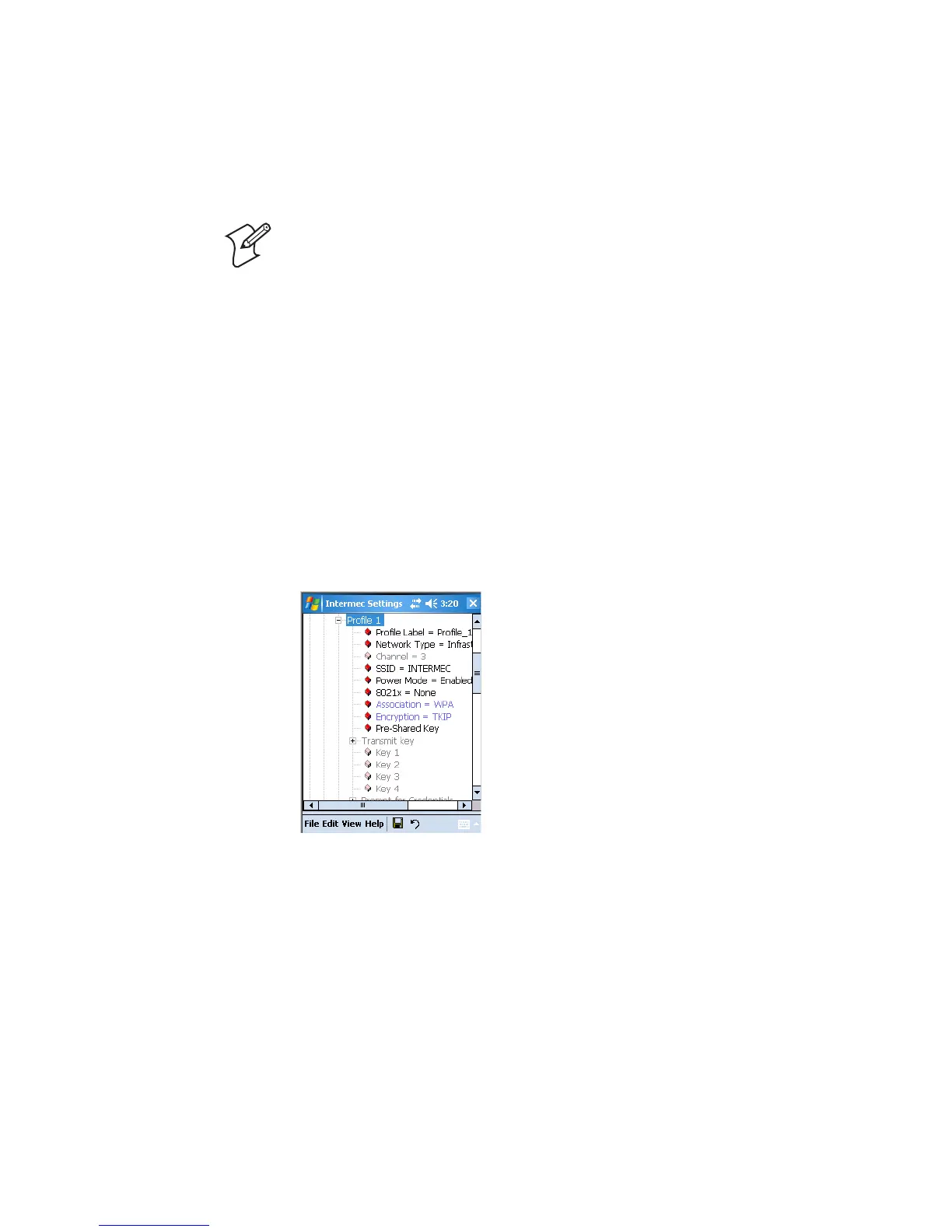
2 Open Intermec Settings. Tap (+) to expand Communications > 802.11
Radio > Funk Security > Profile X with “X” being “1” through “4.”
3 For Association, select “WPA” and press Enter.
4 For 8021x, select “None” and press Enter.
5 For Pre-Shared Key, enter the pre-shared key or the passphrase.
The pre-shared key must be a value of 32 hex pairs preceded by 0x for a
total of 66 characters. The value must match the key value on the access
point. The passphrase must be from 8 to 63 chtomaracters. After you
Note: You must have the date on the CK61 set correctly when you enable
Validate Server Certificate.





 To Next Page