Chapter 5 — Network Support
164 CK61 Mobile Computer with Windows Mobile User’s Manual
This tool, available as a free download from Intermec, includes a
management console that provides a default method to configure and
manage Intermec devices “out-of-the-box,” without the purchase of
additional software licenses. This is for anyone who must configure and
deploy multiple devices or manage multiple licenses.
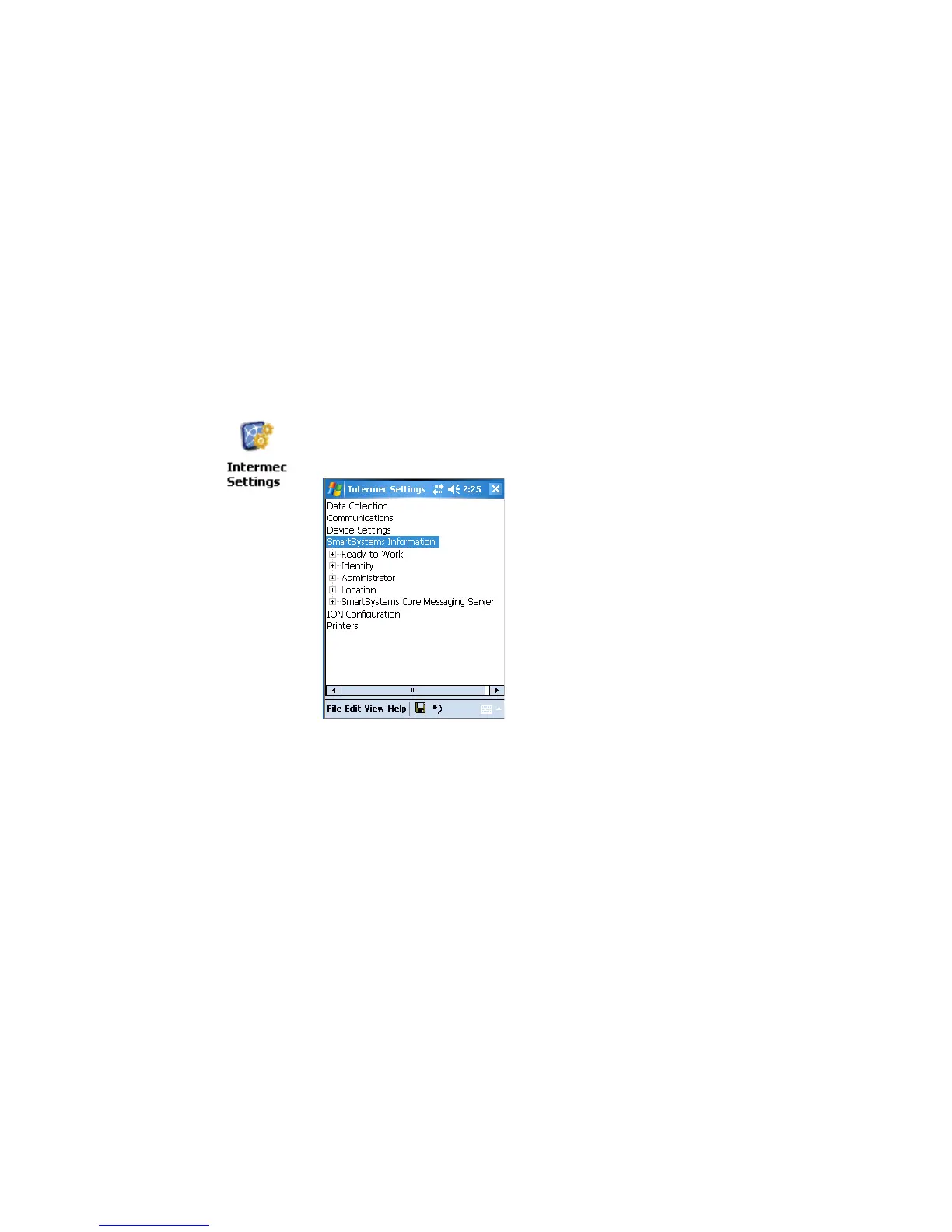
Use the Intermec Settings applet to do device configuration settings within
the SmartSystems Foundation. Information about the Intermec Settings
applet is in the Intermec Computer Command Reference Manual (P/N
073529) available online at www.intermec.com.
Information about the SmartSystems Foundation is available as an online
help within the SmartSystems Console application. Select SmartSystems >
Help in the console to access the manual.
To view SmartSystems information
•Tap Start > Settings > the System tab > the Intermec Settings icon,
then tap to expand the SmartSystems Information option.





 To Next Page