Chapter 2 — Windows Mobile
70 CK61 Mobile Computer with Windows Mobile User’s Manual
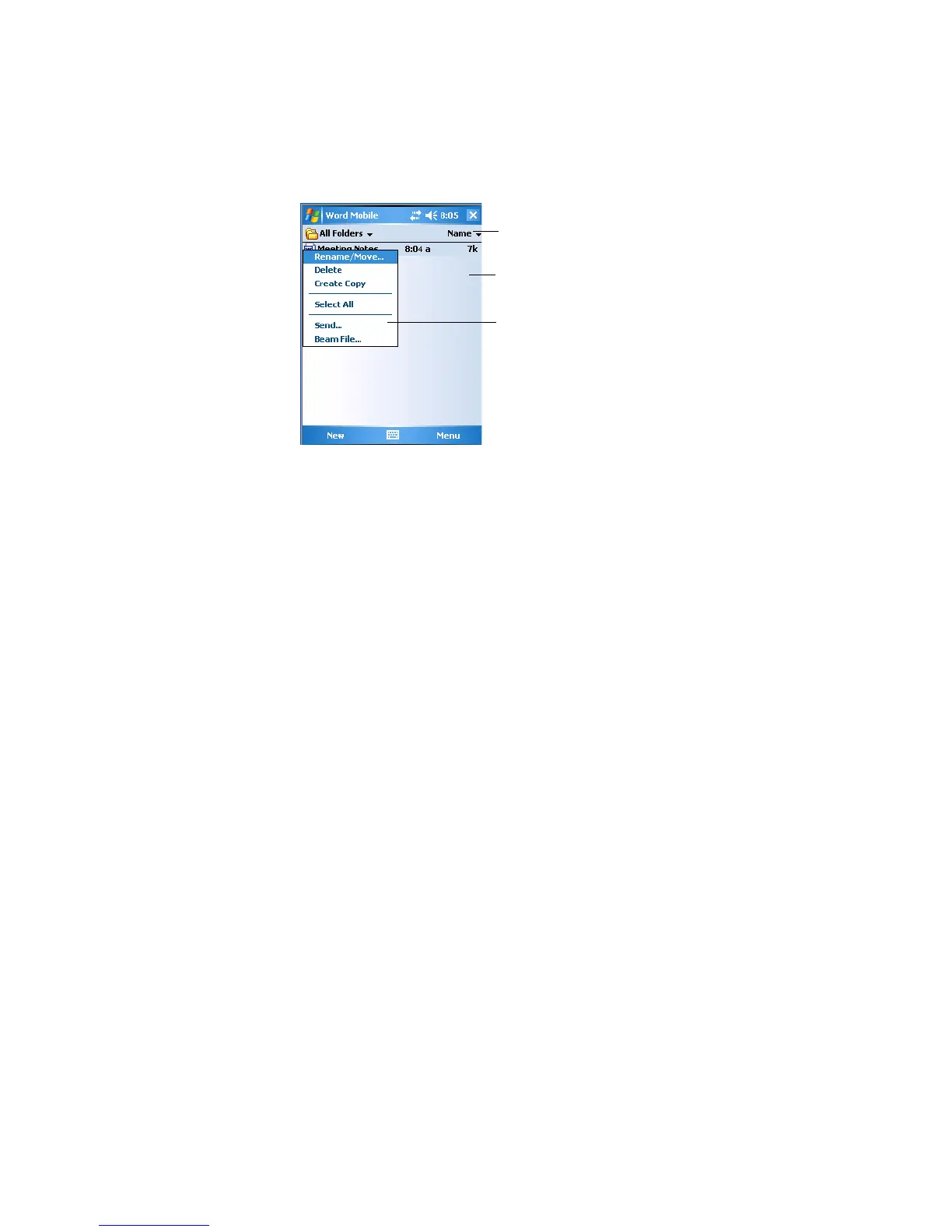
Word Mobile contains a list of files stored on your CK61. Tap a file in the
list to open it. To delete, make copies of, and send files, tap and hold a file
in the list, then, select the action on the pop-up menu.
• You can enter information in Word Mobile in by typing or writing.
Each mode has its own toolbar, which you can show and hide by
tapping the Input Panel icon in the center of the command bar.
• You can change the zoom magnification by tapping View > Zoom, then
select the percentage you want. Select a higher percentage to enter text
and a lower one to see more of your document.
• If you are opening a Word document created on a desktop, you may
select View > Wrap to Window so that you can see the entire
document.
• To check spelling, select text, then tap Menu > Tools > Spelling. To use
new documents as templates, move the documents to the Templates
folder.
• You can insert the date in a document. Tap and hold anywhere on the
document, then tap Insert Date from the pop-up menu.
Tap to change the sort order of the list
Tap to open a document
Tap and hold an item to see a pop-up menu





 To Next Page